
Table of Contents
ToggleTL;DR
AI coding tools have completely changed software development in 2026. From writing code faster to debugging, reviewing pull requests, generating tests, and building full apps with prompts developers now have powerful AI assistants for every workflow.
But there is no single “best” AI coding tool.
Some tools are best for autocomplete and coding inside your editor, while others are better for multi-file refactoring, security scanning, code reviews, or building MVP apps quickly.
In this guide, we reviewed the 15 best AI coding tools in 2026 based on real developer needs, productivity, features, integrations, and performance.
Whether you’re a beginner, freelancer, startup founder, or enterprise developer this list will help you choose the right tool.
Why AI Coding Tools Matter in 2026
Modern development is no longer just typing code manually.
Today’s top developers use AI to:
- Write repetitive code faster
- Generate functions and APIs
- Fix bugs quickly
- Create unit tests
- Review pull requests
- Improve security
- Build MVP products in hours
Used properly, AI tools save time, reduce mistakes, and increase productivity.
How We Selected These AI Coding Tools
We evaluated tools based on:
- Ease of use
- Accuracy of generated code
- Multi-language support
- IDE integrations
- Security & privacy
- Team collaboration features
- Real-world usefulness
- Pricing vs value
15 Best AI Coding Tools in 2026
GitHub Copilot
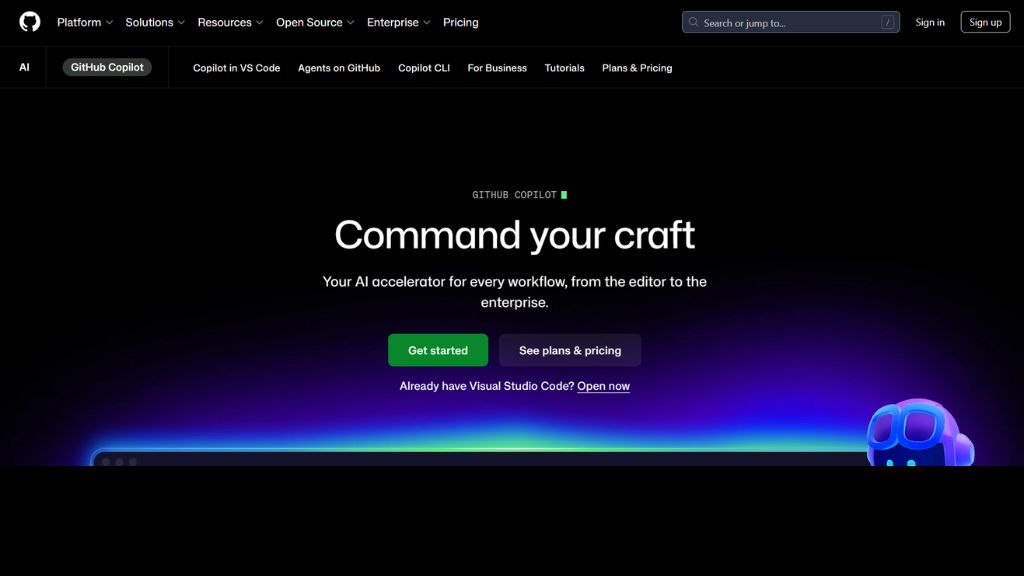
GitHub Copilot remains one of the most popular AI coding assistants in 2026. Built by GitHub and powered by advanced AI models, it helps developers generate code directly inside editors like VS Code, JetBrains, and Visual Studio.
It understands comments, context, and your current file to generate functions, tests, loops, and repetitive code blocks instantly.
Best For:
- Developers using VS Code
- Fast code writing
- Beginners learning coding
Features:
- Inline code suggestions
- Full function generation
- AI chat assistant
- Multi-language support
- Test generation
Why Use It:
- Copilot saves hours every week by removing repetitive typing.
Pros:
- Very accurate suggestions
- Easy to use
- Great ecosystem support
Cons:
- Can generate incorrect logic
- Needs review always
Cursor
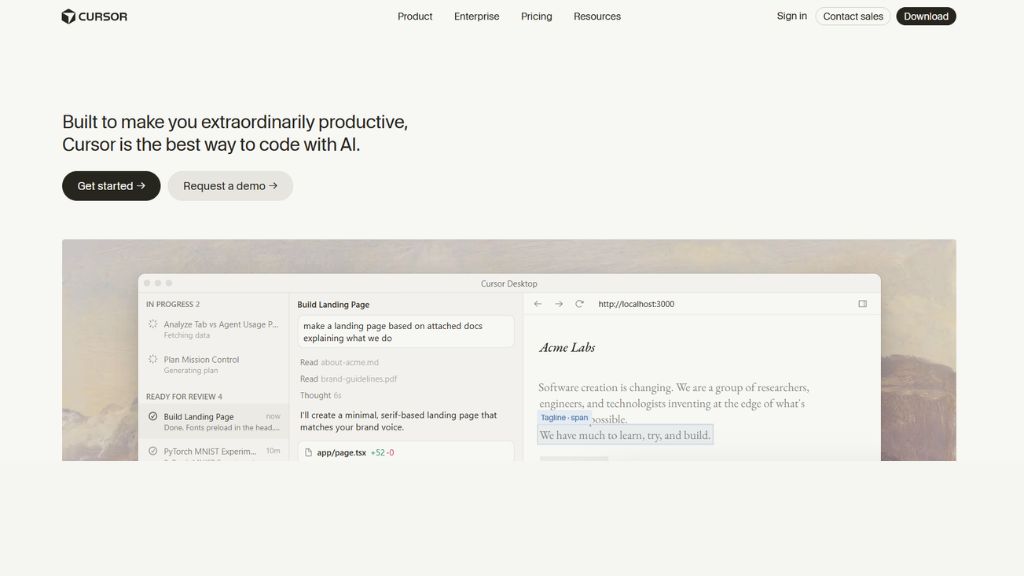
Cursor is one of the most advanced AI code editors in 2026. Unlike simple autocomplete tools, Cursor can understand entire projects and perform multi-file edits.
You can ask it to refactor components, fix bugs, or explain code using natural language.
Best For:
- Large codebases
- Refactoring
- Full-stack developers
Features:
- Multi-file AI editing
- Project context awareness
- Chat-based coding
- Code explanations
Why Use It:
Perfect if you want an AI pair programmer.
Pros:
- Smart project-level context
- Powerful edits
- Clean UI
Cons:
- Learning curve
- Paid plans costly
Claude Code
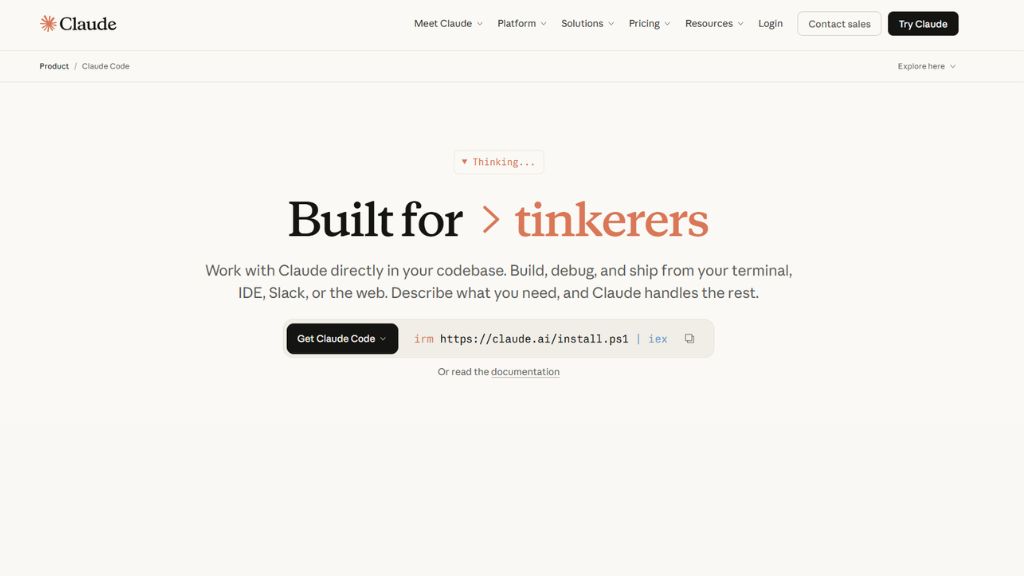
Claude Code is a terminal-based AI coding assistant by Anthropic. It works from CLI and helps developers edit repositories, run commands, debug projects, and automate tasks.
Best For:
- Terminal users
- DevOps engineers
- Backend developers
Features:
- CLI workflow
- Repo-wide editing
- Debugging help
- Script generation
Why Use It:
Great for advanced developers who live in terminal.
Pros:
- Powerful reasoning
- Excellent long context
- Strong debugging
Cons:
- Not beginner friendly
Gemini Code Assist
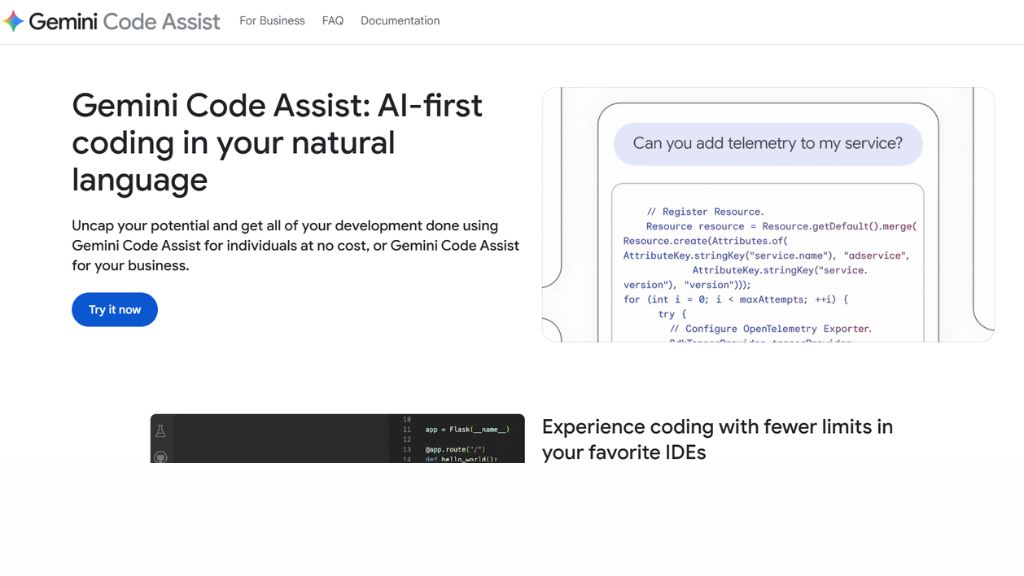
Gemini Code Assist by Google is ideal for developers using Google Cloud, Firebase, Android Studio, or GCP services.
Best For:
- Android developers
- Firebase users
- Google Cloud teams
Features:
- Inline coding help
- Chat support
- GCP integrations
- Test generation
Why Use It:
- Strong cloud support
- Great Android Studio integration
Cons:
- Better for GCP users than others
Amazon Q Developer
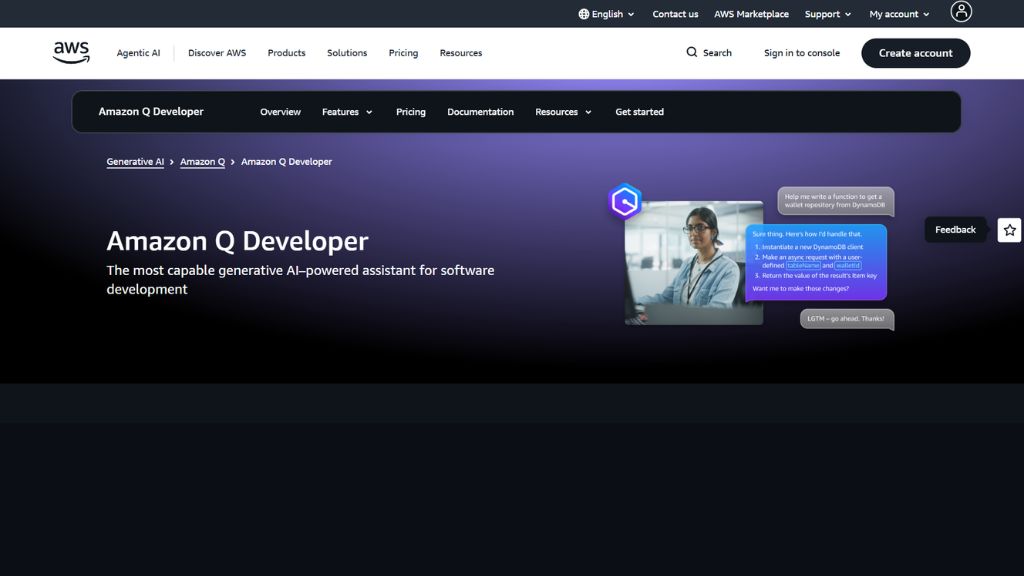
Amazon Q Developer focuses heavily on AWS environments and backend cloud development.
Best For:
- AWS developers
- Lambda apps
- Infrastructure coding
Features:
- AWS-aware code
- generation
- IAM explanations
- Backend scaffolding
Why Use It:
If you use AWS daily, this saves huge time.
Pros:
- Deep AWS knowledge
- Great for cloud teams
Cons:
- Less useful outside AWS
JetBrains AI
JetBrains AI works inside IntelliJ, PyCharm, WebStorm and other JetBrains IDEs.
Best For:
- Java developers
- JetBrains users
- Professional teams
Features:
- Code generation
- Refactoring support
- Test writing
- IDE smart context
Why Use It:
Perfect for teams already using JetBrains.
Pros:
- Great IDE integration
- Accurate context
Cons:
- Requires JetBrains ecosystem
Tabnine
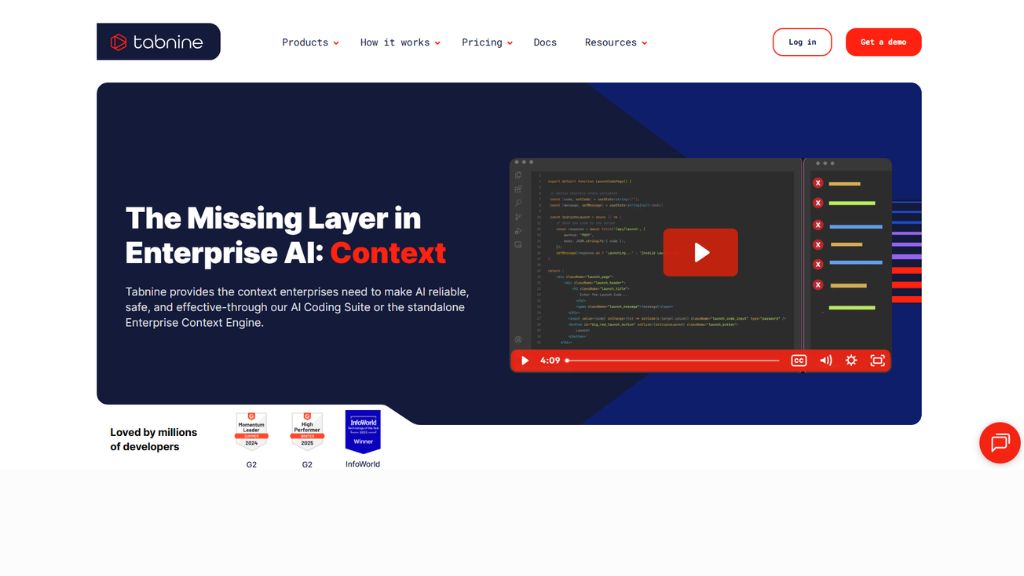
Tabnine is privacy-focused AI coding software known for enterprise and self-hosted deployments.
Best For:
- Enterprises
- Privacy-first companies
- Regulated industries
Features:
- On-prem deployment
- Smart autocomplete
- Team coding style learning
Why Use It:
Pros:
- Secure
- Lightweight
Cons:
- Less powerful than newer tools
Windsurf
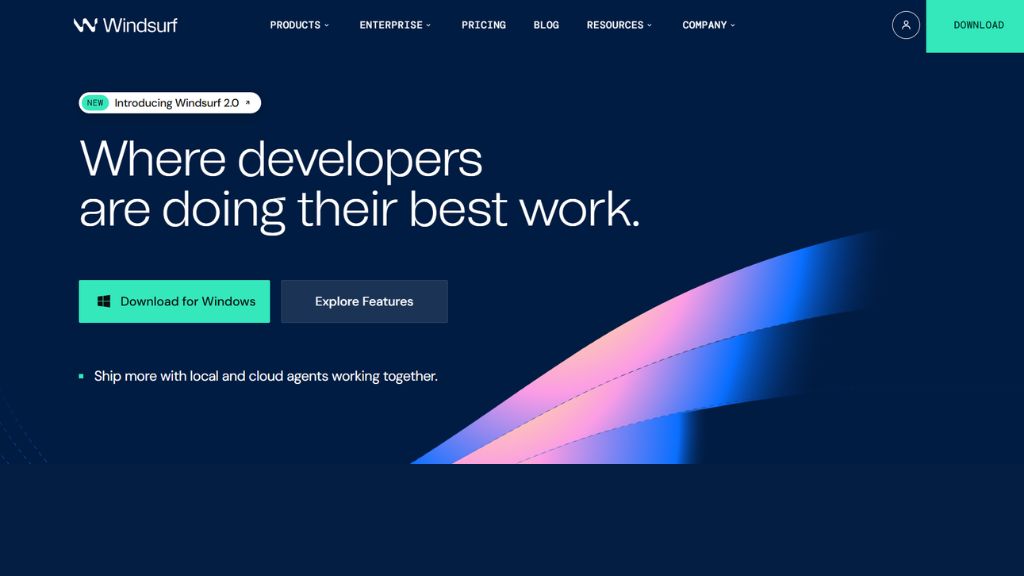
Windsurf is an AI-native coding editor focused on deep project edits and automation.
Best For:
- Developers wanting all-in-one AI editor
Features:
- Cascade AI panel
- Multi-file editing
- Refactoring support
Why Use It:
Strong alternative to Cursor.
Pros:
- Modern interface
- Productive workflows
Cons:
- Smaller ecosystem
Aider
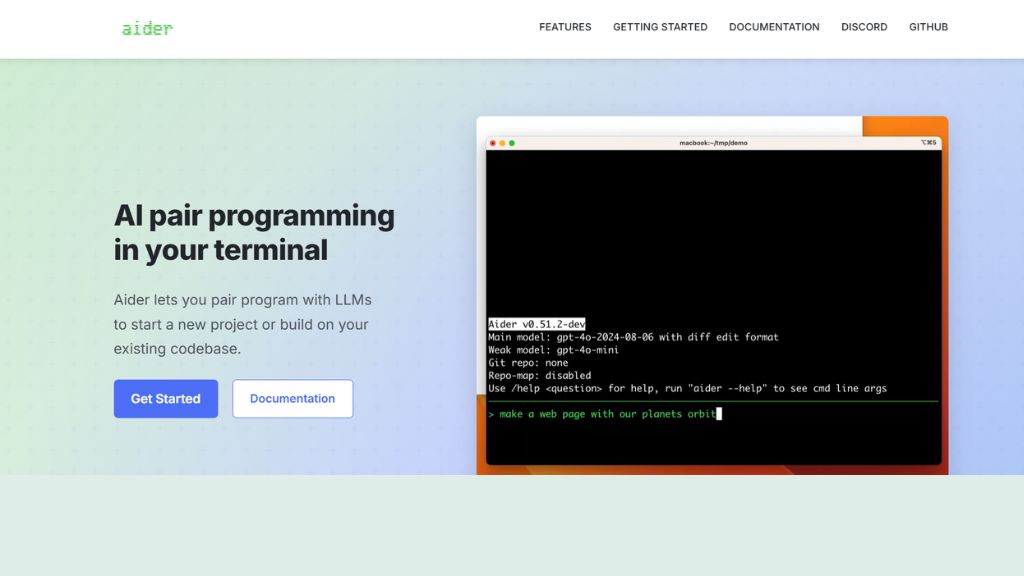
Aider is open-source and works from terminal with Git integration.
Best For:
- Open-source lovers
- CLI coders
Features:
- Git diff edits
- Commit generation
- Multi-model support
Why Use It:
Transparent AI coding workflow.
Pros:
- Free/Open-source
- Great Git support
Cons:
- CLI only
Devin
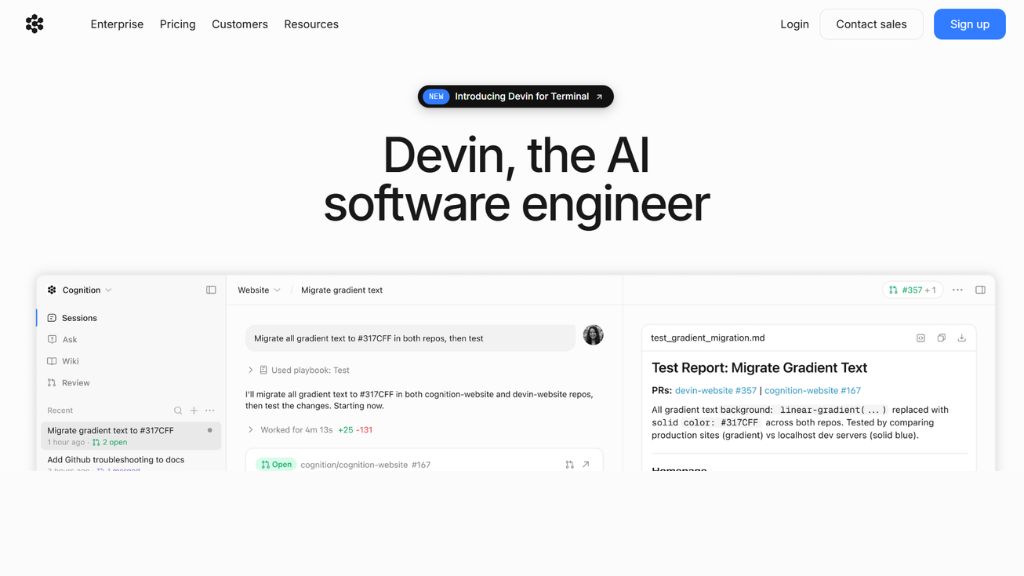
Devin became famous as an autonomous AI software engineer.
Best For:
- Startups
- Scoped engineering tasks
Features:
- Writes code
- Runs tests
- Fixes bugs
- Iterates tasks
Why Use It:
Pros:
- Autonomous workflow
- Productivity boost
Cons:
- Needs supervision
Replit
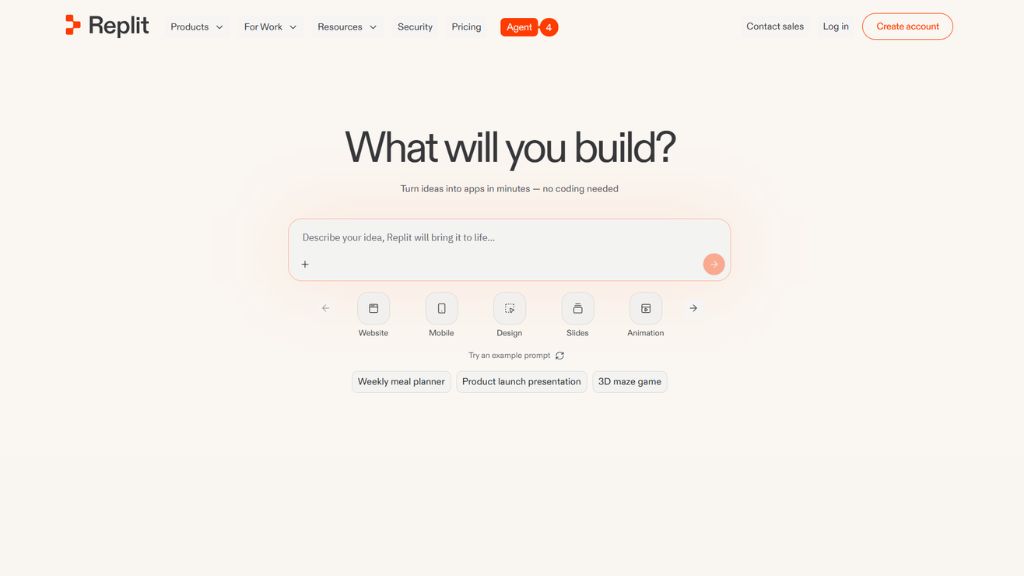
Replit is a browser-based coding platform with AI tools and instant deployment.
Best For:
- Students
- Rapid prototypes
- Beginners
Features:
- Browser IDE
- AI coding help
- Hosting included
Why Use It:
- No setup needed.
Pros:
- Easy to start
- Great for learning
Cons:
- Limited for enterprise scale
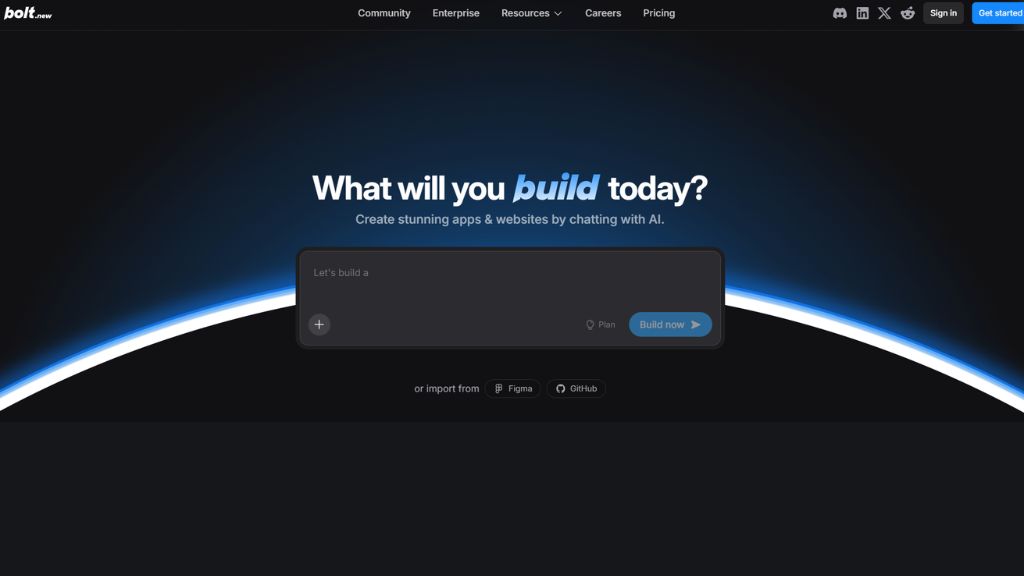
Bolt
Bolt helps build apps using prompts and live previews.
Best For:
- MVP founders
- Fast prototyping
Features:
- Prompt-to-app builder
- Live preview
- Full stack scaffolding
Why Use It:
- Launch ideas faster.
Pros:
- Super fast MVP creation
Cons:
- Not for large systems
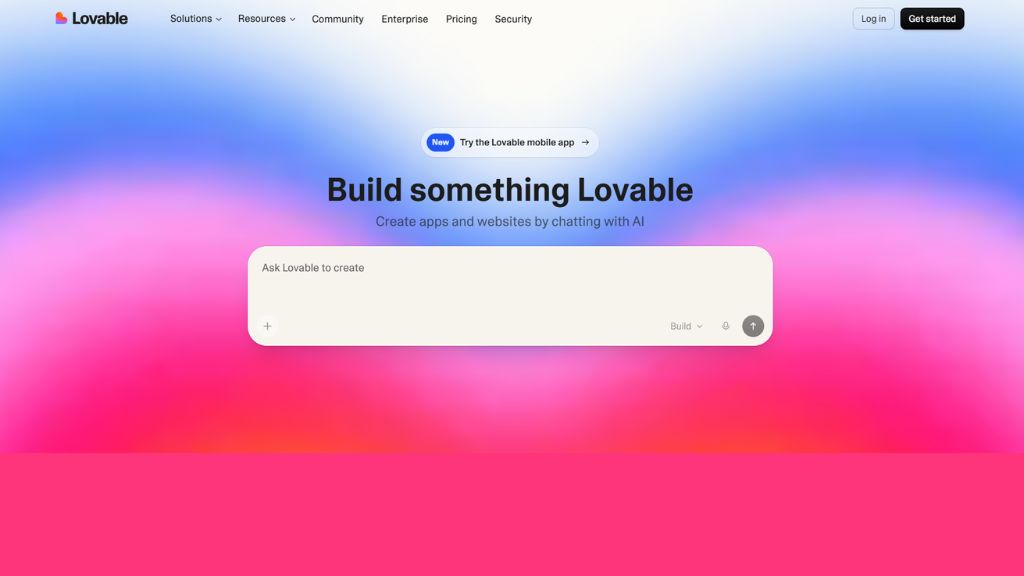
Lovable
Lovable is another AI app builder focused on full-stack startup ideas.
Best For:
- Founders
- Landing pages
- MVP products
Features:
- Frontend + backend generation
- Auth integrations
- Live deploy
Why Use It:
Turn idea into product quickly.
Pros:
- Very beginner friendly
Cons:
- Limited deep customization
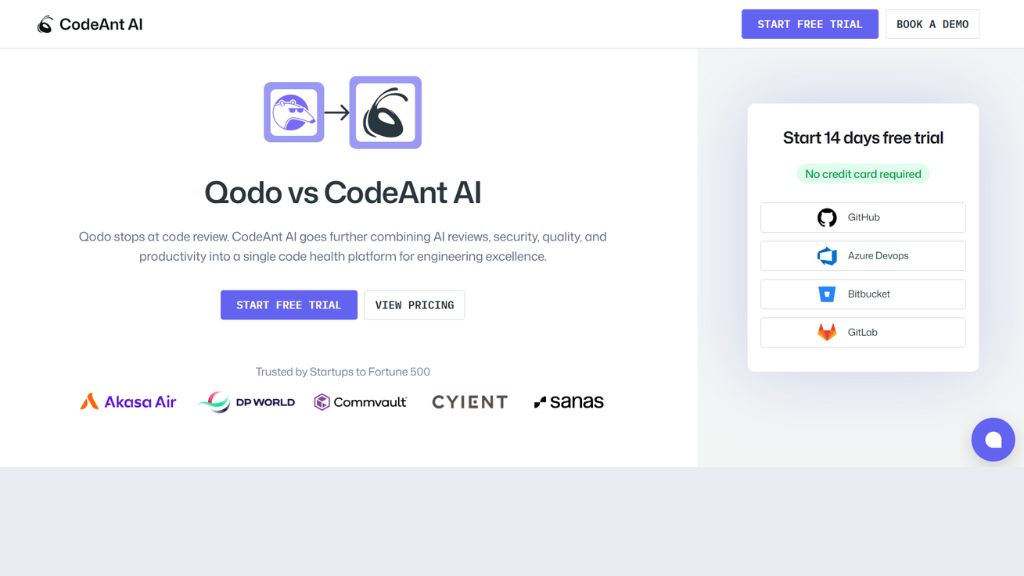
Qodo
Qodo focuses on AI code review and pull request validation.
Best For:
- Teams with many PRs
- Code quality checks
Features:
- PR review automation
- Merge gating
- Standards enforcement
Why Use It:
- Reduces reviewer workload.
Pros:
- Great for teams
- Quality focused
Cons:
- Less useful solo
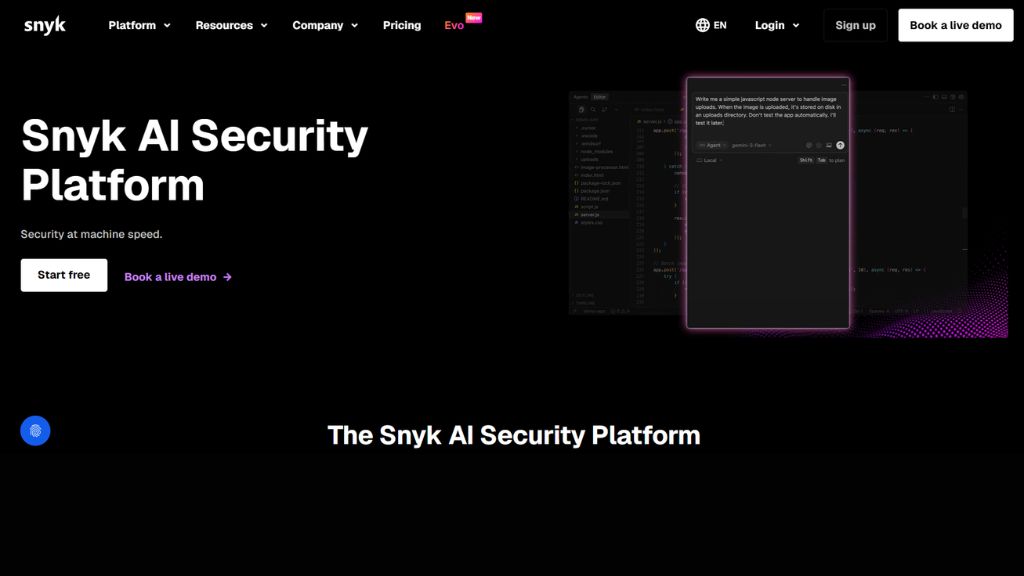
Snyk Code
Snyk Code is a security-first static analysis platform.
Best For:
- Secure coding teams
- Enterprises
Features:
- Detects vulnerabilities
- Secrets scanning
- CI/CD integration
Why Use It:
Essential if security matters.
Pros:
- Strong security reputation
Cons:
- More security than productivity
Best AI Coding Tools by Use Case
For Beginners:
- GitHub Copilot
- Replit
- Lovable
For Professionals:
- Cursor
- JetBrains AI
- Claude Code
For Teams:
- Qodo
- Snyk Code
- Tabnine
For Startups:
- Bolt
- Lovable
- Devin
Frequently Asked Questions
What is the best AI coding tool in 2026?
GitHub Copilot and Cursor are the most popular all-round choices. It depends on your workflow.
Which AI coding tool is best for beginners?
Replit, GitHub Copilot, and Lovable are easiest for beginners.
Are free AI coding tools good enough?
Yes, many free plans are great for students, learners, and side projects.
Can AI tools write full apps?
Yes. Tools like Bolt, Lovable, Replit, and Devin can help build full apps faster.
Which AI tool is best for debugging?
Claude Code, Cursor, and GitHub Copilot Chat are strong for debugging.