
Table of Contents
ToggleTL;DR
Vibe coding is changing how apps are built. Instead of writing every line manually, you describe what you need and AI helps generate code, interfaces, features, backend logic, and even full applications.
Some vibe coding tools are made for professional developers working on real projects. Others are built for beginners, founders, and creators who want to launch products without deep coding knowledge. In this guide, we compare the best vibe coding tools for speed, ease of use, pricing, and real-world value.
What is Vibe Coding?
Vibe coding means building software using prompts instead of traditional coding. You tell an AI tool what you want, and it creates the code or app structure for you.
Examples:
- Build a SaaS landing page
- Create login authentication
- Add dark mode
- Build React dashboard
- Create mobile app UI
- Connect database to app
This new workflow saves time, reduces technical barriers, and helps people launch faster.
Why Vibe Coding Tools Matter
These tools help users:
- Launch startup ideas faster
- Reduce development cost
- Build MVPs quickly
- Create apps without coding knowledge
- Speed up developer workflows
- Automate repetitive coding tasks
10 Best Vibe Coding Tools
1. Cursor
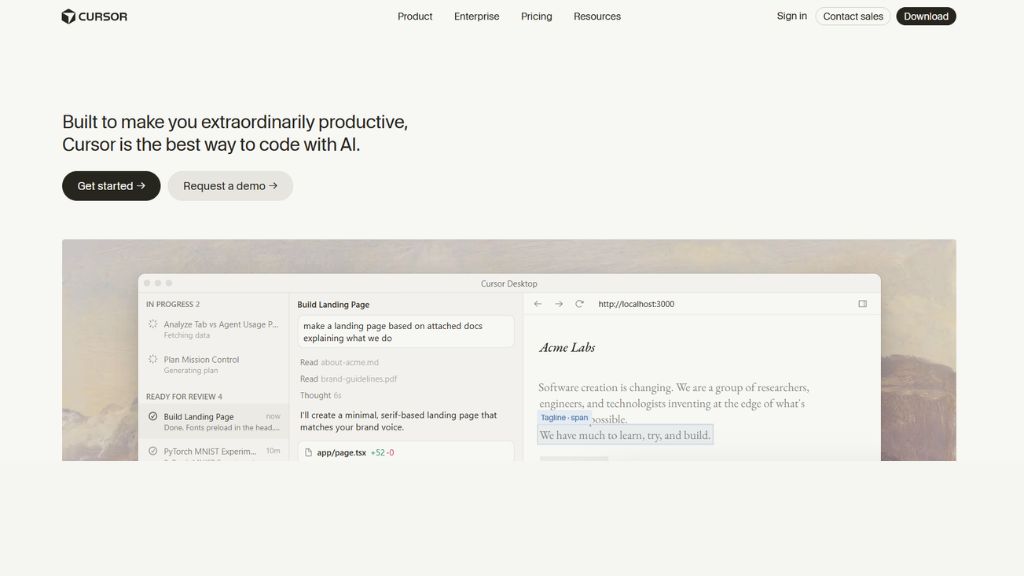
Cursor is one of the most popular AI-powered code editors used by developers today. It feels similar to VS Code, which makes switching easy, but adds powerful AI features directly into the coding workflow. Developers can ask Cursor to explain code, fix bugs, write new features, or refactor files automatically.
It shines when working on existing projects because it understands code context across multiple files. Cursor supports top AI models and gives developers a fast way to code smarter instead of harder. For serious coders who want productivity gains, Cursor is one of the strongest choices available.
- Best For: Developers, teams, existing projects
- Features: Multi-file edits, AI chat, debugging, code understanding
- Why Use It: Best overall AI coding editor for professionals
- Pros: Powerful, fast, real project support
- Cons: Premium plans can become expensive
2. Claude Code
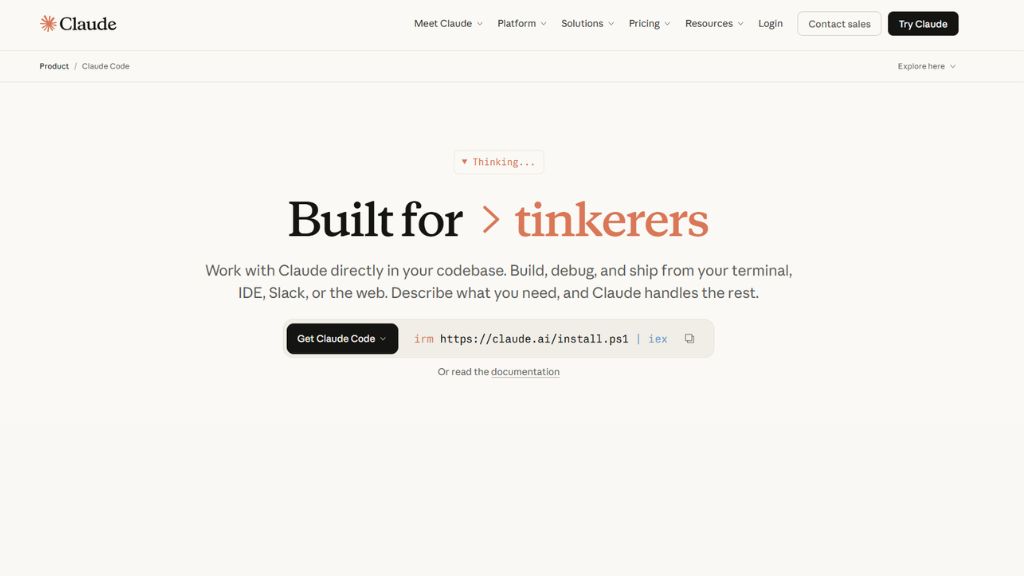
Claude Code is a terminal-based AI coding assistant built for developers who prefer command-line workflows. Instead of relying only on editors, it can inspect repositories, run commands, edit files, and help solve technical problems directly from terminal environments.
It performs especially well on backend projects, debugging tasks, automation workflows, and code reasoning. Many advanced developers like it because it handles logic-heavy requests better than lightweight autocomplete tools. If you are comfortable with terminal usage, Claude Code can feel like having a smart engineer beside you.
- Best For: Backend developers, CLI users,
- large systems Features: Terminal workflow, reasoning, file edits, commands
- Why Use It: Excellent for technical coding workflows
- Pros: Strong outputs, handles complexity
- Cons: Harder learning curve for beginners
3. Lovable
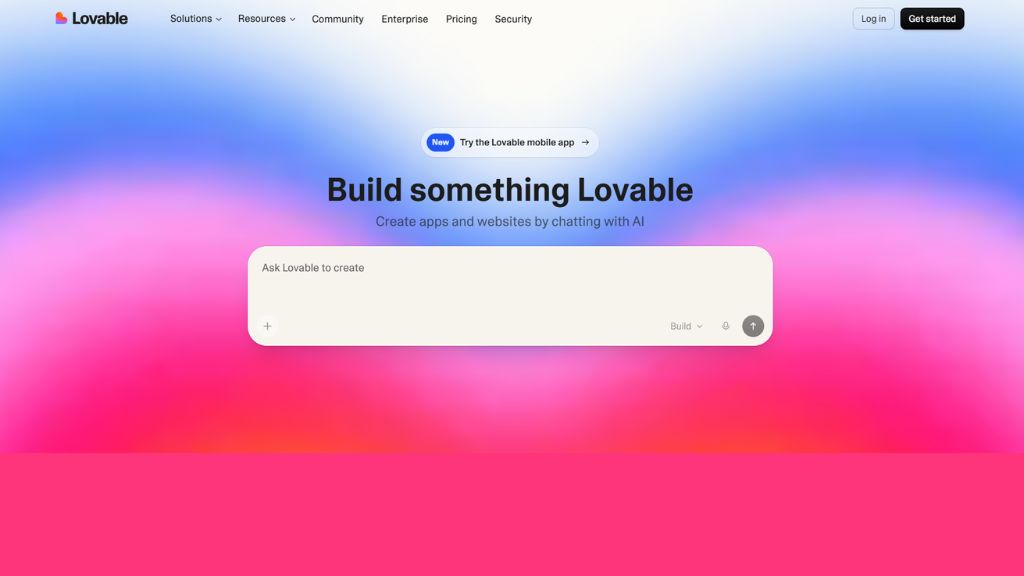
Lovable is one of the easiest AI app builders for founders, startups, and beginners. You simply describe your business idea, app concept, or product need, and it creates a working full-stack web application. It can include frontend pages, backend logic, authentication, and hosting.
This makes Lovable a strong option for non-technical users who want to validate ideas quickly. Instead of hiring developers early, users can build MVPs themselves. It is ideal for SaaS products, internal tools, landing pages, and startup experiments.
- Best For: Founders, beginners, startup ideas
- Features: Prompt-to-app, hosting, auth, database
- Why Use It: Launch products fast without coding
- Pros: Beginner friendly, fast MVP creation
- Cons: Limited advanced customization
4. Bolt
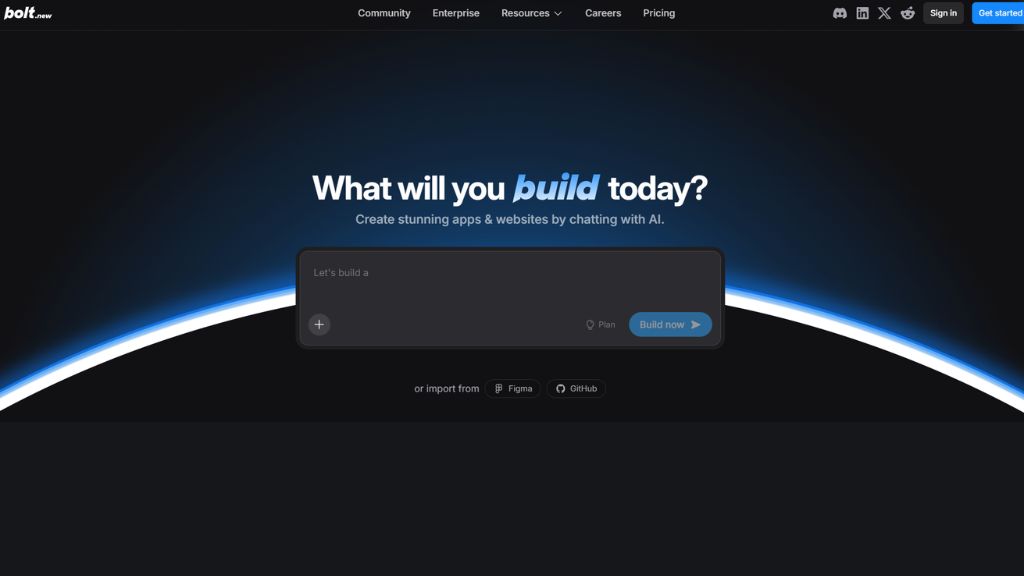
Bolt is a browser-based AI development platform that lets users create apps from prompts. It can generate frontend interfaces, backend logic, and project structures directly inside the browser. This removes the need for heavy local setup.
For solo founders and creators, Bolt is useful because you can go from idea to prototype in minutes. It also offers live preview and editing, which helps users test concepts quickly. If speed matters more than perfect architecture, Bolt is a smart pick.
- Best For: MVPs, founders, rapid testing
- Features: Full-stack builder, browser coding, preview
- Why Use It: Great for fast startup validation
- Pros: Easy start, good free plan
- Cons: Large apps may lag
5. Replit
Replit is an all-in-one browser coding platform combining AI coding, hosting, deployment, databases, and collaboration tools. It is especially popular among students, beginner coders, and teams building quick internal products.
Because everything works in the cloud, users do not need powerful laptops or complex installations. Replit is also excellent for learning to code because users can write, test, and deploy in one place. It lowers the barrier to entry dramatically.
- Best For: Students, beginners, teams
- Features: Hosting, AI coding, multiplayer editing
- Why Use It: Great learning and fast build platform
- Pros: Zero setup, easy access
- Cons: Vendor lock-in possible
6. GitHub Copilot
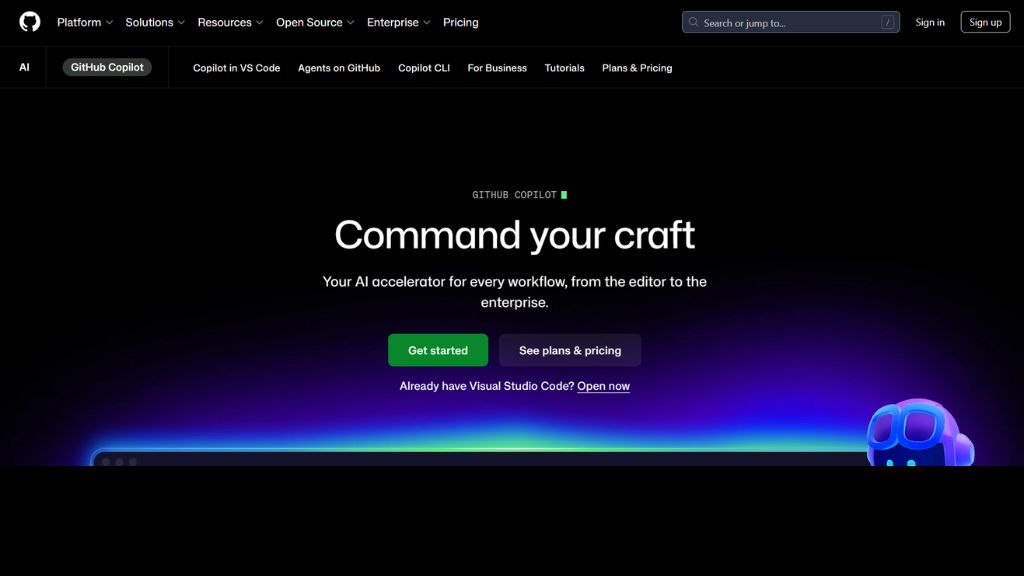
GitHub Copilot is one of the most trusted AI coding assistants in the world. It works inside editors like VS Code, JetBrains, and Visual Studio. It helps generate code, autocomplete functions, explain snippets, and improve developer speed.
It is especially useful for everyday development work. Instead of switching tools, developers continue inside their normal editor while Copilot assists silently in the background. For coders who want reliable help without changing workflow, Copilot remains a top option.
- Best For: Developers, teams, students
- Features: Autocomplete, AI chat, code generation
- Why Use It: Best assistant for daily coding productivity
- Pros: Mature ecosystem, great support
- Cons: Not full app builder
7. Windsurf
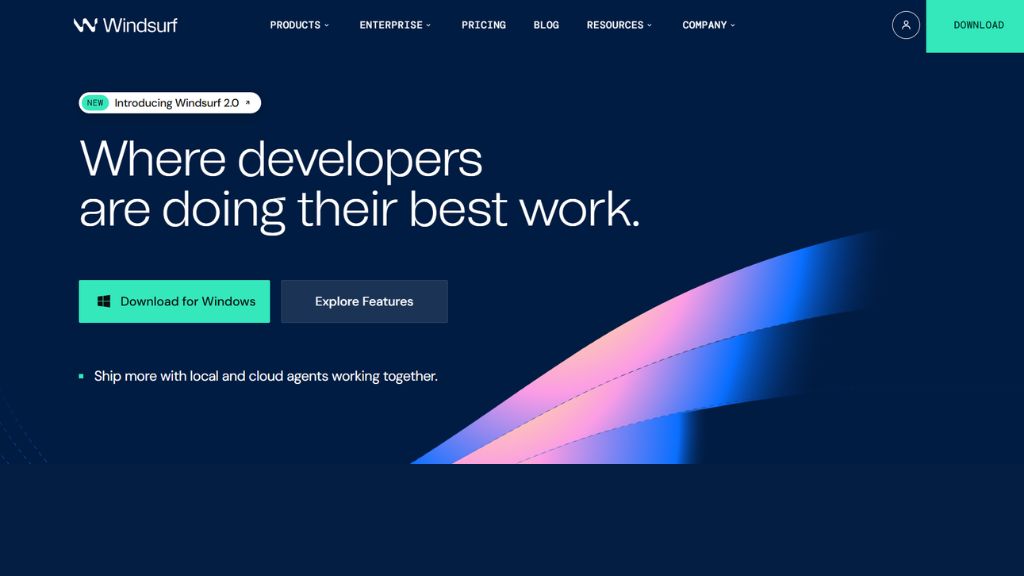
Windsurf is an AI-first coding editor focused on autonomous workflows. It helps developers perform multi-file edits, understand project structures, and generate production-ready code faster. Many users compare it directly with Cursor.
Its clean interface and intelligent coding flows make it attractive for developers wanting modern AI tooling. Windsurf is especially useful for teams that want a fresh editor experience with powerful automation features.
- Best For: Developers, teams, existing codebases
- Features: AI workflows, smart edits, coding agents
- Why Use It: Strong Cursor alternative
- Pros: Smart automation, modern UI
- Cons: Smaller ecosystem
8. Gemini CLI
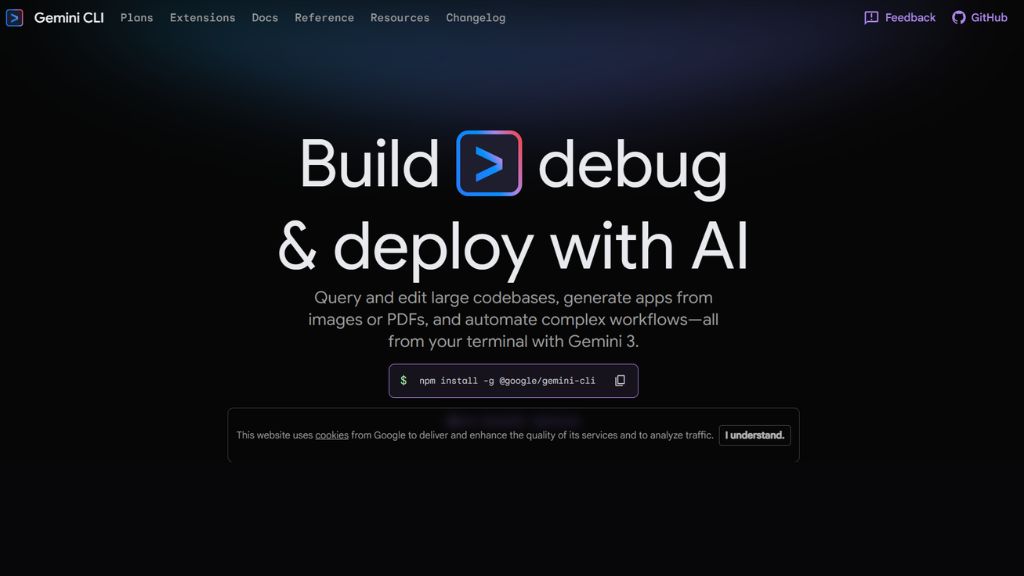
Gemini CLI is Google’s terminal-based coding tool designed for command-line developers. It offers a massive context window, strong AI reasoning, and integrations with Google tools. Developers can ask it to inspect projects, generate code, or solve technical tasks.
Its biggest strength is value. Many users appreciate the free access tier and large token limits. If you already use Google Cloud or prefer Google’s ecosystem, Gemini CLI is worth serious attention.
- Best For: CLI users, Google ecosystem
- Features: Huge context, terminal workflow, free plan
- Why Use It: Great value for advanced users
- Pros: Free tier, strong context support
- Cons: Newer ecosystem
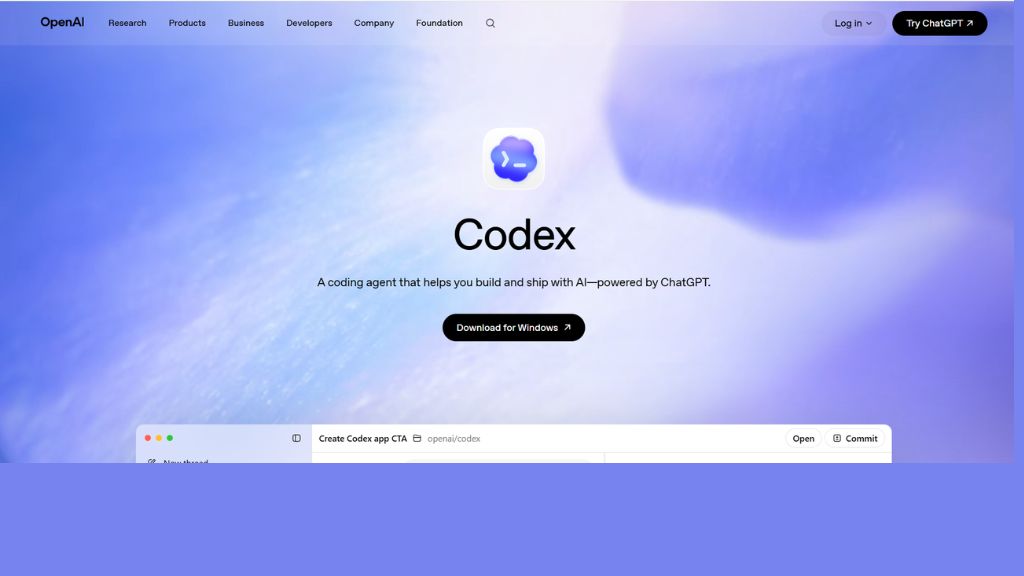
9. OpenAI Codex
OpenAI Codex focuses on AI task execution rather than simple autocomplete. It helps developers delegate coding tasks, generate project changes, and manage workflows across coding environments. It is useful for users already active inside ChatGPT ecosystems.
For many developers, Codex is attractive because of OpenAI’s strong reasoning models. It can help automate tasks and reduce repetitive development work. It is ideal for users who already trust OpenAI products.
- Best For: ChatGPT users, automation workflows
- Features: AI tasks, coding workflows, multi-environment use
- Why Use It: Great for OpenAI ecosystem users
- Pros: Strong reasoning, productive workflows
- Cons: Less editor-native than Cursor
10. v0 by Vercel
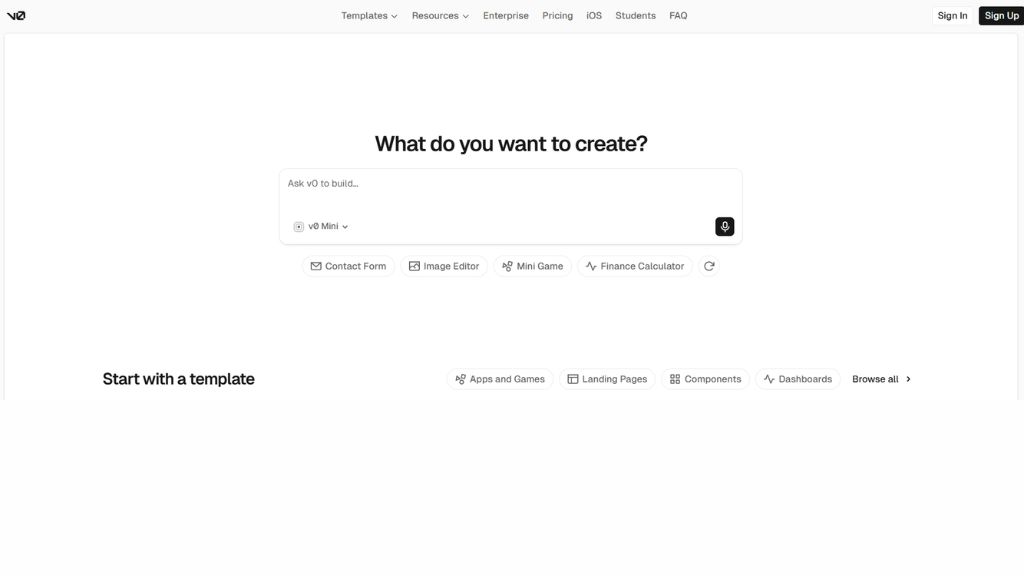
v0 is a frontend-focused AI tool built for generating React and Tailwind UI quickly. It is especially popular among frontend developers, product designers, and startups creating landing pages or dashboard interfaces.
Instead of manually designing components, users describe what they need and v0 generates clean code. For people using React, Next.js, and Vercel hosting, it becomes a very fast design-to-code solution.
- Best For: Frontend developers, designers
- Features: UI generation, Tailwind, React support
- Why Use It: Best for frontend speed
- Pros: Beautiful output, fast results
- Cons: Backend limited
Which Tool Should You Choose?
For Developers
- Cursor
- Claude Code
- GitHub Copilot
- Windsurf
For Beginners
- Replit
- Lovable
- Bolt
For Startup Founders
- Lovable
- Bolt
- Replit
For Frontend Developers
- v0
- Cursor
- Copilot
Free vs Paid Vibe Coding Tools
Best Free Options
- Replit
- Gemini CLI
- Bolt Free Plan
- Cursor Free Tier
Best Paid Options
- Cursor Pro
- Lovable Pro
- Claude Code
- GitHub Copilot
Frequently Asked Questions
What is the best vibe coding tool?
Can beginners use vibe coding tools?
Is vibe coding better than traditional coding?
It is faster for prototypes and productivity, but human review is still important.