
Table of Contents
ToggleLanding the right job often feels exciting… until you reach the cover letter stage. You find the perfect opening, but then you need to explain why you’re the best fit in a personalized, convincing and ATS-friendly way. That’s where most people get stuck.
Sure, you can use ChatGPT as a starting point, but generic prompts usually create bland, repetitive letters that need heavy rewriting. If you’re applying to multiple jobs, that gets exhausting fast.
So I tested the best AI cover letter generators using the same resume + same job description to see which tools actually save time and produce quality drafts. This guide covers the best tools for students, professionals, career switchers and job seekers who want faster results.
TL;DR
The best AI cover letter generators in 2026 are Grammarly, Enhancv, Cover Letter Copilot, Resume Worded, Teal HQ and Venngage. The right choice depends on whether you value free access, ATS optimization, human tone or visual presentation.
Quick Verdict: Best AI Cover Letter Generators at a Glance
| Tool | Best For |
| Grammarly | Best free option |
| Cover Letter Copilot | Best ChatGPT alternative |
| Enhancv | Best ATS precision + keyword matching |
| WonsultingAI | Best personalized long-form letters |
| Teal HQ | Best for job search workflow integration |
| Venngage | Best visual cover letters |
| Resume Worded | Best natural writing tone |
| Resume Genius | Best tailored step-by-step builder |
| MyPerfectResume | Best guided beginner option |
| Kickresume | Best quick and simple letters |
How I Tested These AI Cover Letter Tools
To keep this comparison fair, every tool was tested using:
- The same resume
- The same real job description
- No manual editing before scoring
- Focus on quality of first draft
Evaluation Criteria
- Personalization to the role
- ATS keyword relevance
- Human writing quality
- Editing effort required
- Accuracy to resume details
- Final formatting and usability
- Free plan limitations
Best AI Cover Letter Generators (Full Reviews)
1. Grammarly – Best Free AI Cover Letter Generator
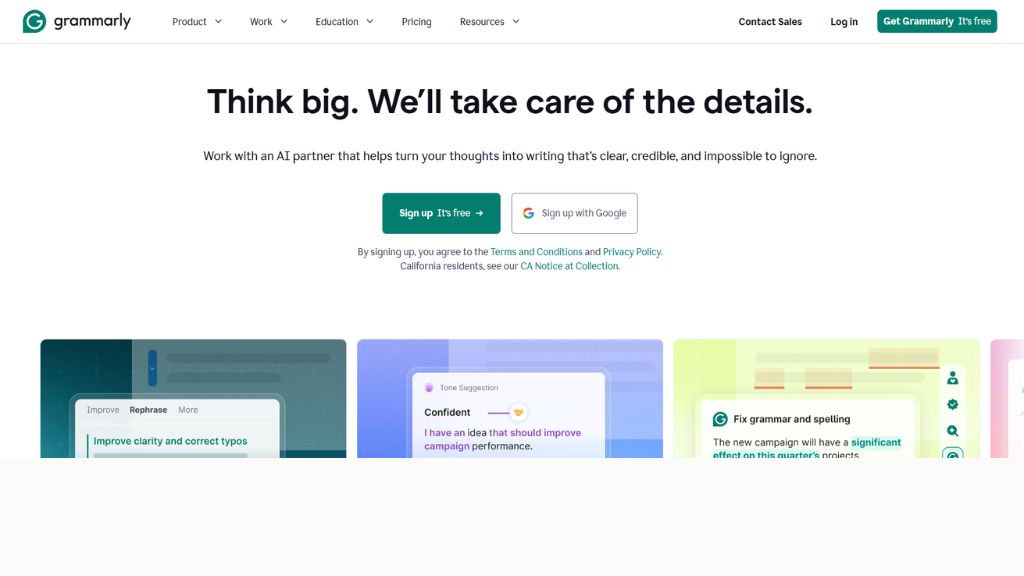
Grammarly is one of the easiest tools to use if you want a quick professional draft without creating an account first. I pasted my resume, added the job description, and it generated a clean cover letter in minutes. It does a strong job pulling keywords from your experience and matching them with the role requirements.
The downside is tone. The writing often feels overly formal and safe, which works for finance, legal or corporate roles—but can feel bland for startups or creative jobs. Still, if you need a free AI cover letter generator with minimal friction, Grammarly is a smart place to begin.
Best For:
- Corporate jobs
- ATS optimization
- Fast free drafts
2. Venngage – Best for Visual Cover Letters
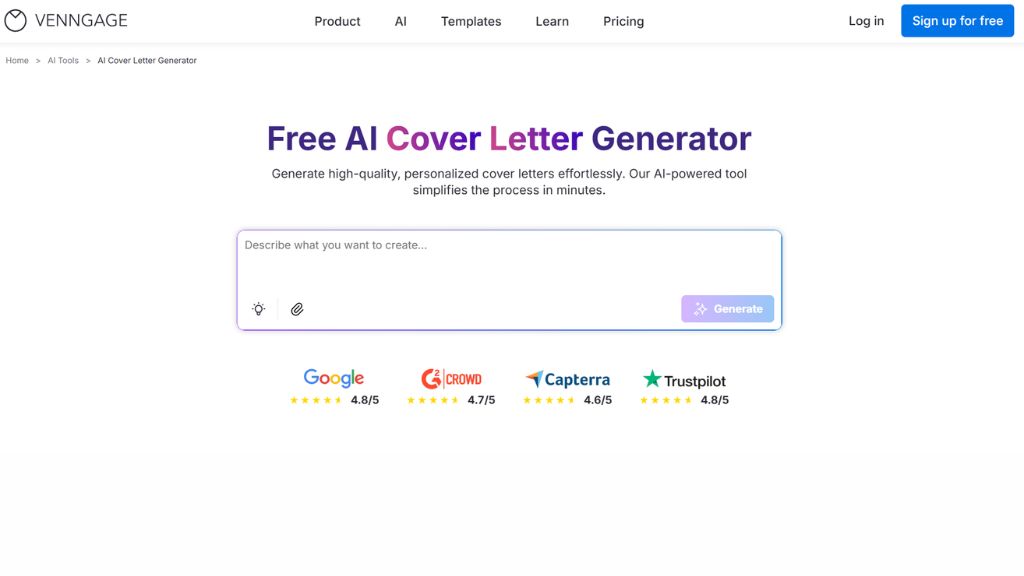
Venngage stands out because it doesn’t just write your cover letter—it helps design one that gets noticed. If recruiters are reading hundreds of plain black-and-white applications, a polished visual layout can instantly feel more memorable.
The AI can generate copy, improve wording and organize content beautifully. You can also add icons, brand colors, links and portfolio details. This makes it ideal for marketing, design, product or creator roles. Traditional industries may prefer simpler layouts, but for modern applications, it’s excellent.
Best For:
- Designers
- Marketing roles
- Creative job seekers
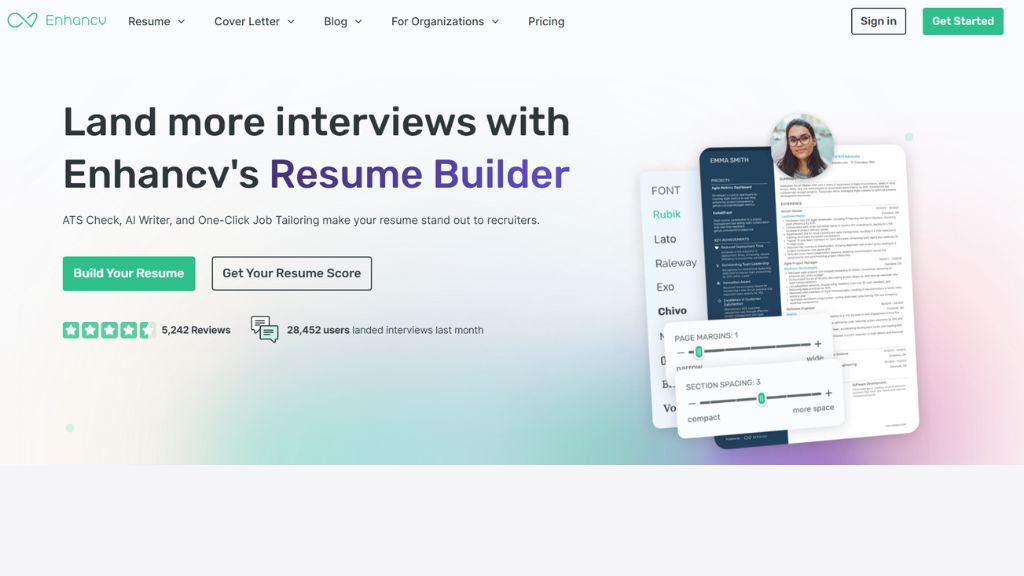
3. Enhancv – Best for ATS Precision
Enhancv impressed me with how well it translates achievements into recruiter-friendly language. It focuses heavily on measurable impact and keyword alignment, making it one of the strongest choices for serious professionals applying to competitive roles.
Its templates look modern and polished, while the built-in content checker flags clichés and weak wording. However, layouts feel structured, so if you love total customization, it may feel restrictive. But for ATS-safe cover letters with strong wording, Enhancv is top-tier.
Best For:
- Tech jobs
- Senior roles
- Corporate hiring systems
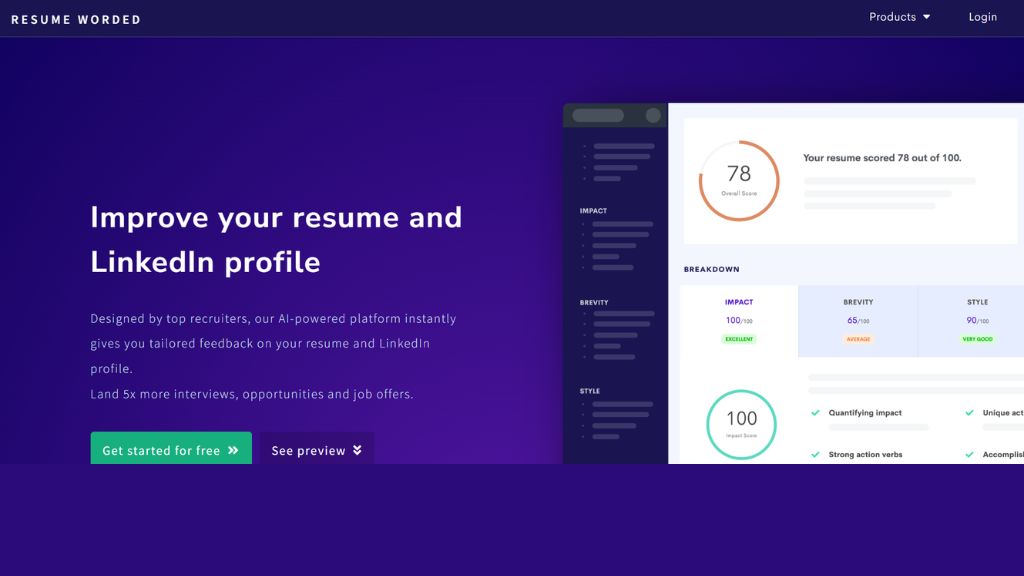
4. Resume Worded – Best Natural Writing Style
Resume Worded surprised me in the best way. Unlike many tools that sound robotic, this one produced letters that felt natural and human. It tells a story rather than just listing resume bullet points.
It connects your past wins with the employer’s needs more smoothly than most competitors. If tone matters to you, this is one of the best options available. The main downside: full exports are locked behind a paid plan.
Best For:
- Human-sounding cover letters
- Storytelling style applications
- Mid-career professionals
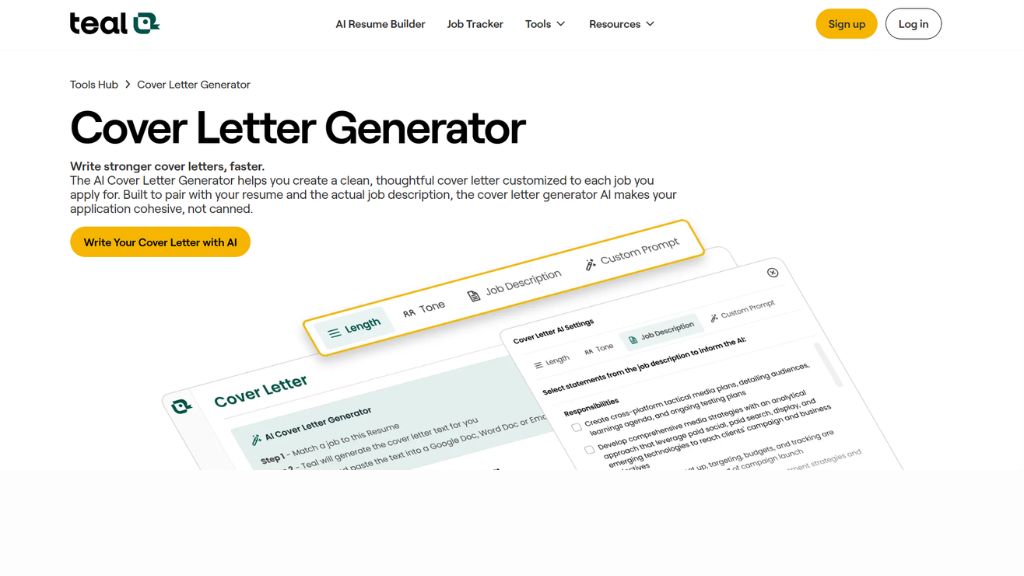
5. Teal HQ – Best for Job Search Workflow
Teal HQ is more than a cover letter tool. It’s a full job hunt system with resume tracking, saved job descriptions and application management. If you apply often, Teal can save serious time.
The AI generator works well, especially when paired with jobs already stored in your tracker. However, new users may find the interface slightly overwhelming. It’s strongest when used as part of a bigger job search workflow.
Best For:
- Active job seekers
- High-volume applications
- Organized career management
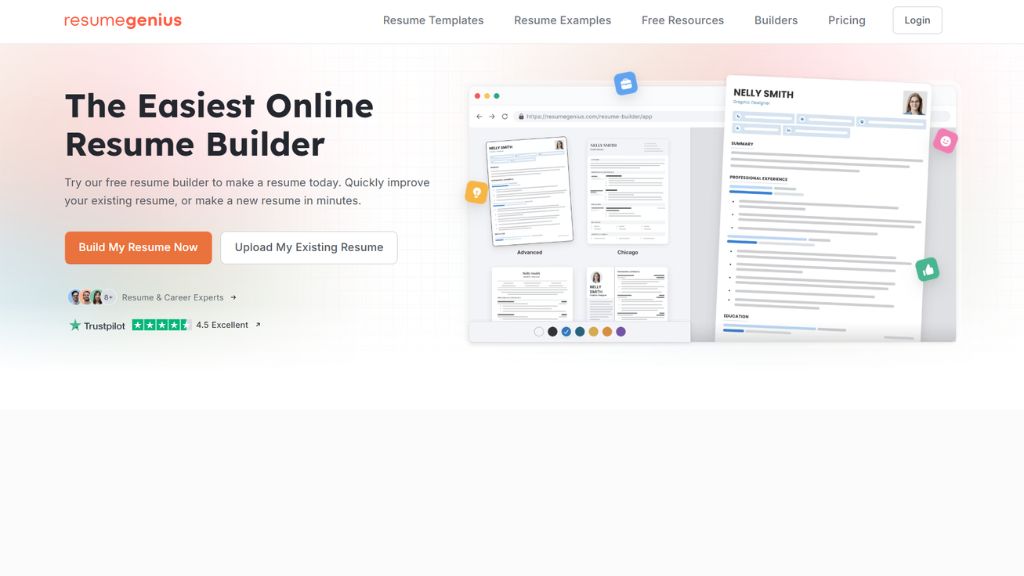
6. Resume Genius – Best Guided Builder
Resume Genius uses a step-by-step questionnaire to create tailored cover letters. This is useful for users who struggle with where to start or what to say.
The templates are clean and ATS-safe, but editing flexibility is limited once the draft is built. Also, requiring contact details before previewing may annoy privacy-conscious users. Still, beginners will appreciate the guided flow.
Best For:
- Beginners
- Guided writing help
- Structured templates
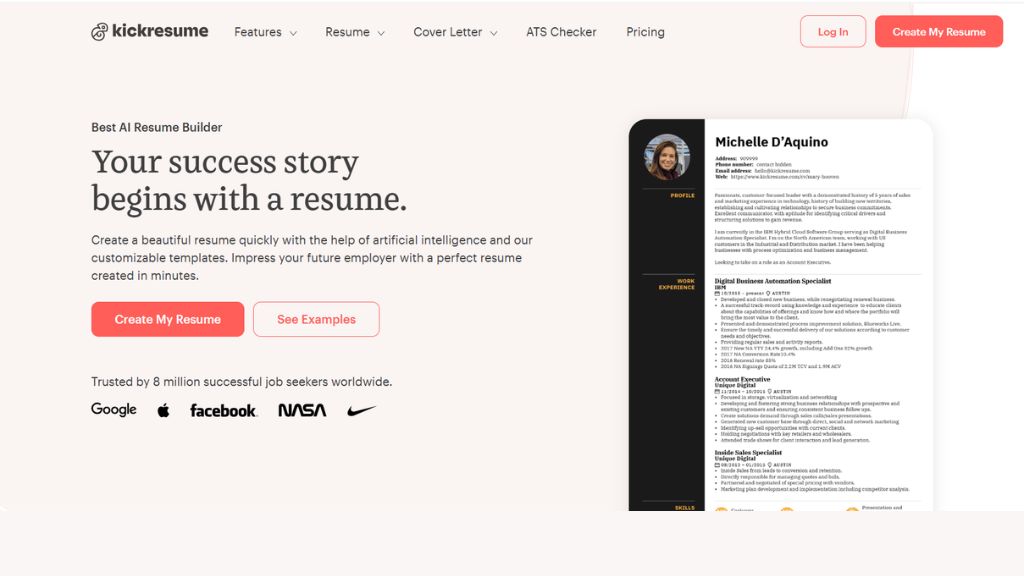
7. Kickresume – Best for Quick Simple Letters
Kickresume is ideal if you just want something simple, clean and fast. The platform is beginner-friendly and templates are professional enough for most standard applications.
However, the AI writing can feel generic, especially if you’ve used ChatGPT before. It also lacks deeper resume personalization. Good for speed, less ideal for standout applications.
Best For:
- Students
- Entry-level applicants
- Fast one-off applications
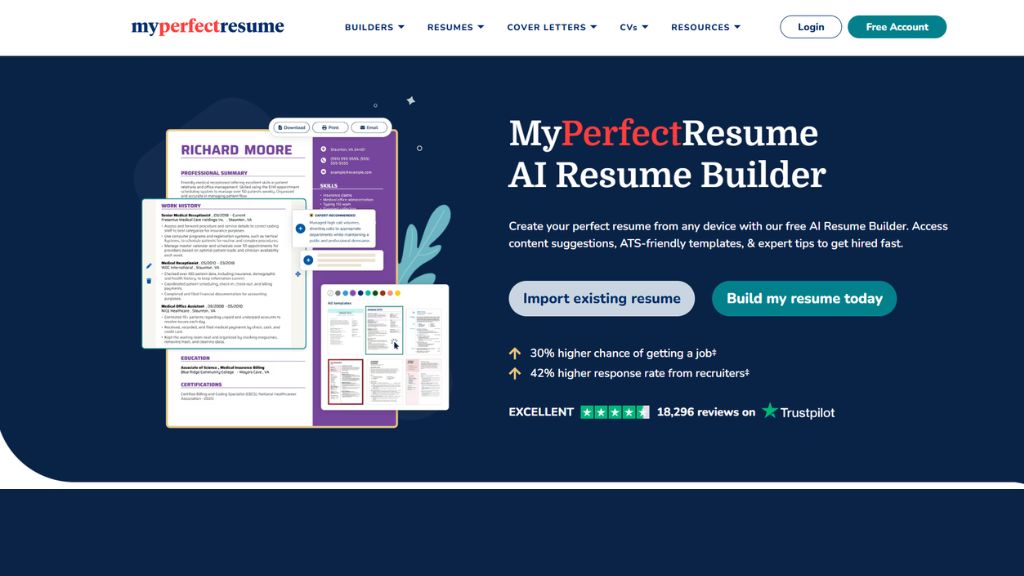
8. MyPerfectResume – Best for Guided Expert Content
MyPerfectResume gives users lots of pre-written expert phrases tailored to industries and job titles. If you struggle to describe your own achievements, this can be extremely helpful.
The guided builder is beginner-friendly and ATS-focused, though many premium features sit behind a paywall. It’s strongest for users who need content prompts more than advanced AI creativity.
Best For:
- First-time applicants
- Career returners
- Guided support
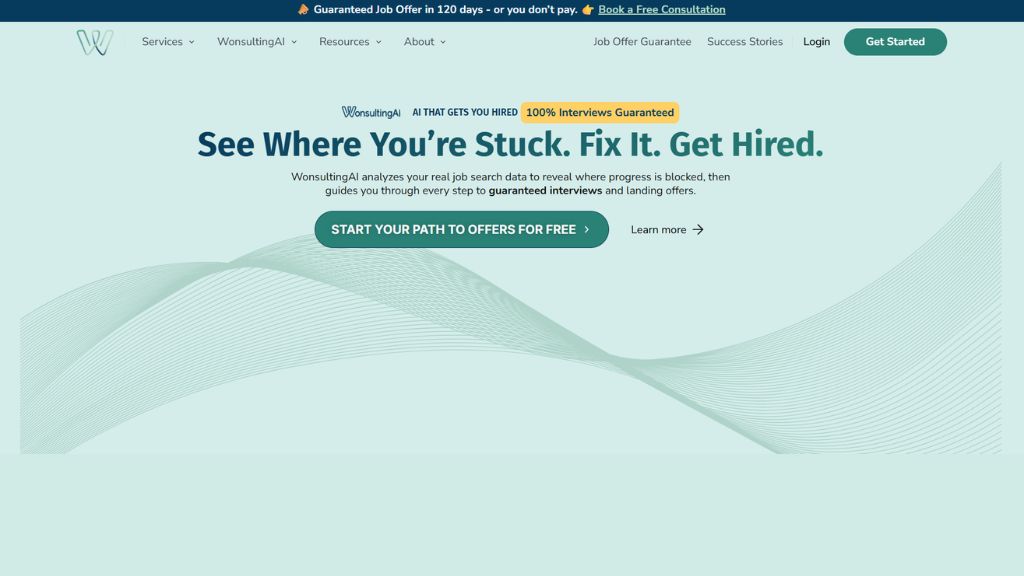
9. WonsultingAI – Best Detailed Cover Letters
WonsultingAI creates longer, more detailed cover letters than most tools. Instead of shallow three-paragraph drafts, it builds stronger narratives using your uploaded resume.
That makes it useful for consulting, management or leadership applications where depth matters. It can get wordy, though, so trimming is often necessary.
Best For:
- Career switchers
- Management roles
- Detailed applications
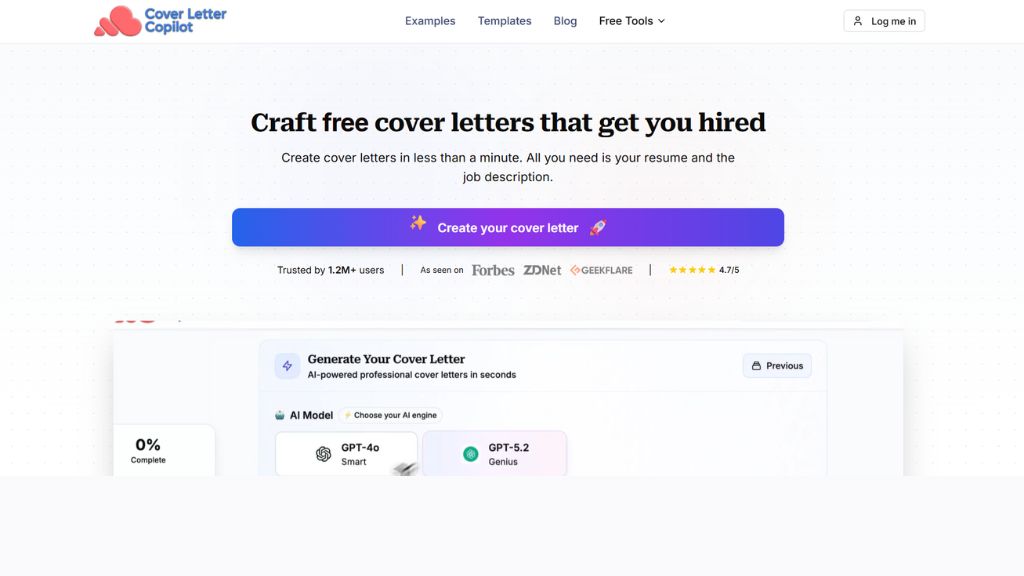
10. Cover Letter Copilot – Best ChatGPT Alternative
Cover Letter Copilot is purpose-built for one thing: writing cover letters fast. Upload your resume, paste the job description and choose your tone.
I liked how the output avoided cliché intros like “I am writing to express interest…” and instead sounded more direct and modern. It’s one of the best tools if you want ChatGPT speed with better specialization.
Best For:
- Startup jobs
- Fast applications
- Better ChatGPT alternative
Best AI Cover Letter Generator by Use Case
If You Want Free:
If You Want Human Tone:
If You Want ATS Optimization:
If You Want Creative Design:
Venngage
If You Want Speed:
If You Want Full Workflow:
Are AI Cover Letter Generators Worth It?
Yes—if you use them correctly.
They save time, help beat blank-page syndrome and improve keyword relevance. But don’t blindly copy-paste outputs. The best strategy is:
- Generate draft
- Add personal stories
- Edit tone
- Check facts
- Send polished version
Think of AI as a career assistant, not your final writer.
Frequently Asked Questions
What is the best AI cover letter generator in 2026?
The best AI cover letter generator depends on your needs. If you want free and simple, Grammarly is a strong choice. For highly tailored job applications, Enhancv and Cover Letter Copilot perform well. If you need visual and creative cover letters, Venngage stands out. Overall, the best tool is the one that matches your industry, tone, and workflow.
Are AI-generated cover letters ATS-friendly?
Yes, many modern AI cover letter tools create ATS-friendly cover letters by using clean formatting, relevant keywords, and professional structure. Tools like Enhancv, Resume Genius, and MyPerfectResume are especially built with applicant tracking systems in mind. However, always review the final version before sending.
Can recruiters detect AI-written cover letters?
Is ChatGPT good for writing cover letters?
Are free AI cover letter generators worth using?
Yes, free AI cover letter generators are worth trying if you apply to multiple jobs or need help starting quickly. Free tools like Grammarly, Kickresume, and Teal HQ can save time. But premium versions often unlock better personalization, unlimited drafts, and downloadable professional templates.