
Table of Contents
ToggleRebuilding a website from scratch usually takes days of inspecting styles, saving assets, and writing repetitive markup. AI website clone tools change this completely by turning live web links or screenshots into working code and design layouts. These programs scan page elements, read spacing, pick up fonts, and build clean layouts automatically. Web developers, freelancers, and designers use them to rebuild old websites, copy layouts for client mockups, and convert visual concepts into React or Tailwind code. Instead of spending hours writing base templates, you get an editable foundation right away.
TL;DR
If you want clean, ready-to-use code directly from a web link, Anima is the strongest choice for React and Tailwind. If you design in Figma and need organized layers and styles from an existing page, pick UX Pilot. For turning a cloned layout straight into an interactive, working web application without touching boilerplate code, Lovable.dev is the best option.
Best AI Website Clone Tools
Anima
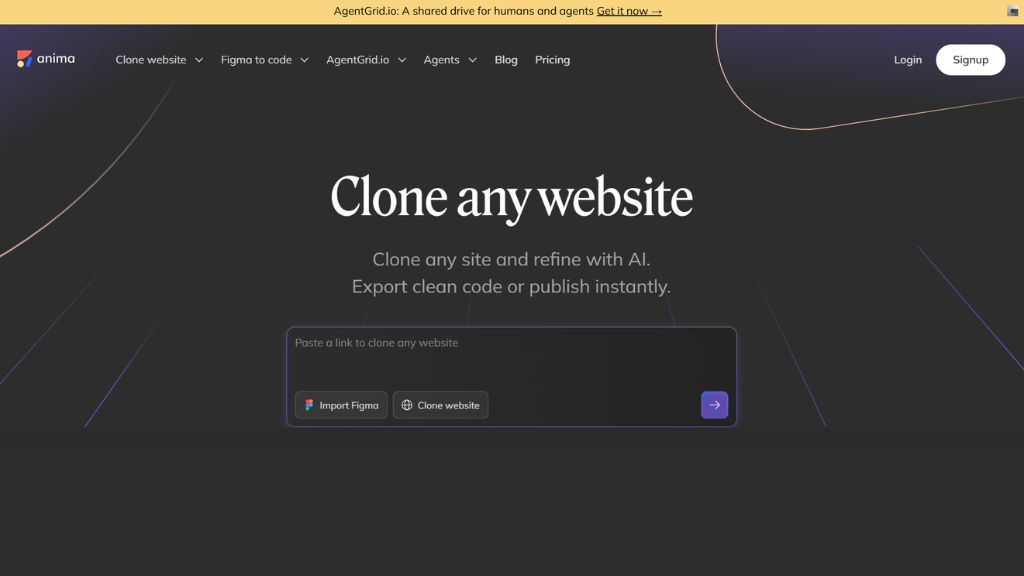
Anima turns live website links and visual layouts into structured code that developers can actually use. Instead of saving static and cluttered HTML files, Anima reviews how a page is set up and splits it into organized components. It comes with a handy Chrome extension that lets you capture pages even if they sit behind a password or on a private test server. You can also pick single parts of a page, such as a header bar or a pricing card, instead of copying everything at once. Its online workspace lets you change text, colors, and layout rules using plain text chat before downloading your files.
Best For:
- Developers who need clean, working frontend code from live web links
- Copying individual sections like navigation menus or pricing tables
- Grabbing layouts from private dashboards using a browser extension
- Programmers who build interfaces with React and Tailwind CSS
- Testing design adjustments quickly inside an online preview editor
Why Choose Anima:
- Outputs clean component code instead of messy inline styles
- Supports exports for React, Vue, HTML, and Tailwind CSS
- Chrome extension captures pages behind logins and private firewalls
- Simple chat box lets you tweak design elements on the fly
- Keeps original mobile and desktop screen sizes working properly
UX Pilot
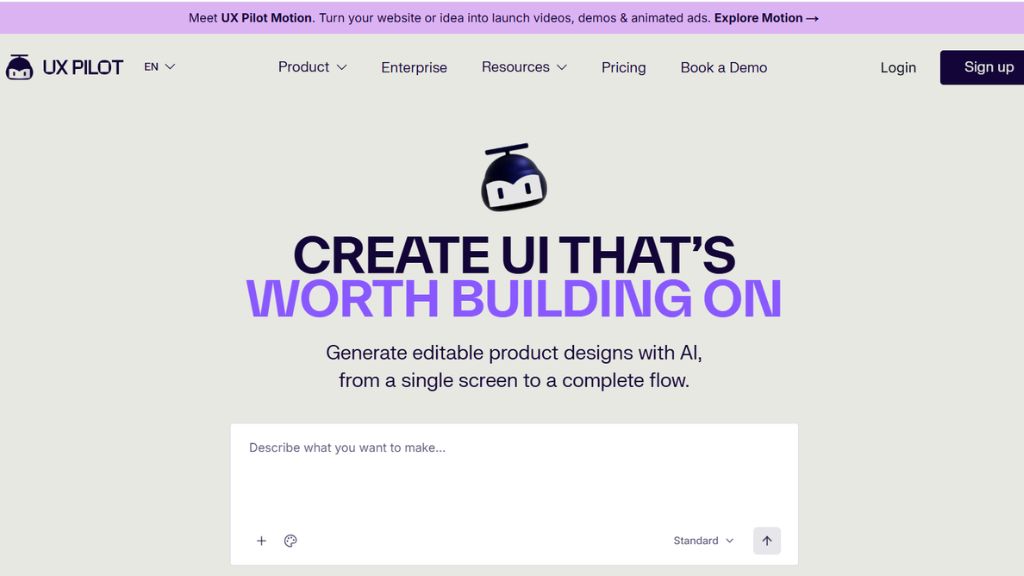
UX Pilot is made for design teams and creators who want to copy website layouts straight into design programs. When you paste a website address or drop in a clear screenshot, UX Pilot reads the fonts, color shades, and element margins automatically. It does not export flat vector shapes that are impossible to work with. Instead, it creates editable components that work naturally with Figma features like auto-layout. You can also swap the cloned design with your own company colors and typography with a few clicks, making it easy to create quick mockups inspired by other popular sites.
Best For:
- Designers who want to copy web page layouts directly into Figma
- Updating an imported layout with your own brand fonts and colors
- Turning plain screenshots into organized design elements with auto-layout
- Running visual UX reviews and quick layout tests for client pitches
- Creating clean visual prototypes without starting on a blank canvas
Why Choose UX Pilot:
- Sends clean, organized files directly to Figma with auto-layout active
- Detects text styles and color palettes from the target page on its own
- Makes it simple to re-skin any copied layout with your personal brand
- Organizes layers neatly so you avoid broken vector graphics
- Gives you a practical free option to test your first designs
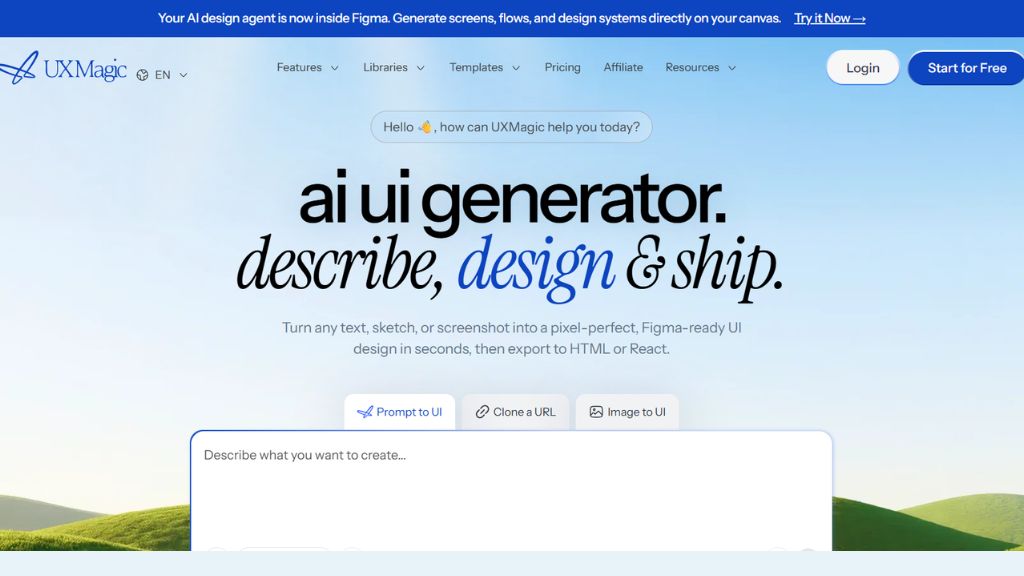
UXMagic
UXMagic focuses on copying multi-page user flows rather than just single landing pages. Many tools struggle when you try to capture connected screens, but UXMagic keeps visual consistency across full experiences like signup forms, onboarding screens, and checkout steps. You simply paste your link, and it generates an organized design system while keeping page connections, button paths, and responsive rules intact. This helps design agencies and product teams document complete user journeys without taking dozens of screenshots and recreating every screen by hand.
Best For:
- Capturing full multi-page experiences like onboarding and checkout flows
- Agencies that review and audit complex sales funnels for clients
- Keeping styles and fonts consistent across several linked screens
- Teams that want both clear design files and exportable code setups
- Preserving screen layout rules across desktop and mobile views
Why Choose UXMagic:
- Clones connected multi-page layouts into one cohesive project
- Keeps layer setups clear and organized across all captured pages
- Offers easy handoff options for both visual designers and coders
- Cuts out the need to trace client screens manually one by one
- Offers initial starter credits so you can try it out without paying
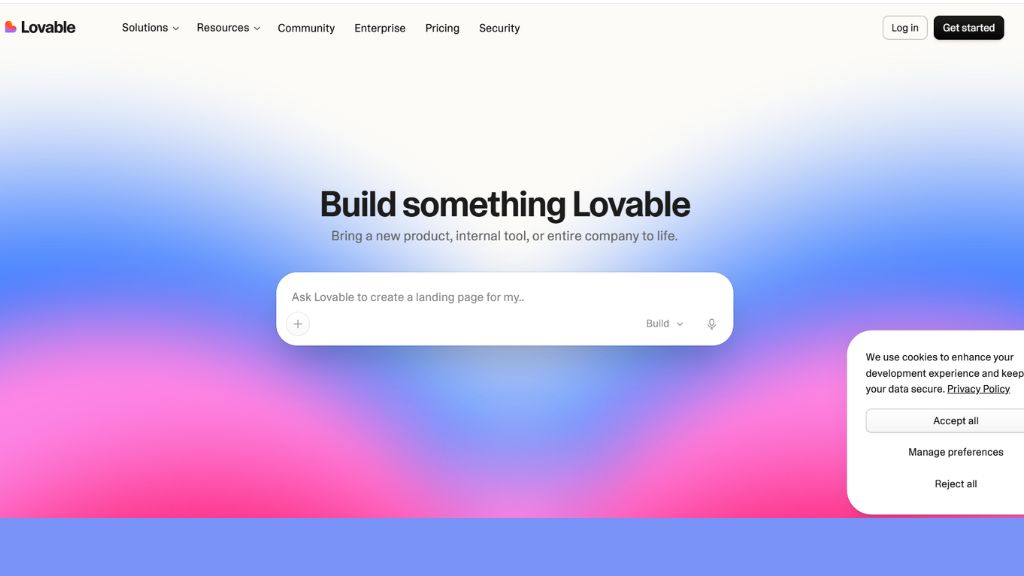
Lovable.dev
Lovable.dev turns cloned website layouts into working web apps using natural language. When you share a reference site, Lovable sets up a visual copy inside an interactive development workspace. From there, you do not need to edit lines of code manually. You can simply write instructions in plain English, such as changing button actions, reorganizing a layout card, or connecting a sign-up database. The platform creates real, clickable software that you can host on the web or push straight to GitHub, bridging the gap between copying a simple design and building a functional web tool.
Best For:
- Turning a reference site design into a working web application
- People who prefer using plain text prompts to build and edit pages
- Building quick prototypes that need connected databases and real buttons
- Startup founders who want to launch test products without a dev team
- Syncing your generated project directly to your GitHub account
Why Choose Lovable.dev:
- Builds working web apps rather than plain static code files
- Lets you update layouts and features through an easy chat interface
- Connects directly with GitHub for simple code management
- Offers an interactive preview screen to test buttons and forms live
- Includes a free sandbox tier so you can test ideas without paying upfront
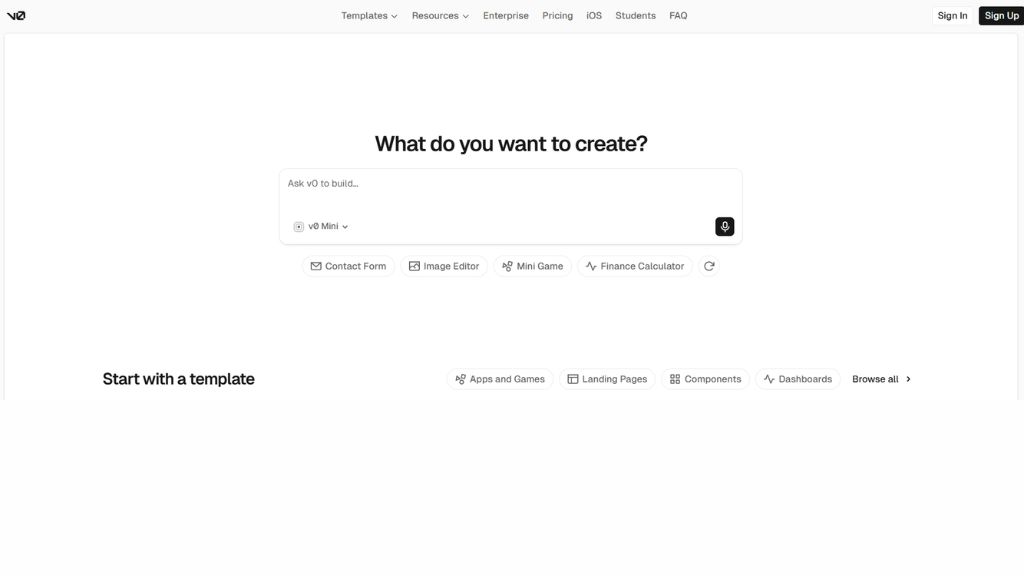
v0 by Vercel
Built by Vercel, v0 is a smart interface generator made for modern React setups. Instead of reading live links from a search bar, it is famous for turning image screenshots into usable code. When you upload a screenshot of a user interface, card, or navigation bar, v0 rebuilds the design using modern React components and Tailwind CSS. The output is clean, accessible, and structured so you can copy and paste it right into your real project without cleaning up unnecessary junk code.
Best For:
- Turning UI screenshots into clean React and Next.js code
- Developers who build web apps using Tailwind CSS and modern UI libraries
- Programmers who care about accessible and standard code structure
- Rebuilding specific page sections like charts, menus, and profile cards
- Making small visual improvements using conversational follow-up prompts
Why Choose v0 by Vercel:
- Writes clean, standard code that matches modern development setups
- Works smoothly with Vercel hosting and standard Next.js tools
- Includes accessible, screen-reader friendly design components
- Features a simple code viewer with instant copy-and-paste commands
- Provides free monthly credits to help you build personal projects
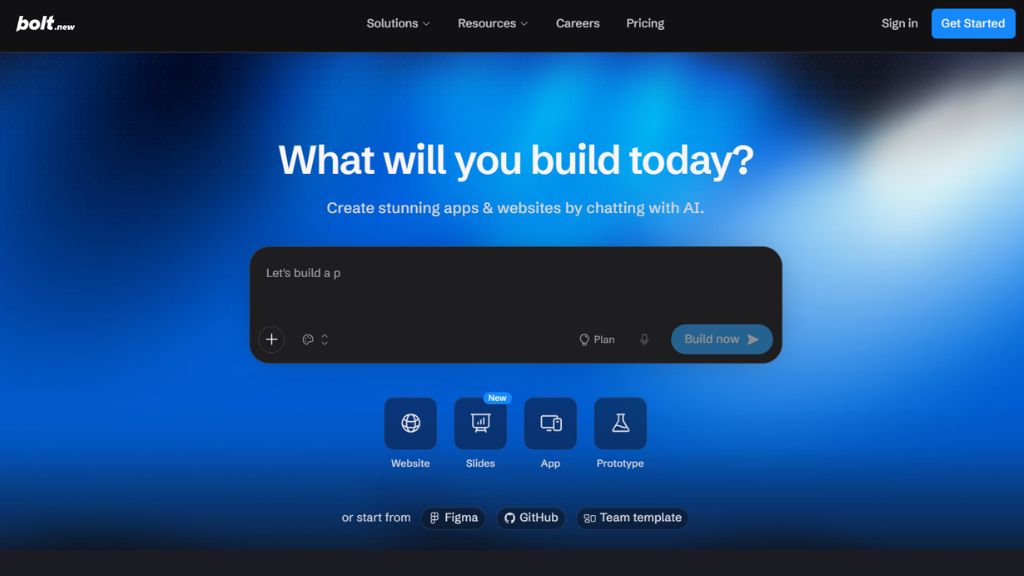
Bolt.new
Bolt.new runs an entire development workspace directly inside your internet browser. It allows you to share screenshots or describe a page layout to generate full-stack web projects. Unlike traditional tools that hand you a basic zip file of code, Bolt installs necessary software packages, configures page paths, and runs a live preview all in one tab. You can use its chat box to make styling tweaks, or click into the built-in code editor to make your own adjustments directly, making it easy to test ideas without setting up local development tools.
Best For:
- Running and editing web projects inside an online browser workspace
- Building apps with popular frameworks like React, Vite, and Vue
- Checking how live buttons, forms, and pages work in real time
- Developers who want to sync web work directly with GitHub
- Creating quick apps without installing heavy programming tools locally
Why Choose Bolt.new:
- Runs a complete server setup right inside your web browser
- Pairs easy AI chat edits with a full online code editing screen
- Lets you publish live sites quickly to popular web hosting services
- Gives you complete access to a browser-based terminal and file system
- Comes with a helpful free option for running sandbox experiments
Repaint
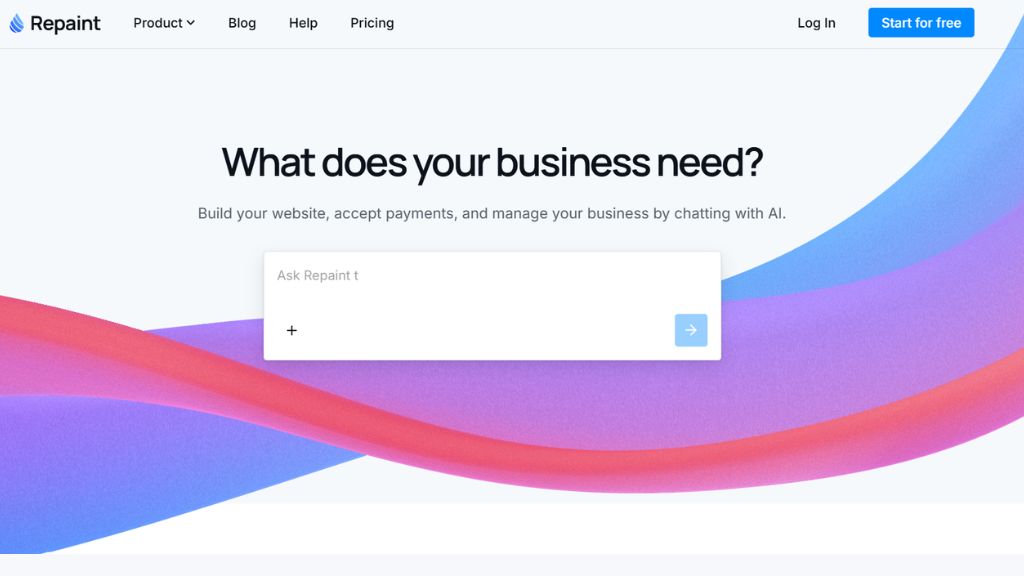
Repaint is a visual website builder made for people who want to clone and update pages without touching code. You simply paste the web link you like, and Repaint pulls in the visual blocks, fonts, images, and content into an easy drag-and-drop editor. Once the page is loaded, you can move elements around, swap photos, rewrite headlines, and fix spacing just like you would in a graphic design tool. It is ideal for freelancers and marketers who need to build landing pages inspired by successful websites without needing developer help.
Best For:
- Marketers who want to move an old website into an easy visual editor
- Editing page content and layouts without writing HTML or CSS
- Making fast marketing landing pages for new products or campaigns
- Giving older client websites a cleaner, more modern look
- Freelancers who want to build and deliver simple sites quickly
Why Choose Repaint:
- Simple visual interface designed for non-technical users
- Reads web addresses fast and pulls in fonts and images smoothly
- Drag-and-drop tools make everyday layout changes straightforward
- Offers simple hosting options to get pages live on custom domains
- Has a free test mode so you can see how imported pages look
Screenshot-to-Code
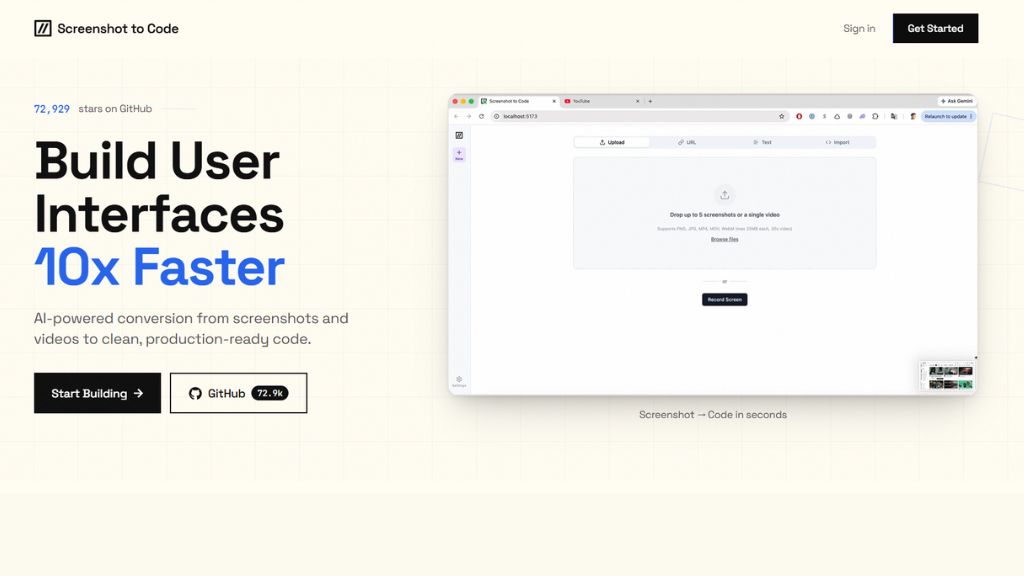
Screenshot-to-Code is an open-source tool that reads screenshots, photos, and screen recordings to write frontend code. You can use it online or download the project files to run it directly on your own computer. Because you can run it locally with your own API keys, your work stays private, which is great for client projects. It lets you pick your favorite setup—such as plain HTML, Tailwind CSS, React, or Vue—before processing an image, giving you complete freedom without monthly fees or account lock-ins.
Best For:
- Developers looking for a free, open-source tool they can host themselves
- Converting short screen recording videos and photos into working code
- Projects that require strict privacy and local file handling
- Writing code for different frameworks like React, Vue, and Tailwind
- Anyone wanting to avoid monthly recurring software fees
Why Choose Screenshot-to-Code:
- Completely open-source with an MIT license for flexible use
- Reads video clips to understand basic animations and button clicks
- Works with top AI models and lets you bring your own API keys
- Stores no private files when you run the software locally
- Offers free demo credits online alongside its unlimited offline use
Comparison Table
Tool Name | Best Suited For | Primary Output | Framework Support | Free Tier / Trial |
Anima | Production Code from URLs | React, HTML, CSS | Tailwind, Vue, React | Yes (Playground) |
UX Pilot | Design Systems & Tokenization | Figma Assets | Design Tokens, CSS | Yes (Free Plan) |
UXMagic | Multi-Page User Flows | UI Layouts & Code | Figma, Web Components | Yes (Trial Credits) |
Lovable.dev | Full Interactive Apps | Live Web Apps & Code | React, Vite, Node.js | Yes (Sandbox Trial) |
v0 by Vercel | Component-Level Rebuilding | Next.js Components | React, Tailwind, Shadcn | Yes (Monthly Credits) |
Bolt.new | Full-Stack In-Browser Builds | Deployed Web Apps | React, Vite, Svelte, Vue | Yes (Sandbox Tier) |
Repaint | No-Code Visual Migration | Hosted Visual Canvas | Static HTML/CSS | Yes (Free Testing) |
Screenshot-to-Code | Open-Source Code Generation | Multi-Framework Code | React, Vue, Tailwind | Yes (Open Source / Free) |
How to Use an AI Website Cloner
- Pick Your Source: If your tool accepts web addresses, copy the public URL of the page you want to reference. If you want to copy a private page or a specific section, take a clean, full-screen picture of that area.
- Upload to the Tool: Paste the link into the app’s dashboard or drop your image into the upload box. If you use a browser add-on, click directly on the section you want to save.
- Choose Your Code Type: Pick the format you want, such as React with Tailwind, regular HTML/CSS, or a Figma file.
- Make Adjustments with Chat: Use the built-in chat box to ask for small fixes. For example, you can tell it to adjust padding, change a background color, or update sample text.
- Review the Markup: Open the code view to make sure everything looks clean. Check that structural tags are used properly and make sure the page looks good on mobile screens.
- Move to Your Project: Copy the finished code into your website folder, hook up your own images and text, and publish your site.
Frequently Asked Questions
Can AI website clone tools copy backend databases and user accounts?
No. These tools only read the visible front section of a website, including layouts, colors, images, and text. They cannot see or copy private databases, payment processing accounts, user passwords, or hidden server setups. You will still need to set up your own database and server logic.
Is it legal to clone a website using AI tools?
Using an AI cloner to learn layout structures, build wireframes, or speed up your personal design workflow is normal practice. However, copying copyrighted images, company logos, unique written content, or private brand materials from another business is not allowed. Always replace sample logos, artwork, and copy with your own original work.
Which tool is best for turning a web link into a Figma file?
UX Pilot is the best tool for this job. It scans live links and produces organized Figma files with auto-layout enabled, making it simple to tweak styles, text, and spacing without rebuilding everything from vector shapes.
What is the difference between URL-to-code and screenshot-to-code?
URL-to-code tools read the actual code and style rules of a live website directly through your browser, keeping real text and layout sizes intact. Screenshot-to-code tools look at an image file and use visual AI to recreate an approximate version of that interface from scratch.
Final Verdict
Your ideal tool depends on what you plan to do with the finished layout:
- For Coders Needing Clean Markup: Choose Anima or v0 by Vercel. Anima is great for grabbing live links and isolated page elements, while v0 generates clean React and Tailwind components from photos.
- For Interface Designers: Pick UX Pilot. It turns web pages into organized, editable Figma layers with auto-layout enabled.
- For Fast Interactive Apps: Pick Lovable.dev or Bolt.new. Both give you a complete, working web environment that you can test and edit using simple text chat.
- For Free and Private Local Use: Go with Screenshot-to-Code. It is completely open-source, runs on your own computer, and avoids monthly subscription fees.