Table of Contents
ToggleFor free website copy drafts, start with Ahrefs or HubSpot Campaign Assistant. For collaborative marketing workflows, consider Juma. If you also need to build landing pages, compare Unbounce and Landingi.
Website copy generators help turn business information into headlines, benefit statements, service descriptions and calls to action. They are useful for getting a first draft ready, exploring different messages and reducing repetitive writing work.
The right choice depends on your audience, page objective and publishing workflow. This comparison explains where each tool fits, based on its publicly documented features. Recommendations reflect workflow suitability rather than a hands-on performance ranking.
TL;DR
Ahrefs and HubSpot offer accessible starting points for free copy generation. HyperWrite, GravityWrite and LogicBalls suit focused drafting tasks, while Juma is relevant for teams sharing business context. Hoppy Copy fits campaigns that connect website and email messaging. Writesonic serves broader content and search visibility workflows. Unbounce and Landingi are worth considering when copywriting, page building and campaign improvement need to happen together.
What Is a Website Copy Generator?
A website copy generator uses AI to draft webpage text from information you provide about your business, audience and offer. Depending on the tool, it can produce homepage introductions, landing page sections, service descriptions, headlines or calls to action.
For useful results, supply specific facts. Explain what customers receive, which problem you solve and what makes your offer different. Review the output before publishing to ensure it reflects your actual business.
10 Best Website Copy Generators
Juma: Best for Collaborative Website Copy Workflows
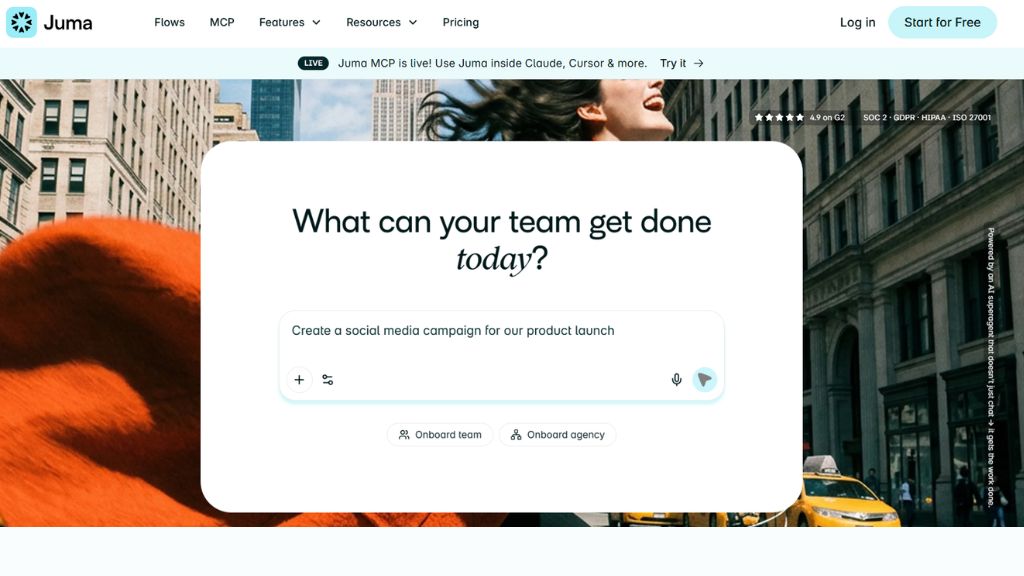
Juma, formerly Team-GPT, is a collaborative AI workspace for marketing teams and agencies that need to develop website copy together. Its shared knowledge and repeatable workflows make it relevant when several writers work from the same positioning, customer research, and brand guidelines. Instead of treating every page as an isolated task, teams can build a consistent process for drafting homepages, service pages, and campaign content. For example, an agency can supply a client brief, develop messaging directions, and reuse the approved context for related pages. The main benefit is continuity across team projects. However, the workspace needs inputs and an agreed review process. Choose Juma when collaboration matters as much as generating text, and confirm current model access, workflow capabilities, and usage limits before selecting a subscription for your team.
Best For:
- Agencies managing multiple client projects.
- Marketing teams sharing brand guidelines.
- Businesses producing several website pages.
- Teams developing repeatable writing workflows.
- Writers working from shared customer research.
Why Choose Juma:
- Shared context supports consistent messaging.
- Collaborative workspaces support team participation.
- Repeatable workflows reduce repeated briefing.
- Persistent knowledge connects related projects.
- Its workspace supports broader marketing tasks.
Hoppy Copy: Best for Connecting Website and Email Messaging
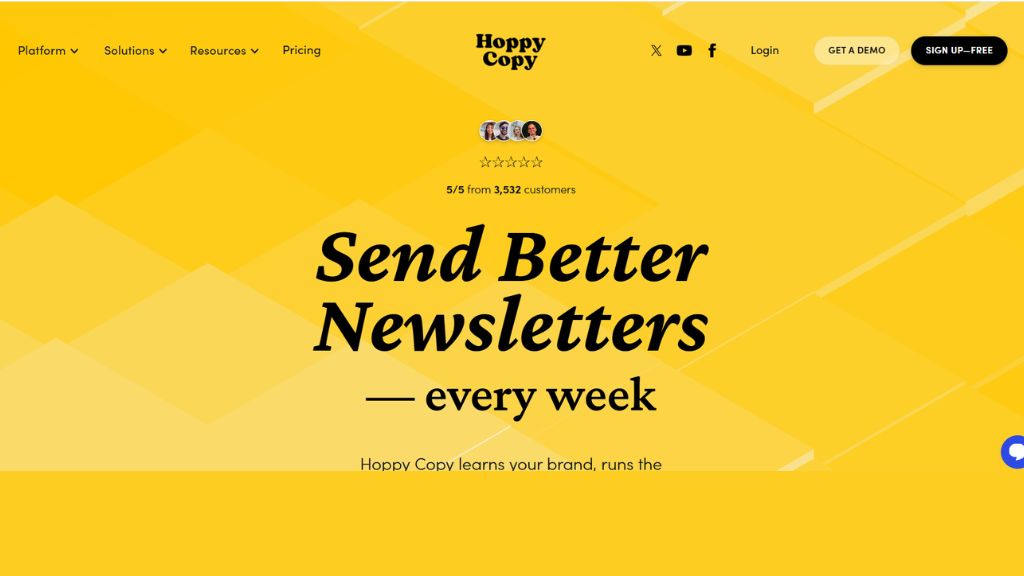
Hoppy Copy is an AI writing and email marketing platform that can help businesses keep campaign messaging consistent across channels. Although its main focus is email, its copywriting resources include frameworks such as AIDA and PAS that can inform landing page messaging. It is relevant when you need an offer explained consistently on a website, in a launch email, and throughout follow-up messages. Supply your audience, product details, benefits, and preferred tone before generating a draft. Then adapt the language to the page layout and remove claims you cannot support. Hoppy Copy is worth considering when email campaigns are central to your marketing workflow. If your main requirement is publishing complete websites, check whether its writing workflow meets your needs alongside the page builder you already use for your business.
Best For:
- Businesses running email-led product launches.
- Marketers planning landing page campaigns.
- Ecommerce brands coordinating promotional messages.
- Teams writing newsletters and follow-ups.
- Writers exploring persuasive copywriting frameworks.
Why Choose Hoppy Copy:
- Email marketing is its main focus.
- AIDA resources help structure persuasive messages.
- PAS resources help explain customer problems.
- Brand-focused writing supports campaign consistency.
- Writing and email workflows work together.
HyperWrite: Best for Individual Landing Page Drafts
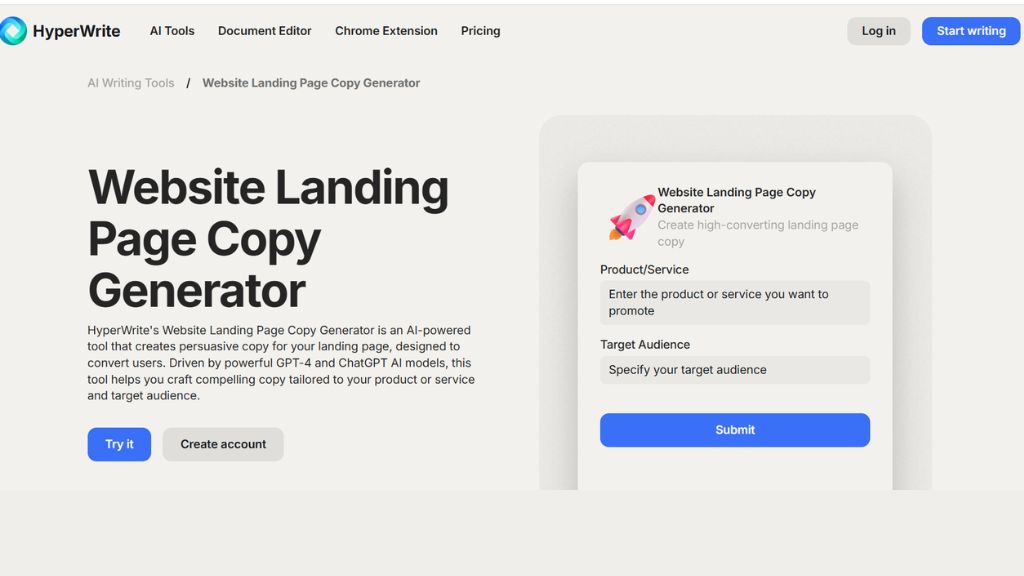
HyperWrite offers a Website Landing Page Copy Generator for creating draft messaging from product or service information and a target audience. It provides a focused starting point for a campaign page without requiring you to build a broader marketing workflow first. A useful brief should explain the customer problem, your offer, the benefits, and the action visitors should take. You can then review the generated language for clarity, relevance, and consistency with your brand. Its practical value is helping you move from a blank page to an editable draft. However, generic inputs can produce generic wording. Add your own examples, evidence, and differentiators before publishing. Consider HyperWrite when you want help drafting an individual landing page and expect to handle design, fact checking, and final editing yourself carefully before publication.
Best For:
- Founders drafting an initial landing page.
- Freelancers preparing client copy.
- Marketers exploring a new offer.
- Small businesses rewriting campaign pages.
- Writers needing an editable first draft.
Why Choose HyperWrite:
- A dedicated landing page generator is available.
- Product details guide the draft.
- Audience information helps focus messaging.
- Its focused workflow suits individual tasks.
- Draft text can support further editing.
Writesonic: Best for Broader Content and Search Workflows
Writesonic combines content creation with a broader focus on search visibility, including visibility in AI search experiences. That makes it relevant when website copy forms part of an ongoing programme involving articles, topic coverage, and content improvements. A team can assess it for drafting material while also considering the platform’s wider search workflow. However, a homepage headline and an informational article serve different purposes, so the brief should make the page goal explicit. Describe the intended visitor, offer, supporting evidence, and conversion action rather than asking for generic optimized copy. Writesonic is worth considering for businesses managing content beyond a single landing page. Check its current feature set and plan limits carefully, because the platform is broader than a simple text generator and its available capabilities can change over time.

Best For:
- Content teams managing multiple publishing needs.
- Businesses combining articles and website content.
- Marketers reviewing AI search visibility.
- Agencies supporting ongoing content programmes.
- Teams evaluating content and search together.
Why Choose Writesonic:
- Its platform combines writing and search workflows.
- AI search visibility is a stated focus.
- Article creation supports broader content needs.
- Its scope extends beyond short copy.
- Teams can assess several marketing requirements together.
GravityWrite: Best for Drafting Different Website Page Types
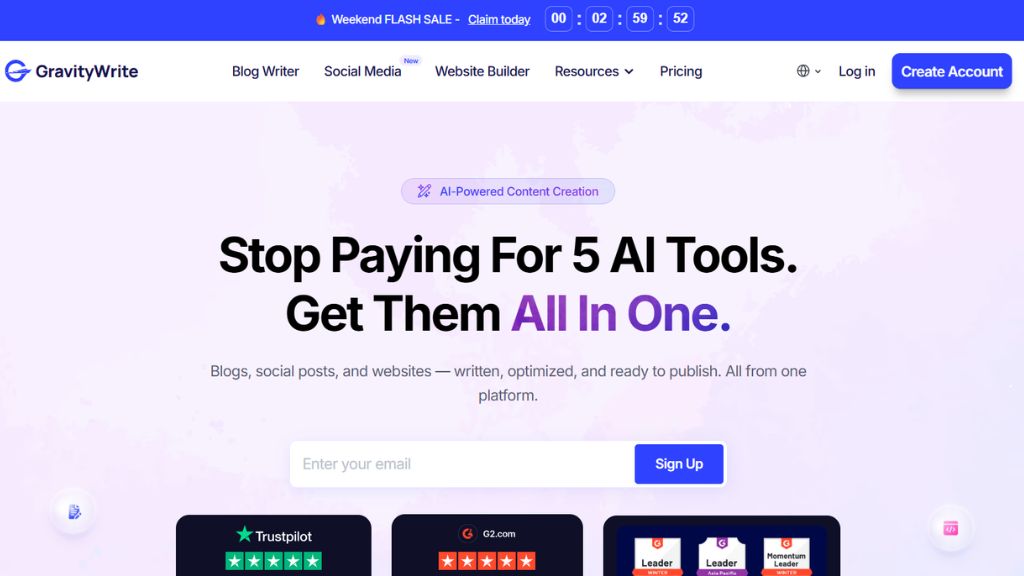
GravityWrite offers dedicated tools for different website content needs, including homepages, landing pages, About pages, and service descriptions. This makes it useful when a business needs several page drafts with different purposes. You can select a relevant tool and provide information about the company, audience, product, or service instead of starting every task from an empty prompt. Its templates offer an initial structure, but the quality of the result depends on the details supplied. An About page should reflect your actual history, while a service page should explain a real offer. Review generated achievements, customer statements, and claims before publication. Consider GravityWrite when you want page-specific starting points and are comfortable editing the output before moving it into your website builder or content management system for final layout and publication.
Best For:
- Small businesses launching a website.
- Agencies drafting multiple page types.
- Service providers explaining their offerings.
- Founders preparing an About page.
- Marketers creating homepage content.
Why Choose GravityWrite:
- Homepage content tools are available.
- Landing page tools support campaign drafts.
- About page templates offer an initial structure.
- Service description tools address specific offers.
- Page-specific inputs help organize the brief.
LogicBalls: Best for Exploring Website Copy Ideas
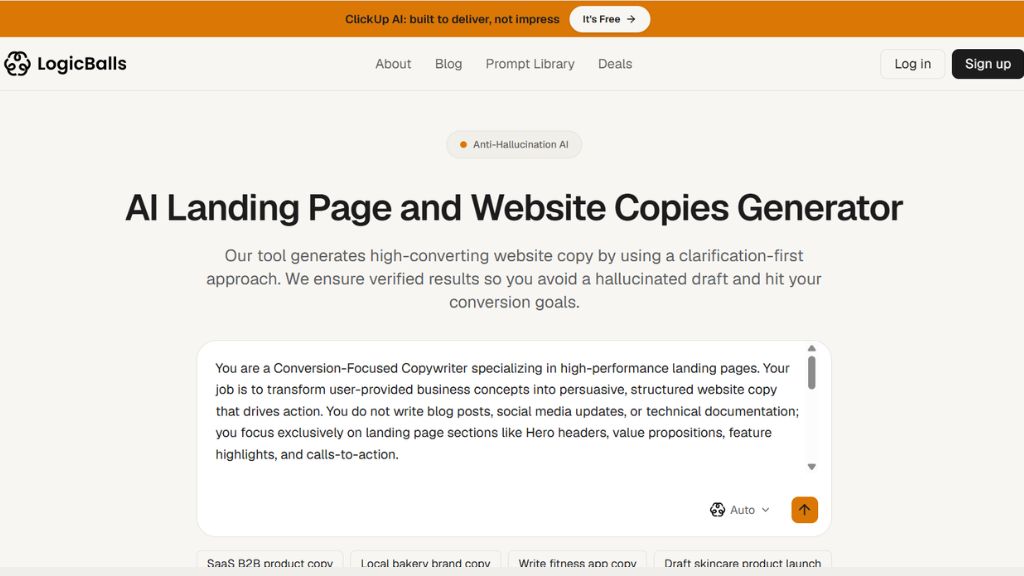
LogicBalls offers a Landing Page and Website Copies Generator for developing draft website messaging from business inputs. It is useful for exploring alternative ways to describe an offer, introduce benefits, or ask visitors to take action. Rather than accepting the first result, compare several directions against the same customer problem and page objective. Provide the facts the tool needs, including what you sell, who it serves, and what makes it relevant. Treat generated copy as a working draft and check every product claim yourself. The platform’s accuracy messaging should not replace editorial review. LogicBalls is worth considering for early copy ideas and smaller rewriting tasks. Before relying on it for regular production, check the available controls, account requirements, and current usage limits on its official tool page for your workflow.
Best For:
- Businesses exploring initial website messaging.
- Marketers developing alternative copy angles.
- Freelancers rewriting short page sections.
- Founders explaining a new offer.
- Teams brainstorming calls to action
Why Choose LogicBalls:
- A dedicated website copy tool is available.]
- Its tools cover several marketing tasks.
- Business details can inform the draft.
- Related generators support About page writing.
- Focused tools provide starting points for revisions.
Ahrefs: Best for Free Website Copy Drafts
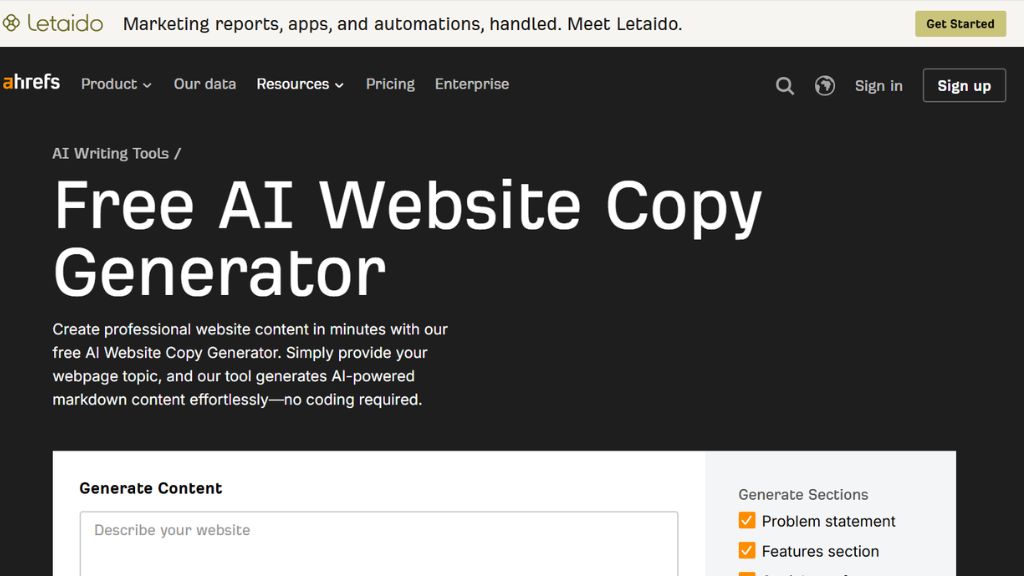
Ahrefs offers a free AI Website Copy Generator that helps turn a webpage topic or business description into draft content. It is a practical starting point for people who want to explore AI writing without adopting a larger marketing platform. Use it to develop initial wording, then make the message more specific with accurate benefits, examples, and customer language. The tool can support drafting, but it does not replace keyword research, audience understanding, or technical SEO work. A page still needs to answer the visitor’s question and explain the offer clearly. Consider Ahrefs when you need a free starting point and plan to edit and publish elsewhere. For a fair comparison, give it the same business brief you use with other generators and assess the revisions each draft actually requires.
Best For:
- Beginners trying AI website copywriting.
- Small businesses seeking a free draft.
- Freelancers developing initial page ideas.
- Writers improving a rough business description.
- Marketers comparing outputs before subscribing elsewhere.
Why Choose Ahrefs:
- Its website copy generator is free.
- A dedicated webpage drafting tool is available.
- It suits an existing publishing workflow.
- Related writing tools cover other small tasks.
- Users can evaluate drafts before adopting a larger platform.
HubSpot: Best for Campaign-Focused Landing Page Copy
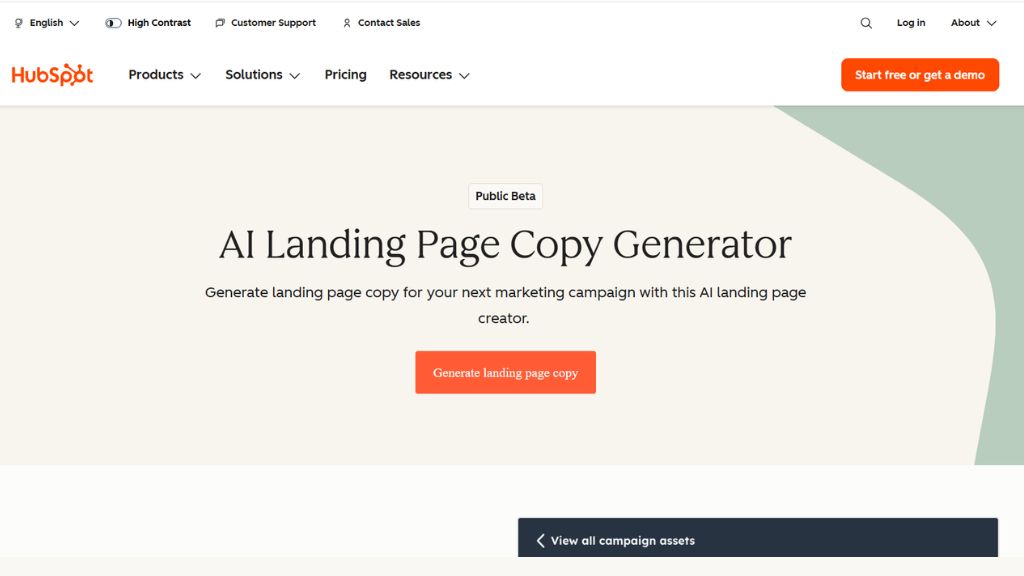
HubSpot’s Campaign Assistant includes an AI landing page copy generator that uses information such as your topic, tone, and call to action. It suits campaigns where the page has a clear objective, such as collecting enquiries, promoting an event, or encouraging a download. Start with the audience and offer, then explain what the visitor should understand before taking action. The generated draft can help establish a title, supporting sections, and body text. Review these together so the page communicates one coherent message. HubSpot is worth considering if its campaign tools already fit your marketing setup. However, distinguish copy generation from page building, hosting, and reporting. Check which product features and account requirements apply to the workflow you need before assuming the free generator includes every capability for your specific business.
Best For:
- Marketers drafting lead generation pages.
- Businesses promoting downloadable resources.
- Teams creating event registration copy.
- Existing HubSpot users planning campaigns.
- Small businesses seeking free copy assistance.
Why Choose HubSpot:
- Campaign Assistant offers free copy generation.
- Topic inputs help define the message.
- Tone inputs guide the writing style.
- Calls to action inform the draft.
- Generated titles and body text support page planning.
Unbounce: Best for Writing Within a Landing Page Builder
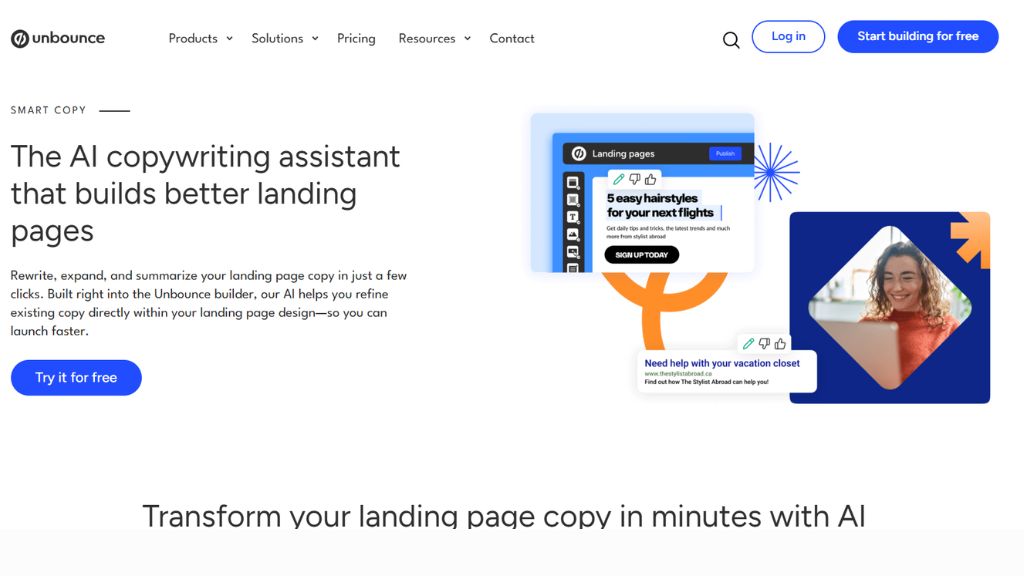
Unbounce combines landing page building with AI copy assistance, allowing users to refine text within the page workflow. This helps when wording and layout need to develop together, because you can assess whether a headline fits the design and whether a section feels too long. Its copy tools are relevant for campaign pages where the offer, supporting details, and call to action need to work as a unit. Prepare a specific brief, generate alternatives, and review each version in context. The platform is worth considering when you also need a landing page builder. If you only need text for an existing website, compare that broader commitment with a standalone writing tool. Before subscribing, confirm the current copy features and any plan limits that affect your intended campaign workflow and budget.
Best For:
- Marketers building dedicated campaign pages.
- Agencies developing advertising landing pages.
- Teams editing copy alongside page layouts.
- Businesses comparing different campaign messages.
- Users needing writing and publishing workflows together.
Why Choose Unbounce:
- AI assistance works within its builder.
- Text can be reviewed in design context.
- Its assistant supports rewriting existing copy.
- Copy tools support expansion and summarization.
- Landing page creation connects with campaign optimization.
Landingi: Best for Creating and Improving Landing Pages
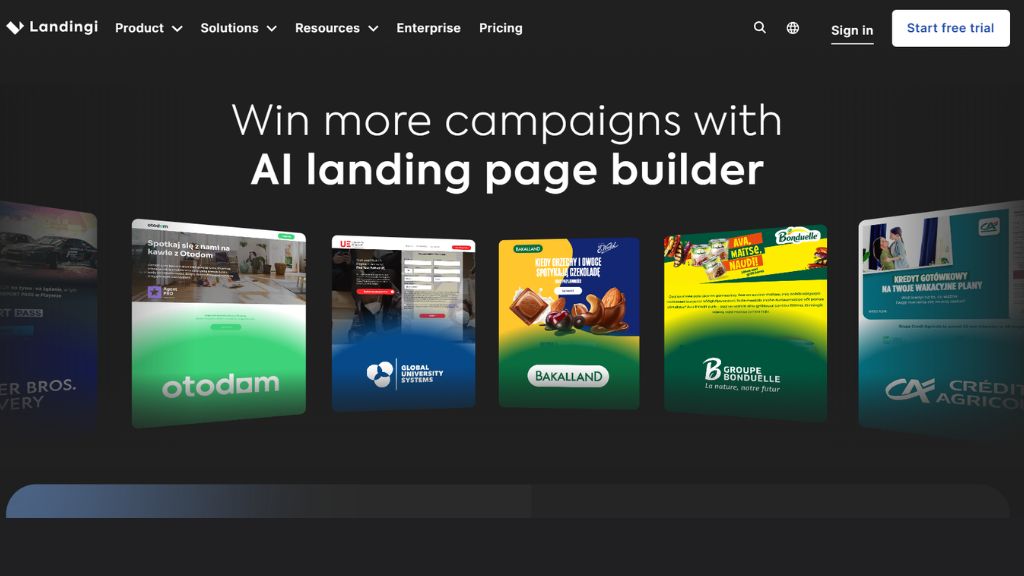
Landingi combines landing page creation with AI assistance for copy and SEO metadata, alongside tools for measuring visitor interactions. It is relevant when you want to move from a campaign brief to a published page within one platform. Start by defining the offer, audience, and desired action, then review the suggested copy alongside the page structure. A generated headline should accurately describe the offer, while supporting sections should resolve questions visitors may have. After publishing, use available measurement tools to guide changes rather than assuming the first draft performs best. Landingi is worth considering for marketers who need writing, page creation, and ongoing improvement together. Check the current plan details for AI access, publishing options, analytics, and testing features before deciding whether it matches your campaign requirements and working budget.
Best For:
- Marketers launching campaign landing pages.
- Agencies building pages for clients.
- Businesses needing AI metadata assistance.
- Teams reviewing visitor interactions.
- Users combining page creation and improvement.
Why Choose Landingi:
- AI assistance supports page copy generation.
- Metadata tools support page preparation.
- Page building connects writing with layout.
- Publishing is part of the platform workflow.
- Interaction tracking can inform later changes.
Website Copy Generator Comparison
Tool | Strongest workflow fit | Main advantage | What to check |
Juma | Collaborative marketing teams | Shared context and repeatable workflows | Setup effort and team usage |
Hoppy Copy | Website and email campaigns | Coordinating campaign messaging | Fit for website-specific work |
HyperWrite | Individual landing page drafts | Focused generation from a brief | Editing needed for differentiation |
Writesonic | Content and search programmes | Broader content and visibility workflow | Current features and plan scope |
GravityWrite | Multiple website page types | Page-specific writing tools | Accuracy of generated business details |
LogicBalls | Initial messaging ideas | Focused website and marketing generators | Access, limits and output accuracy |
Ahrefs | Free copy drafting | Accessible starting point | Separate SEO and publishing requirements |
HubSpot | Campaign copy | Topic, tone and CTA inputs | Difference between generation and publishing |
Unbounce | Copy within a page builder | Editing text in design context | Builder commitment and plan limits |
Landingi | Page creation and improvement | Copy, metadata and page workflow | Included analytics and AI access |
Which should you choose? Start with the workflow you need most. A business rewriting one service page has different requirements from an agency producing campaign pages for several clients.
How to Use a Website Copy Generator
1. Choose one page objective
2. Prepare a factual brief
Include your audience, offer, benefits, differentiators and verified evidence. Add prices or policies only when they are confirmed.
3. Specify the required sections
Ask for a headline, supporting introduction, benefits, process, FAQs and call to action. Give word limits where the page layout requires them.
4. Generate and compare alternatives
Use the same brief to produce different messaging directions. Compare clarity, relevance and accuracy before choosing a draft.
5. Edit for SEO and GEO clarity
Answer the visitor’s main question early. Use descriptive headings, consistent product names and specific explanations that make sense independently. Include relevant keywords naturally.
6. Review and publish
Check facts, links, spelling and mobile readability. Remove invented claims and unnecessary repetition before publishing.
7. Measure the page’s results
Track the action the page is intended to support. Use enquiries, purchases or registrations to guide improvements.
Frequently Asked Questions
Which website copy generator is best for beginners?
Ahrefs and HubSpot Campaign Assistant are useful starting points for free drafts. HyperWrite and GravityWrite offer focused tools for specific page-writing tasks.
Which tool suits collaborative website copywriting?
Juma is worth considering when a marketing team needs shared knowledge and repeatable workflows. Its suitability depends on how the team organizes briefs and reviews.
Which tools combine AI copywriting with landing page building?
Can a website copy generator improve SEO and GEO visibility?
It can help prepare clearer, better-structured drafts. Search rankings and AI citations depend on many factors, so generated copy does not guarantee visibility.
Are AI-generated website drafts ready to publish?
They need review. Check facts, business claims, tone, originality and page structure, then add relevant evidence and examples before publishing.