
Table of Contents
ToggleThe traditional way of building flowcharts—manually dragging boxes, aligning arrows, and tweaking layouts—is incredibly time-consuming. In 2026, modern AI flowchart generators have completely changed this workflow by instantly turning plain text, meeting notes, and complex SOPs into professional diagrams. Whether you are an operations manager mapping a business process, a startup founder documenting a workflow, or a developer detailing system architecture, these advanced text-to-diagram tools remove the manual friction so you can focus entirely on your core logic.
Different tools are built to solve distinct problems. For teams that prioritize real-time brainstorming and project planning, collaboration giants like Miro and Lucidchart offer deeply integrated workspaces. If your priority is building beautiful, presentation-ready assets for clients, design-centric tools like Venngage are excellent. Meanwhile, technical teams can lean on developer-focused platforms like Draw.io and Flowchartai.org to accurately handle smart branching logic and complex technical documentation. Finding the best AI flowchart maker ultimately comes down to balancing your specific needs for logic accuracy, design aesthetics, and team collaboration.
TL;DR
AI flowchart generators help you turn plain text, meeting notes, SOPs, messy ideas, and business workflows into professional diagrams in minutes. Instead of manually dragging boxes and arrows, you simply describe a process and AI builds the chart for you.
- Best Overall: Miro
- Best for Teams: Lucidchart
- Best Free Tool: Venngage
- Best for Simple Text Prompts: Flochartai
- Best for Brain Dumps: MyLens AI
- Best for Technical Users: Draw.io
- Best for Fast Visual Thinking: Whimsical
If you need collaboration, choose Miro or Lucidchart. If you need quick AI flowcharts from text, use Flochartai or Flowchartai.org. For polished visuals, Venngage is a strong pick.
What Is an AI Flowchart Generator?
An AI flowchart generator is a tool that converts text instructions into structured diagrams automatically. You type a process like:
- Customer places order
- Payment approved
- Item shipped
- Delivery completed
The AI transforms that into a visual chart with decision nodes, arrows, steps, and logic flow.
These tools are ideal for founders, students, project managers, developers, operations teams, and agencies that need fast documentation.
Why Use AI Flowchart Tools?
Using AI flowchart makers can help you:
- Save hours of manual diagram design
- Turn notes into clean visuals
- Improve presentations and SOPs
- Map workflows quickly
- Collaborate with teams
- Export diagrams instantly
- Explain complex systems easily
10 Best AI Flowchart Generators
1. Miro
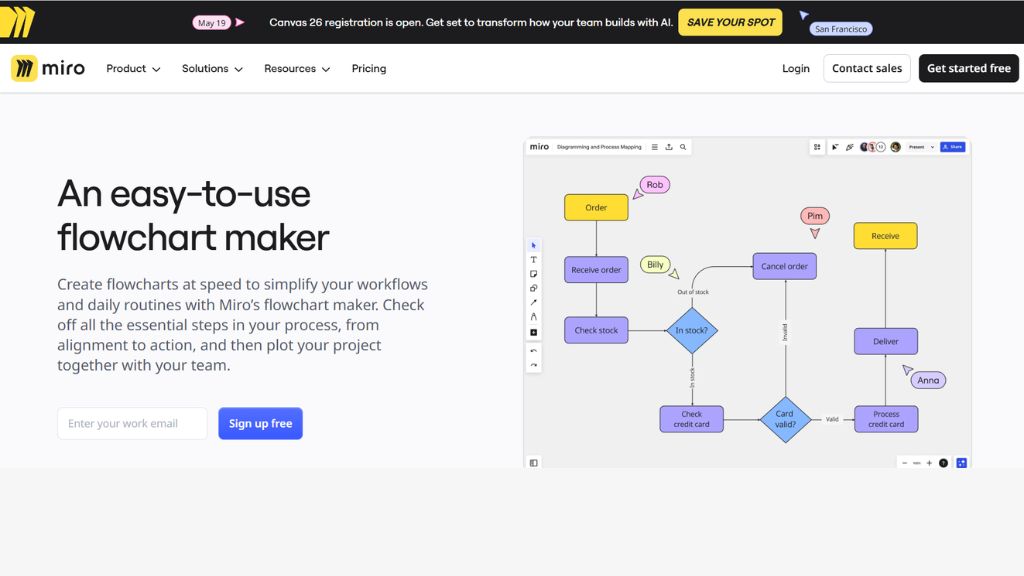
Miro is one of the best AI flowchart generators for teams that need collaboration, brainstorming, and live editing in one workspace. Its AI assistant can create flowcharts from prompts, then place them directly on a shared board where teammates can comment, edit, and refine instantly.
What makes Miro powerful is the team workflow experience. It supports sticky notes, voting, workshops, whiteboarding, and visual planning beyond just charts. If your business runs remote meetings or product planning sessions, Miro gives you more value than a basic flowchart tool
- Best For: Teams, agencies, remote collaboration
- Free Plan: Yes
- Paid Starts: $8/mo
2. Lucidchart
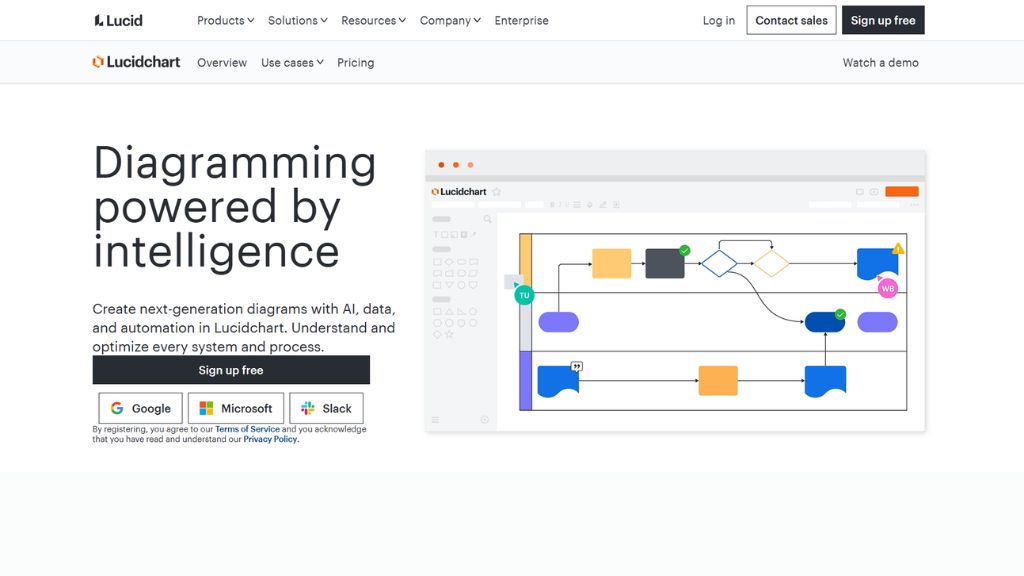
Lucidchart is a professional diagramming platform with AI features built for businesses that need organized process maps, system diagrams, and internal documentation. Its generated flowcharts are usually clean, structured, and easy to understand without unnecessary clutter.
The platform shines when you need permissions, version control, sharing options, and polished exports. While its AI feels more practical than flashy, Lucidchart is excellent for companies that care about consistency and reliable documentation workflows.
- Best For: Enterprises, process mapping, operations
- Free Plan: Yes
- Paid Starts: $10/mo
3. Venngage
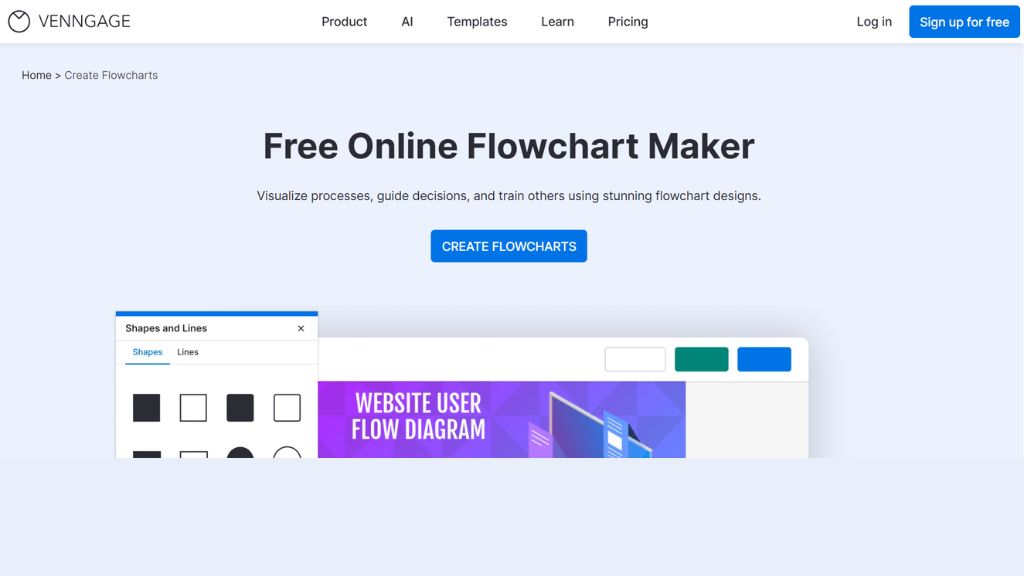
Venngage stands out because it combines AI flowchart generation with design-focused visuals. Instead of boring diagrams, it creates branded charts that look presentation-ready. This makes it ideal for marketers, consultants, agencies, and business users who care about aesthetics.
The drag-and-drop editor is beginner friendly, and you can customize fonts, colors, icons, and layouts easily. Venngage also includes brand kit tools, making it useful for teams that want consistent visual identity across reports and diagrams.
- Best For: Beautiful diagrams, business visuals, beginners
- Free Plan: Yes
- Paid Starts: $10/mo
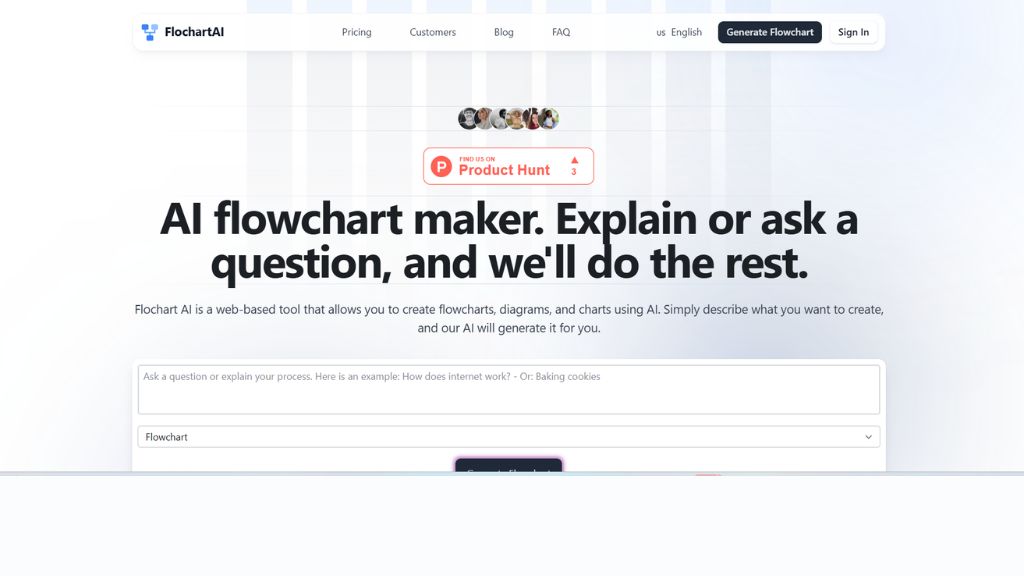
4. Flochartai.com
Flochartai.com focuses on one simple goal: turning prompts into flowcharts fast. You type what process you need, and the AI creates a usable diagram quickly. The interface is lightweight and easy to understand, making it a good choice for solo users.
It also supports mind maps, timelines, sequence diagrams, and more. While advanced prompts can sometimes produce oversimplified results, it works well for students, freelancers, and anyone who wants quick charts without a steep learning curve.
- Best For: Fast text-to-flowchart generation
- Free Plan: Yes
- Paid Starts: $10/mo
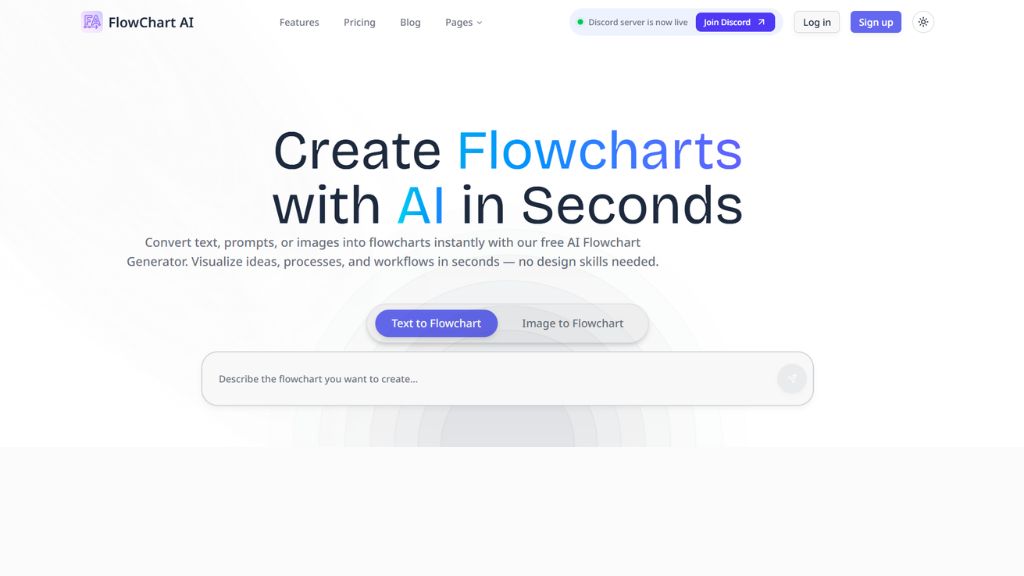
5. Flowchartai.org
Flowchartai.org feels more refined than many lightweight AI diagram tools. It handles decision branches better than basic generators and often produces more logical outputs when given structured prompts. This makes it useful for real workflows instead of only simple charts.
Because it also has open-source roots, it appeals to technical users who like transparency and flexibility. If you need smarter branching logic but don’t want enterprise pricing, this is one of the better hidden gems available right now.
- Best For: Better logic flow, developers, smart branching
- Free Plan: Yes
- Paid Starts: $5/mo
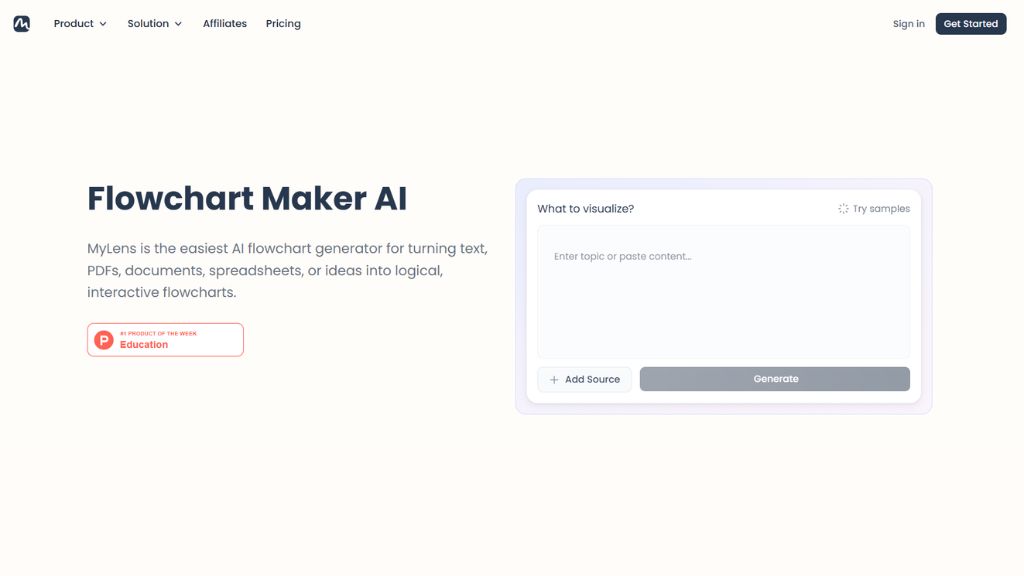
6. MyLens AI
MyLens AI takes a different approach by trying to understand context rather than just drawing shapes. It can turn notes, summaries, brainstorms, and messy information into diagrams that feel more human and story-driven.
This makes it ideal for internal explainers, meeting summaries, training flows, or business overviews. If your raw input is chaotic and you need clarity fast, MyLens AI can save serious time compared to manual rebuilding.
- Best For: Notes to diagrams, summaries, explainers
- Free Plan: Yes
- Paid Starts: $12/mo
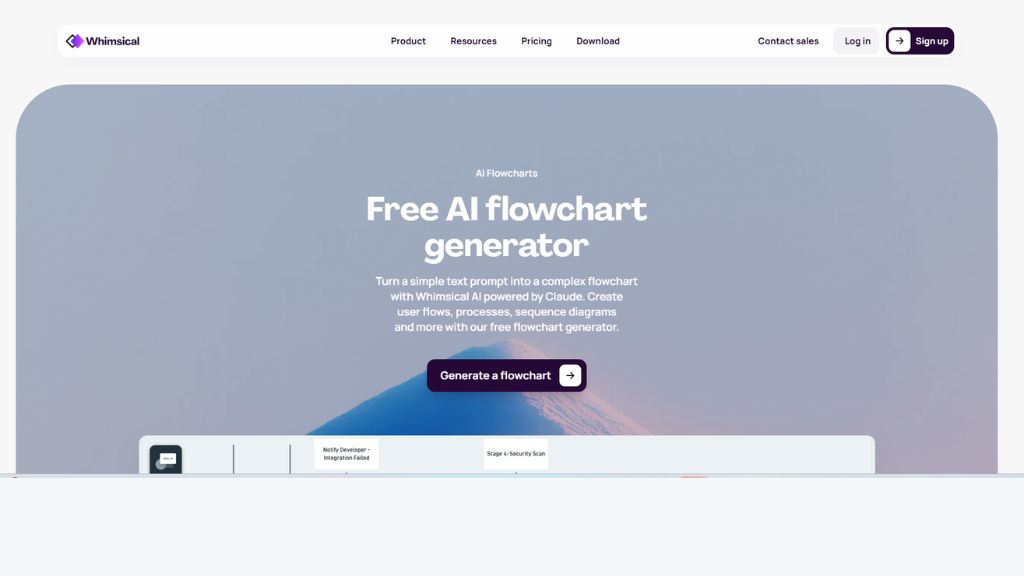
7. Whimsical
Whimsical is built for speed, clarity, and visual thinking. Its AI flowchart tool creates clean diagrams quickly, then lets you refine them manually inside a polished collaborative workspace. It feels especially useful for startups and product teams.
Where Whimsical wins is simplicity. The interface is smooth, fast, and distraction-free compared to heavier enterprise tools. If you need fast planning charts, product roadmaps, or sprint visuals, it’s an excellent modern option.
- Best For: Startups, product teams, quick visuals
- Free Plan: Yes
- Paid Starts: $10/mo
8. Creately
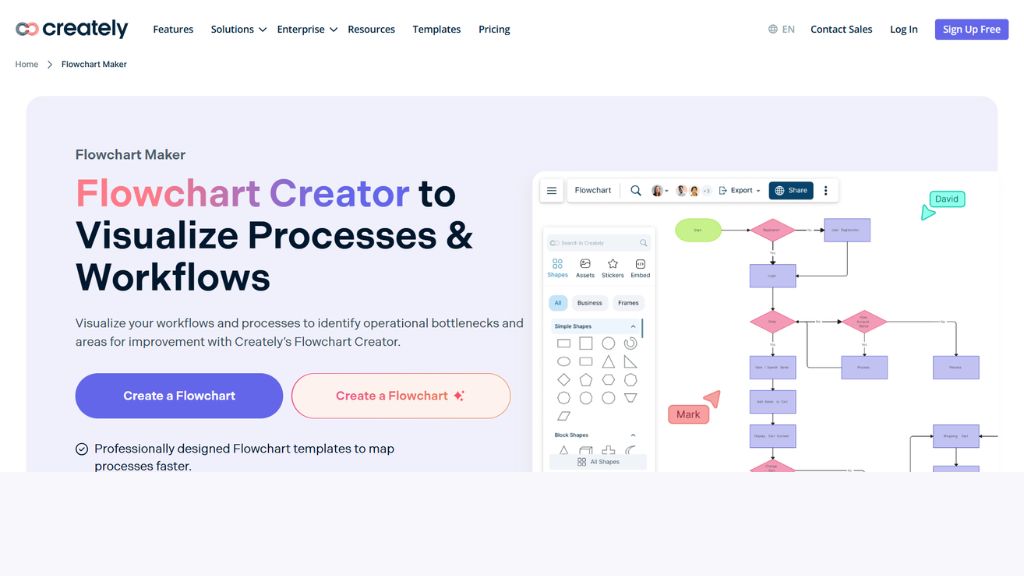
Creately works more like a smart process-mapping platform than a pure AI generator. It creates structured drafts, then gives you flexible tools to expand, rearrange, and collaborate with others. That makes it strong for HR, operations, and business systems.
It supports workspaces where diagrams become living documents teams can revisit later. If you need flowcharts connected to larger planning systems, Creately offers more long-term value than lightweight generators.
- Best For: Process teams, HR, business workflows
- Free Plan: Yes
- Paid Starts: $5/mo
9. Draw.io
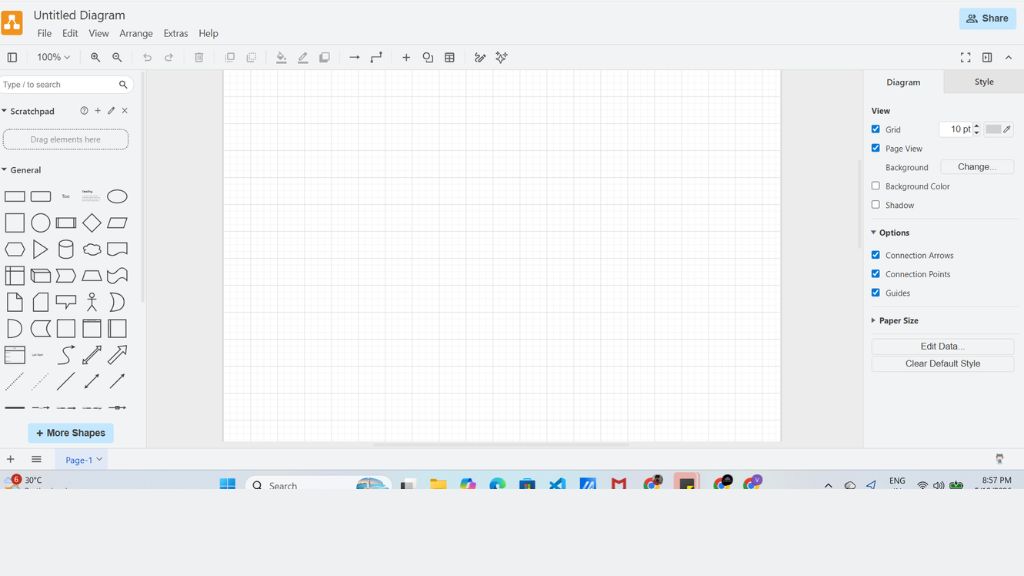
Draw.io is popular among developers, IT teams, and technical users who want full control over diagrams. Its AI generation is simpler than others, but the manual editing power is excellent. You get precision alignment, connectors, shapes, grids, and structure tools.
This makes Draw.io ideal when AI gives you a draft but you need to perfect architecture diagrams, system flows, or technical documentation manually. It is less creative, but highly dependable for serious diagram work.
- Best For: Developers, engineers, technical docs
- Free Plan: Yes
- Paid Starts: Team pricing available
10. Codetoflow.com
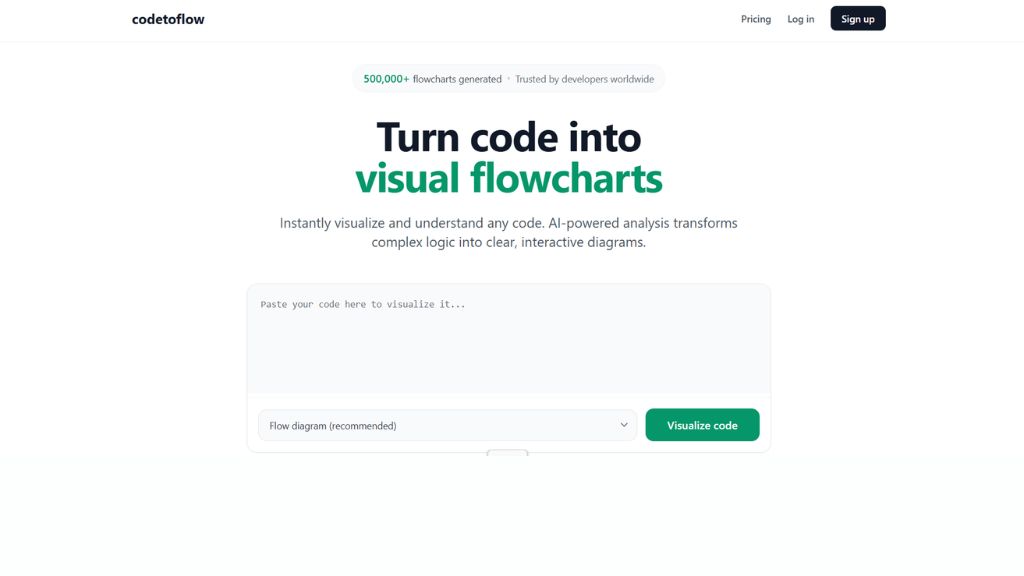
Codetoflow.com is a niche tool designed for users who prefer structured logic and code-based editing over drag-and-drop design. It generates diagrams from prompts or structured input, making it interesting for technical users.
However, it feels less polished than modern AI-first platforms. If you like code workflows and don’t mind a simpler interface, it can still be useful for fast technical chart generation.
- Best For: Coders, structured logic diagrams
- Free Plan: Limited
- Paid Starts: One-time payment
Pricing Comparison Table
Tool | Free Plan | Paid Starts | Best For |
Miro | Yes | $8/mo | Teams |
Lucidchart | Yes | $10/mo | Business Docs |
Venngage | Yes | $10/mo | Visual Charts |
Flochartai | Yes | $10/mo | Quick Prompts |
Flowchartai.org | Yes | $5/mo | Logic Flows |
MyLens AI | Yes | $12/mo | Notes to Charts |
Whimsical | Yes | $10/mo | Fast Planning |
Creately | Yes | $5/mo | Workflows |
Draw.io | Yes | Team Plans | Technical Users |
Which AI Flowchart Generator Should You Choose?
Best for Beginners:
- Venngage
- Flochartai
- Whimsical
Best for Teams:
- Miro
- Lucidchart
- Creately
Best for Developers:
- Draw.io
- Flowchartai.org
- Codetoflow
Best Free Options:
- Venngage
- Draw.io
- Miro
Best for Business Workflows:
- Lucidchart
- Creately
- MyLens AI
Frequently Asked Questions
What is the best AI flowchart generator?
Miro is the best overall for collaboration. Venngage is great for visuals. Lucidchart is strong for business teams.
Can AI create flowcharts from text?
Yes. Most modern tools can convert prompts, notes, or steps into flowcharts automatically.