
Table of Contents
ToggleYouTube thumbnails are the first thing viewers notice before clicking a video. In fact, studies show that thumbnails directly influence click-through rate (CTR), which determines how fast a video grows on YouTube.
A strong thumbnail can double or even triple your views without changing your content. That is why creators, marketers, and agencies now use AI YouTube thumbnail makers to design high-performing visuals in seconds.
These tools help generate eye-catching thumbnails using AI images, text suggestions, face enhancements, and template-based designs. Instead of spending hours in Photoshop, creators can now produce multiple thumbnail variations instantly and test what performs best.
TL;DR
- Best Overall: Canva AI
- Best for AI Image Quality: Midjourney
- Best for Text Heavy Thumbnails: Ideogram
- Best for Professionals: Adobe Firefly
- Best for Beginners: Fotor AI
- Best for Fast Workflow: Simplified AI
- Best Free Option: Leonardo AI
How We Evaluated These AI Thumbnail Makers
We tested and compared tools based on real YouTube creator needs:
- Thumbnail clickability and CTR potential
- Text clarity and readability
- AI image quality
- Ease of use for beginners
- Template availability
- Editing flexibility
- Export quality (YouTube resolution support)
Recent creator analysis shows that tools like Canva, Ideogram, and Midjourney dominate because they balance speed, design control, and visual impact.
Best AI YouTube Thumbnail Makers
Canva AI – Best Overall AI Thumbnail Maker
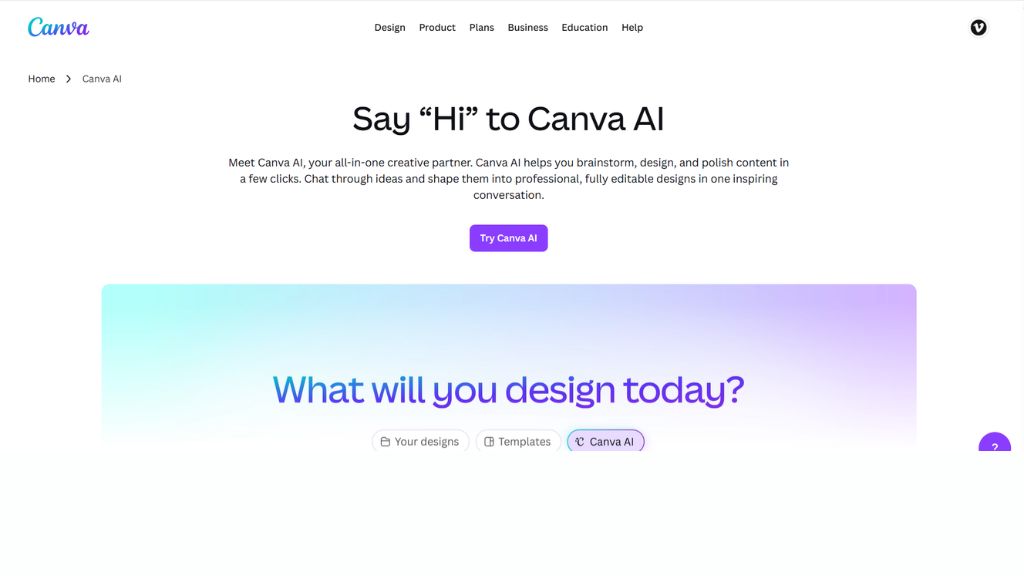
Canva AI is the most practical and widely used tool for YouTube thumbnails. It combines templates, drag-and-drop design, and AI image generation in one platform, making it ideal for beginners and professionals.
Creators can start with ready-made YouTube thumbnail templates and then use AI tools like Magic Media to generate backgrounds, enhance visuals, or create custom elements. It also includes text effects, background remover, and brand kits for consistent channel design.
The biggest advantage of Canva is workflow speed. Instead of building thumbnails from scratch, users can produce professional-quality designs in minutes.
Best For:
- YouTube beginners
- Content creators
- Marketing teams
- Fast thumbnail creation
Why Choose Canva AI
- Huge template library
- Easy drag-and-drop editor
- Built-in AI tools
- Beginner friendly workflow
Midjourney – Best for High Quality AI Images
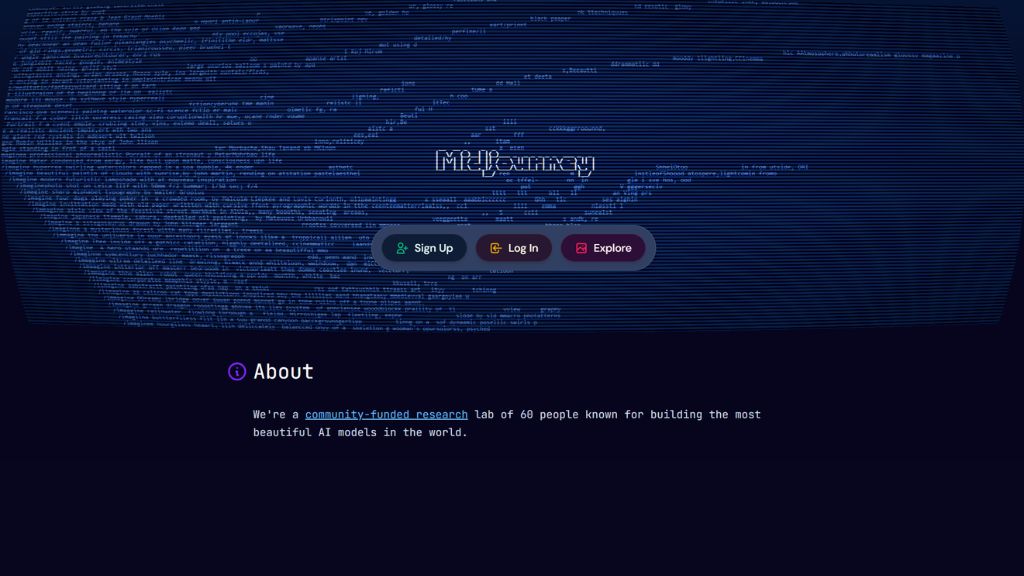
Midjourney is known for producing extremely high-quality, cinematic, and artistic images. It is widely used by creators who want premium-looking thumbnails that stand out on YouTube.
While it does not directly include a thumbnail editor, creators use Midjourney to generate backgrounds, characters, and scenes, then combine them in tools like Canva for final editing.
Its strength is visual quality. If your channel focuses on storytelling, cinematic content, or high-impact visuals, Midjourney is one of the best choices.
Best For:
- Cinematic thumbnails
- Concept-based visuals
- Story-driven channels
- High-end design creators
Why Choose Midjourney
- Best-in-class image quality
- Strong artistic control
- Unique visual styles
- Ideal for premium branding
Ideogram – Best for Text-Based Thumbnails
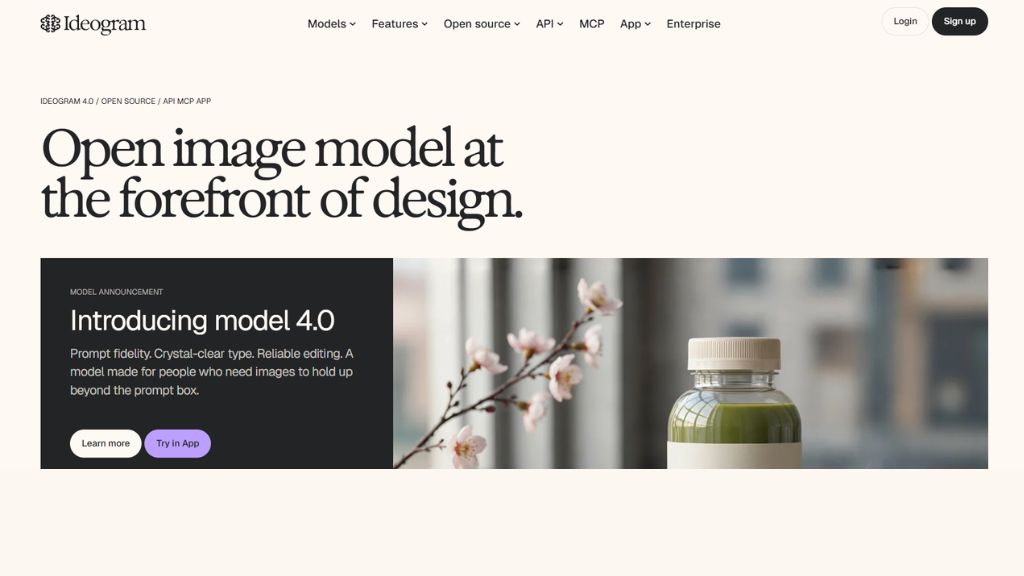
Ideogram has become one of the most important tools for YouTube thumbnails because it handles text inside images better than most AI tools.
One major challenge in AI design is unreadable or distorted text. Ideogram solves this by generating clean, readable, and well-positioned text directly in the image.
This makes it extremely useful for YouTube thumbnails where bold text like “SHOCKING TRUTH” or “DON’T MISS THIS” is essential for CTR.
Best For:
- Text-heavy thumbnails
- Marketing videos
- YouTube automation channels
- Clickbait-style designs
Why Choose Ideogram
- Excellent text rendering
- Clean layout control
- Strong CTR-focused output
- Simple prompt system
Adobe Firefly – Best for Professional and Brand-Safe Designs
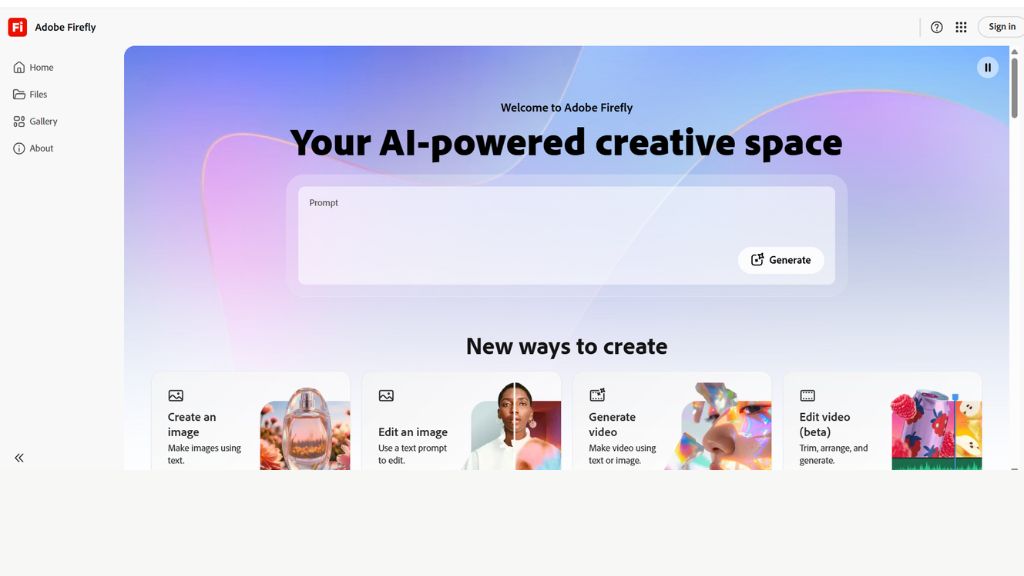
Adobe Firefly is designed for professionals who need safe, commercial-grade visuals. It integrates directly with Adobe tools like Photoshop and Illustrator, making it perfect for agencies and branding teams.
It produces clean, polished visuals suitable for corporate YouTube channels, product marketing, and official brand content.
Its focus is reliability and commercial safety, which makes it ideal for businesses that care about licensing and professional standards.
Best For:
- Agencies
- Corporate channels
- Brand marketing
- Professional designers
Why Choose Adobe Firefly
- Commercial-safe AI output
- Adobe ecosystem integration
- High-quality professional design
- Reliable branding tool
Leonardo AI – Best Free AI Thumbnail Tool
Leonardo AI is popular among creators who want strong AI image generation without high costs. It provides free credits and powerful model controls for generating creative visuals.
You can create backgrounds, characters, and stylized scenes for YouTube thumbnails, especially for gaming, storytelling, and niche content.
It is more flexible than simple tools but still beginner-friendly compared to advanced AI systems.
Best For:
- Budget creators
- Gaming thumbnails
- Creative experimentation
- Free AI design work
Why Choose Leonardo AI
- Free usage option
- Strong AI models
- Flexible style control
- Good for beginners
Fotor AI – Best for Beginners
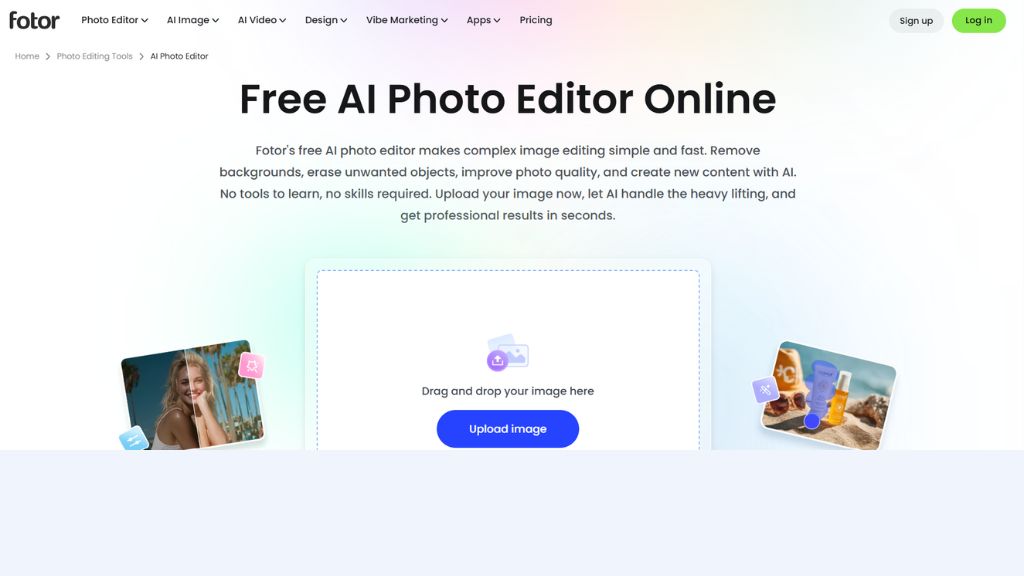
Fotor AI is a simple online editor that includes AI thumbnail generation tools. It is designed for users who want quick results without learning complex design systems.
It offers one-click enhancements, templates, and AI-generated design suggestions that make thumbnail creation fast and easy.
While it is not as powerful as Canva or Midjourney, it is very accessible for beginners.
Best For:
- New YouTubers
- Simple thumbnails
- Quick editing
- Casual creators
Why Choose Fotor AI
- Easy interface
- Fast design tools
- Beginner-friendly
- Basic AI features
Simplified AI – Best for Fast Content Workflows
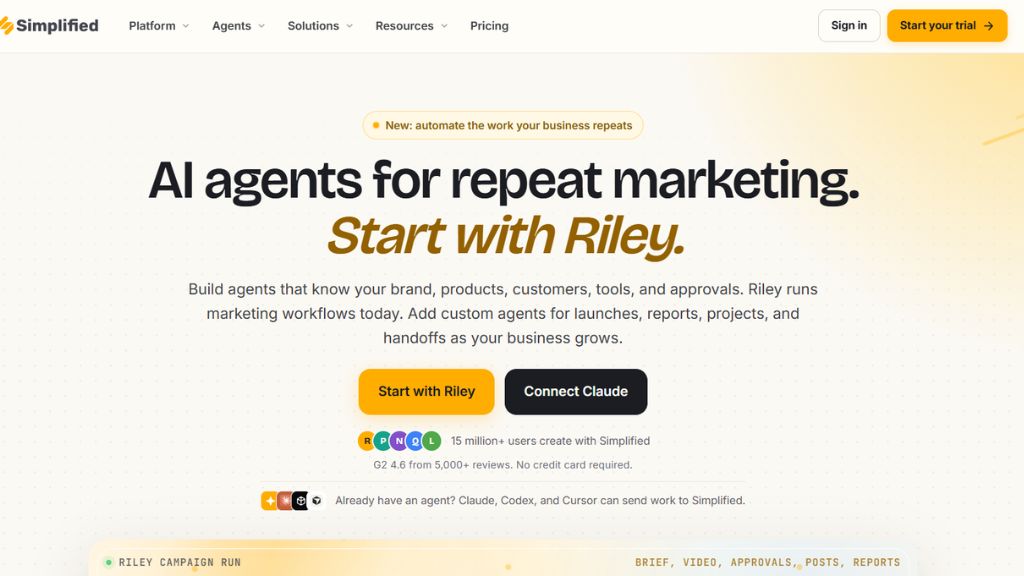
Simplified AI is an all-in-one content creation platform that includes AI thumbnail generation along with writing, social media scheduling, and design tools.
It is especially useful for content marketers and YouTube automation channels that need to produce content at scale.
Its strength is speed and workflow integration.
Best For:
- Content marketers
- Faceless channels
- Automation workflows
- Fast production teams
Why Choose Simplified AI
- Multi-purpose platform
- Fast design output
- AI content tools included
- Workflow efficiency
Comparison Table
Tool | Best For | Strength | Skill Level |
Canva AI | Overall thumbnails | Templates + AI | Beginner |
Midjourney | High-quality visuals | Image realism | Intermediate |
Ideogram | Text thumbnails | Text accuracy | Beginner |
Adobe Firefly | Business use | Commercial safety | Beginner |
Leonardo AI | Free AI design | Flexibility | Beginner |
Fotor AI | Simple editing | Ease of use | Beginner |
Simplified AI | Fast workflows | Automation | Beginner |
Which AI Thumbnail Maker Should You Choose?
For Beginners
- Canva AI
- Fotor AI
- Ideogram
For Professional Creators
- Midjourney
- Adobe Firefly
- Canva AI Pro
For YouTube Growth Channels
- Ideogram
- Canva AI
- Simplified AI
For Budget Users
- Leonardo AI
- Fotor AI
For Best Quality
- Midjourney
- Adobe Firefly
Final Verdict
AI YouTube thumbnail makers have completely changed how creators design content. Instead of spending hours in Photoshop, creators can now generate high-quality thumbnails in minutes.
If you want the easiest all-in-one solution, Canva AI is the best choice. If you want maximum visual impact, Midjourney stands out. If your focus is CTR-driven text thumbnails, Ideogram is extremely powerful.
The best strategy is combining tools — generate visuals with AI, then refine in a design platform for maximum click-through rate.
FAQ
What is the best AI YouTube thumbnail maker?
Which AI tool is best for high CTR thumbnails?
Can AI create YouTube thumbnails automatically?
Yes, tools like Canva AI and Simplified AI can generate thumbnails in seconds.