
Table of Contents
ToggleIcons look small, but they shape first impressions in a big way. Whether you are building a mobile app, SaaS dashboard, website, presentation, or brand kit, clean icons improve usability and visual trust.
The problem is that traditional icon design takes time. Hiring designers, searching icon packs, or editing vectors manually can slow down projects. That is why AI icon generators are growing fast.
Modern AI tools can turn prompts into icons, generate full icon sets, match styles, create app icons, and export assets quickly. Some are made for designers, while others are better for founders, marketers, and developers.
We reviewed the best AI icon generator tools based on output quality, ease of use, vector support, customization, and real-world usefulness.
TL;DR
- Best Overall: Recraft AI
- Best for App Icons: IconikAI
- Best for Beginners: Canva
- Best for Brand Icons: Looka
- Best for UI Designers: SVGMaker
- Best for Creative Styles: Midjourney
- Best Free Option: Freepik AI
What Is an AI Icon Generator?
An AI icon generator is a tool that creates icons using text prompts, style presets, or AI-assisted editing.
Instead of designing from scratch, you can type prompts like:
- minimal shopping cart icon
- modern fintech app icon
- outline camera icon set
- neon gaming app icon
The AI generates visuals you can refine, download, and use in apps, websites, branding, or content.
How We Chose These AI Icon Tools
We ranked tools using:
- Icon quality
- Vector or SVG support
- Style consistency
- Ease of editing
- App icon usefulness
- Beginner friendliness
- Speed and exports
- Value for creators and teams
Best AI Icon Generator Tools
Recraft AI – Best Overall AI Icon Generator
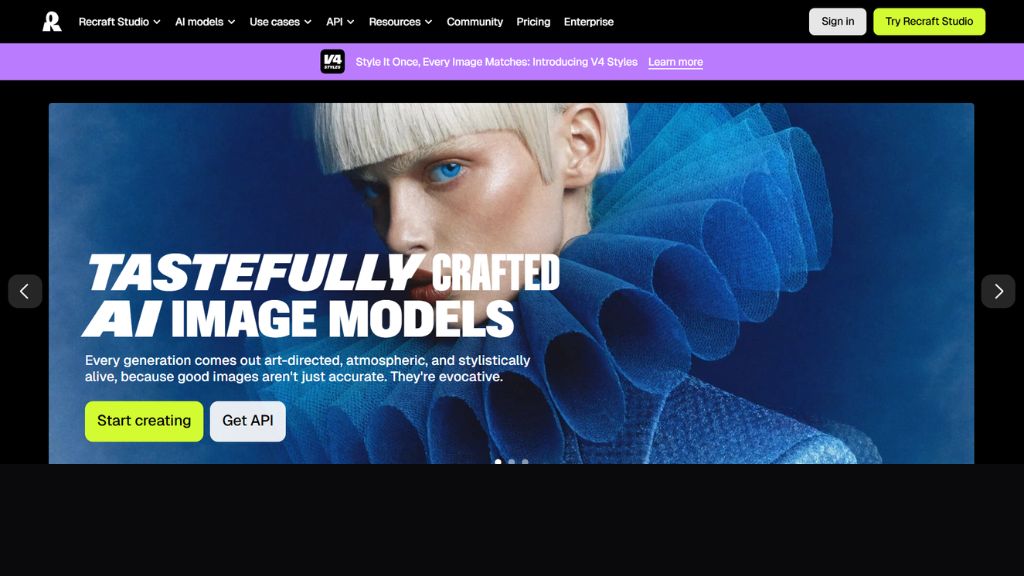
Recraft AI stands out because it supports high-quality icon generation with strong design control. It is especially valuable for designers who need polished icons rather than random image outputs.
Its biggest advantage is vector-friendly workflow and style consistency. That matters when building multiple icons for apps or UI systems where everything needs to look cohesive. Several independent reviews rank it among the strongest AI icon tools currently available.
Best For:
- UI designers
- SaaS teams
- Startup branding
- Consistent icon packs
Why Choose Recraft AI
- Strong icon quality
- Good design control
- Great for sets
- Useful for professional teams
IconikAI – Best for App Icons
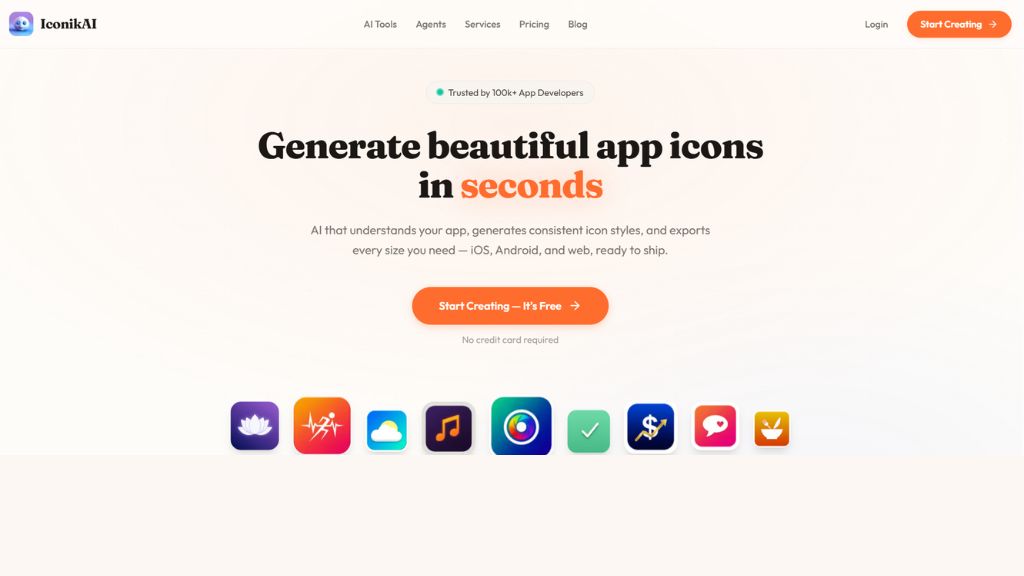
If you need app store icons, IconikAI is one of the most specialized tools available. It focuses on production-ready icons for iOS, Android, and web platforms.
This makes it attractive for indie developers and startup founders who need icons quickly without hiring a designer. Reports highlight fast generation and multi-platform exports.
Best For:
- Mobile app founders
- Indie developers
- Product launches
- App store assets
Why Choose IconikAI
- App-specific outputs
- Fast generation
- Export ready
- Beginner friendly
Canva – Best for Beginners
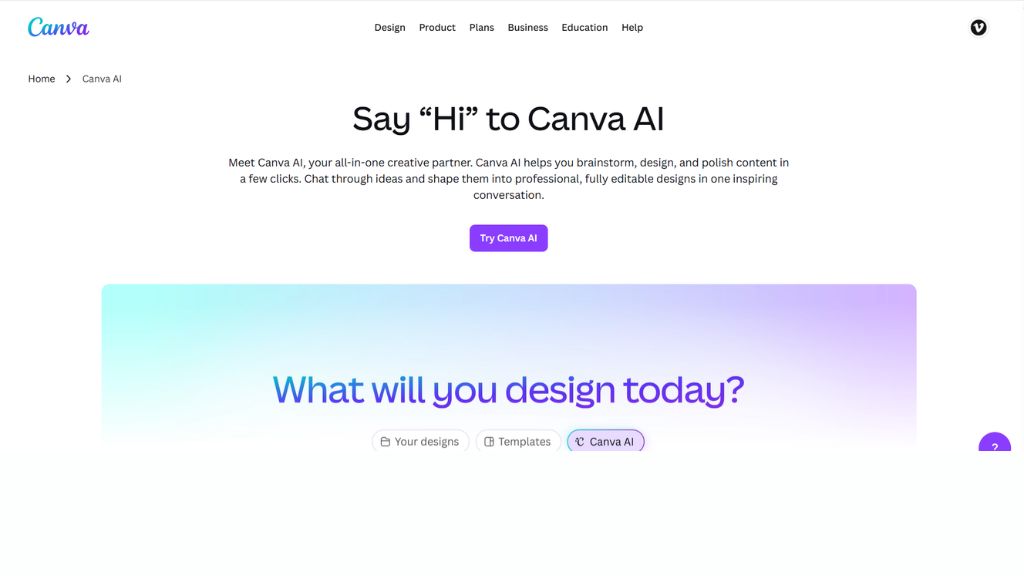
Canva is excellent for non-designers who want icons inside a broader design workflow. You can generate icons, edit them, add them to presentations, social posts, websites, and brand kits in one place.
It may not be the most advanced pure icon tool, but it wins on simplicity and speed for everyday business users.
Best For:
- Students
- Small businesses
- Marketers
- Social media teams
Why Choose Canva
- Very easy to use
- All-in-one platform
- Fast editing
- Great templates
Looka – Best for Brand Icons and Logos
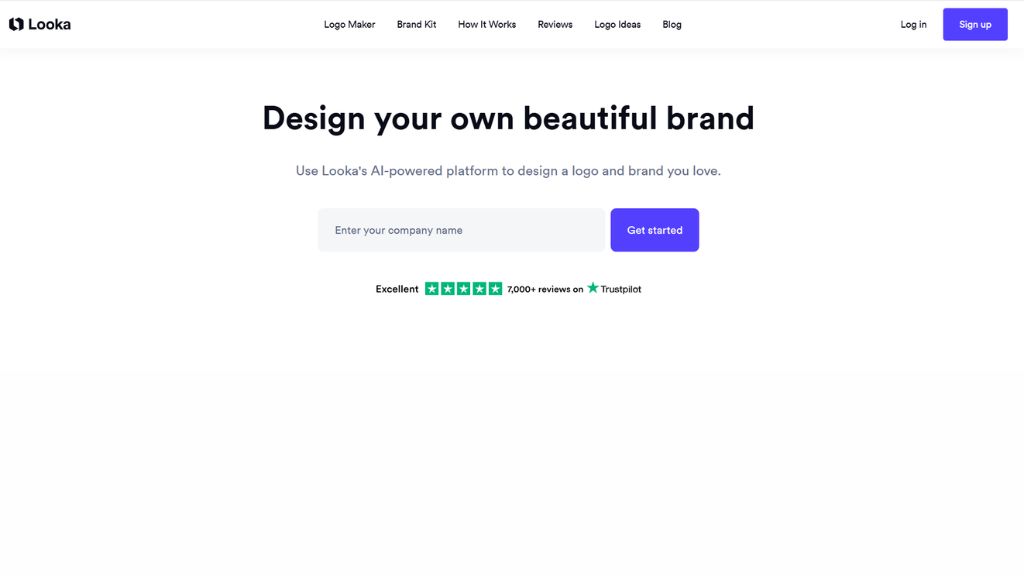
Looka is more branding-focused than UI-focused. It works well for founders who need logos, symbols, and icon-like identity assets for new businesses.
If you are launching a startup and need a logo plus social media kit, this can save time compared with using multiple tools.
Best For:
- Startups
- Personal brands
- New businesses
- Logo creation
Why Choose Looka
- Strong brand identity tools
- Logo + icon workflow
- Clean outputs
- Fast setup
SVGMaker – Best for SVG Icons
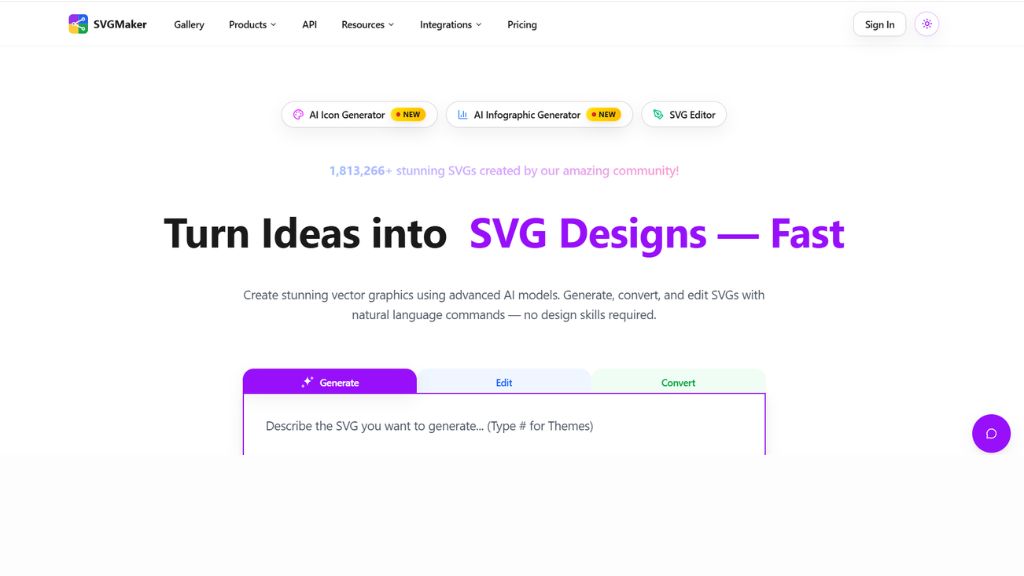
SVGMaker is attractive for developers and product designers who specifically want SVG outputs. SVG icons scale cleanly and are ideal for websites, dashboards, and apps.
Its prompt system supports styles like minimal, filled, outlined, rounded, and more, which is helpful when building matching sets.
Best For:
- Developers
- Web apps
- Product designers
- SVG asset libraries
Why Choose SVGMaker
- True SVG focus
- Scalable assets
- Good style control
- Ideal for interfaces
Midjourney – Best for Creative Icon Concepts
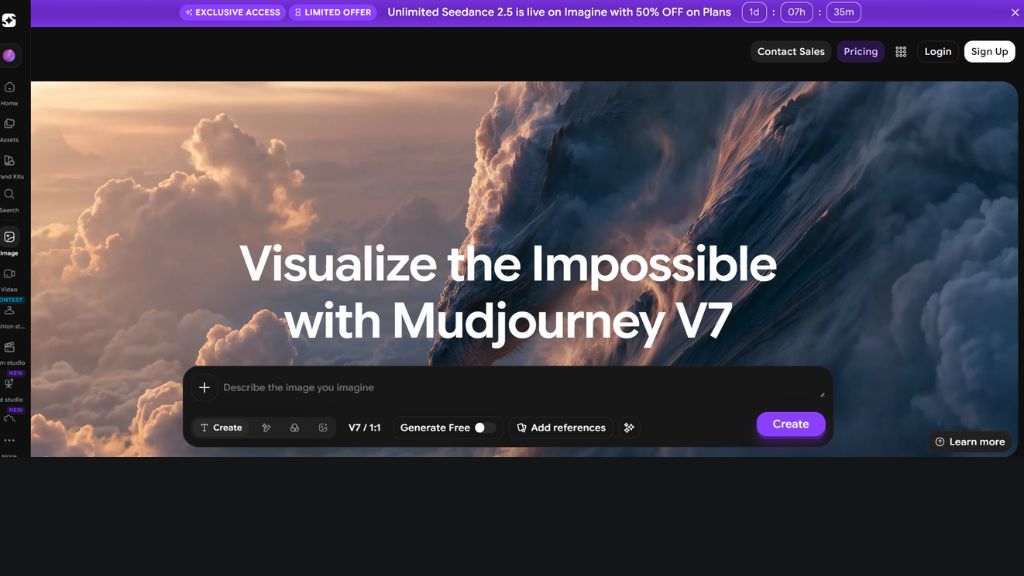
Midjourney is not a dedicated icon tool, but it is excellent for imaginative icon concepts, mascot symbols, fantasy apps, gaming brands, and creative exploration.
You may need extra cleanup afterward, but for unique ideas and aesthetics, it is one of the strongest creative options.
Best For:
- Gaming brands
- Experimental icons
- Concept design
- Creative agencies
Why Choose Midjourney
- Beautiful outputs
- Highly creative styles
- Great inspiration tool
- Strong aesthetics
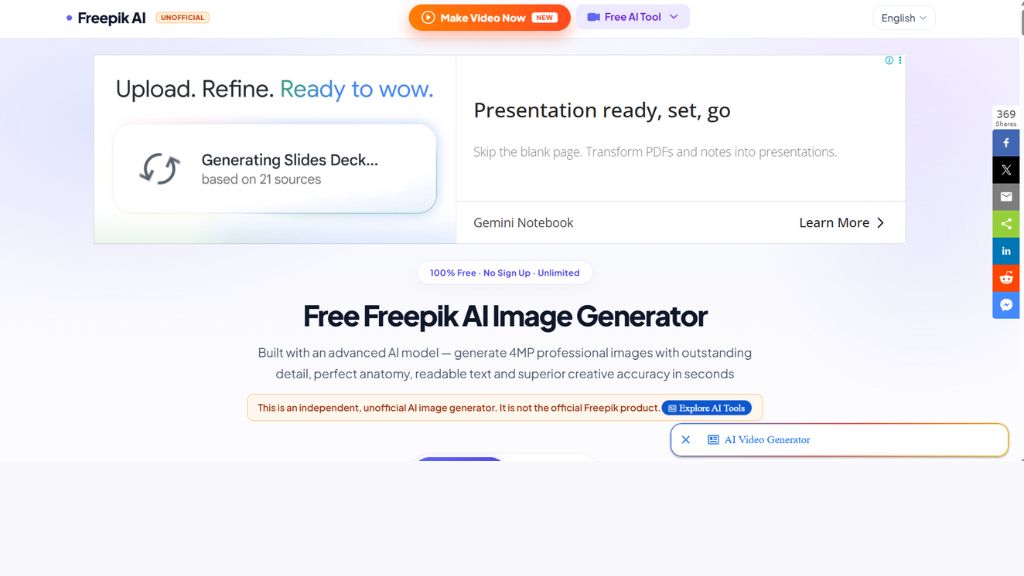
Freepik AI – Best Free AI Icon Generator
Freepik AI is useful for creators who need low-cost or free icon generation with access to a large design ecosystem.
It is practical for content creators, freelancers, and quick asset creation when budget matters more than deep customization.
Best For:
- Freelancers
- Budget users
- Content creators
- Quick graphics
Why Choose Freepik AI
- Good free access
- Fast results
- Useful asset ecosystem
- Easy downloads
Comparison Table
Tool | Best For | Skill Level | Main Strength |
Recraft AI | Overall quality | Intermediate | Pro icon creation |
IconikAI | App icons | Beginner | Store-ready icons |
Canva | Beginners | Beginner | Ease of use |
Looka | Branding | Beginner | Logos + identity |
SVGMaker | SVG icons | Intermediate | Web/UI assets |
Midjourney | Creative styles | Intermediate | Aesthetic concepts |
Freepik AI | Budget users | Beginner | Free quick icons |
Which AI Icon Generator Should You Choose?
For App Developers
- IconikAI
- Recraft AI
For Website UI
- SVGMaker
- Recraft AI
For Startups
- Looka
- Canva
For Creative Brands
- Midjourney
For Free Users
- Canva
- Freepik AI
Final Verdict
If most users ask for one recommendation, Recraft AI is the best overall AI icon generator because it balances quality, style consistency, and practical design output.
If you need app store icons fast, choose IconikAI. If you want simplicity, Canva is the easiest option. If you need branding, Looka is smart.
The best tool depends on whether you need UI icons, app icons, logos, or creative concepts.
FAQ
What is the best AI icon generator?
Recraft AI is one of the best overall tools for professional icon creation.