

Table of Contents
ToggleCSS is still one of the most time-consuming parts of building a website — getting spacing, responsiveness, and cross-browser behavior right by hand eats hours that most teams don’t have. AI CSS design generators fix that by turning a text prompt, a sketch, or an existing screenshot into working, styled code in seconds. In this guide, we tested and compared the 10 best AI CSS design generator tools available right now, so you can pick the one that actually fits how you build.
TL;DR
If you want raw, production-quality CSS with a conversational assistant, Claude AI and Workik are the fastest picks. If you’re going from prompt or screenshot straight to a working UI, v0 by Vercel and Google Stitch (formerly Galileo AI) lead the pack. Designers who live in a visual builder should look at Pinegrow, Relume, or Uizard. For handing a finished Figma file to a developer, TeleportHQ and Superflex convert designs into clean, framework-ready code. Taskade rounds things out as a lightweight, free-friendly option for quick snippets.
The 10 Best AI CSS Design Generator Tools
Claude AI
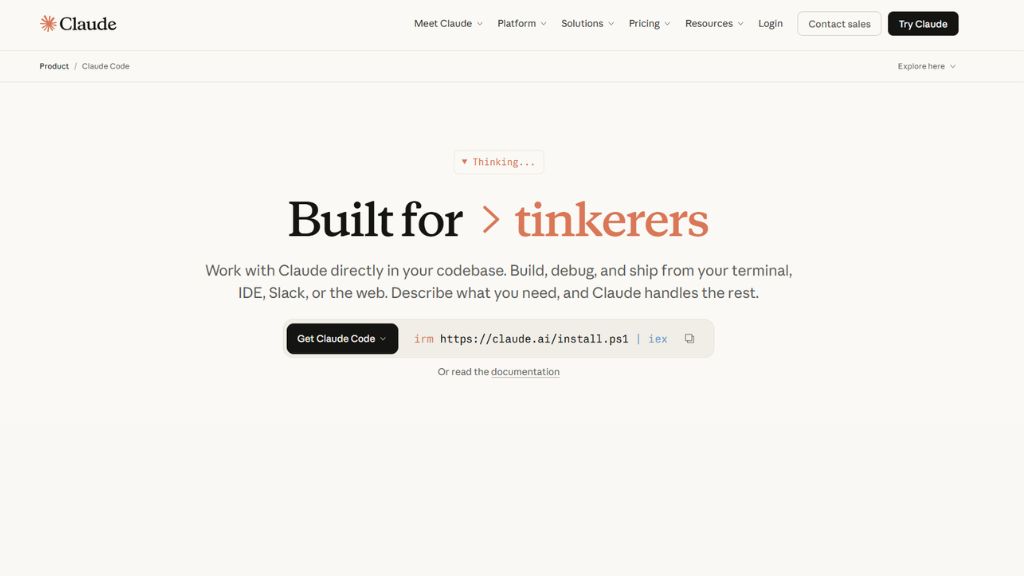
Claude, built by Anthropic, has become one of the go-to AI assistants for front-end developers who want CSS that’s actually clean and production-ready rather than a pile of inline styles. Instead of a fixed generator interface, you describe what you want in plain language — a pricing card, a sticky navbar, a responsive grid — and Claude writes the CSS (plus the matching HTML) while explaining its choices along the way. It holds context well across a longer conversation, so you can iterate on a component (“make this collapse on mobile,” “swap the color scheme”) without repeating your whole spec each time.
Where Claude really stands out is debugging and refactoring: paste in messy or broken CSS and it will identify the problem, rewrite the rule cleanly, and explain why the original wasn’t working. It supports modern CSS features like grid, container queries, custom properties, and animations when you ask for them, and it can output code that targets Tailwind, plain CSS, or SCSS depending on your stack. It’s less of a “one-click design” tool and more of a coding partner, so it suits developers more than non-technical users.
Best For:
Developers who want hand-written-quality CSS, debugging help, and a conversational workflow rather than a template picker.
Why Choose
Strong context retention across multi-step styling tasks, reliable modern CSS syntax, and genuinely useful explanations — not just code dumps.
v0 by Vercel
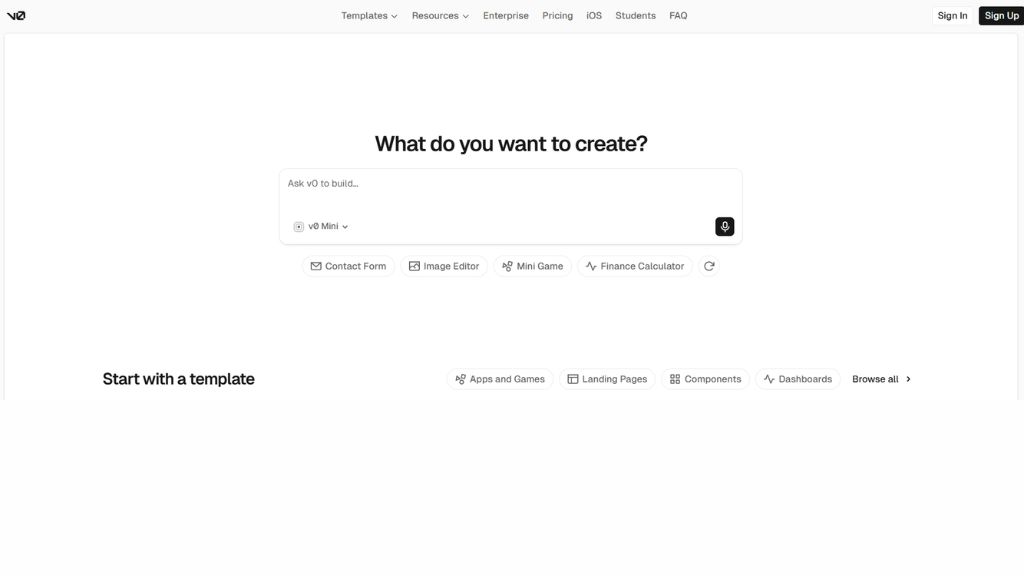
v0 is Vercel’s AI-powered build environment, and it’s built specifically around turning natural language, screenshots, or Figma files into production-ready front-end code. You describe a page or component, and v0 generates a full working version — HTML/CSS or a React component — that you can preview live, tweak with more prompts, and push straight to a Vercel deployment or sync with GitHub. It leans heavily toward React and Tailwind, so it fits teams already building in that ecosystem more than teams shipping static HTML sites.
Beyond visual styling, v0 can wire up full-stack pieces like authentication and database connections, which makes it more of an app builder than a pure CSS generator — but the styling output is consistently polished and responsive out of the box. Because it acts like a 24/7 pair programmer, it’s especially useful for quickly prototyping a landing page or dashboard layout and then handing the code to a developer to refine.
Best For:
Teams building in React/Tailwind who want to go from prompt or screenshot to a deployable, styled page fast.
Why Choose
Live preview, instant deployment, and code quality that’s genuinely close to what a developer would hand-write.
Pinegrow Web Editor
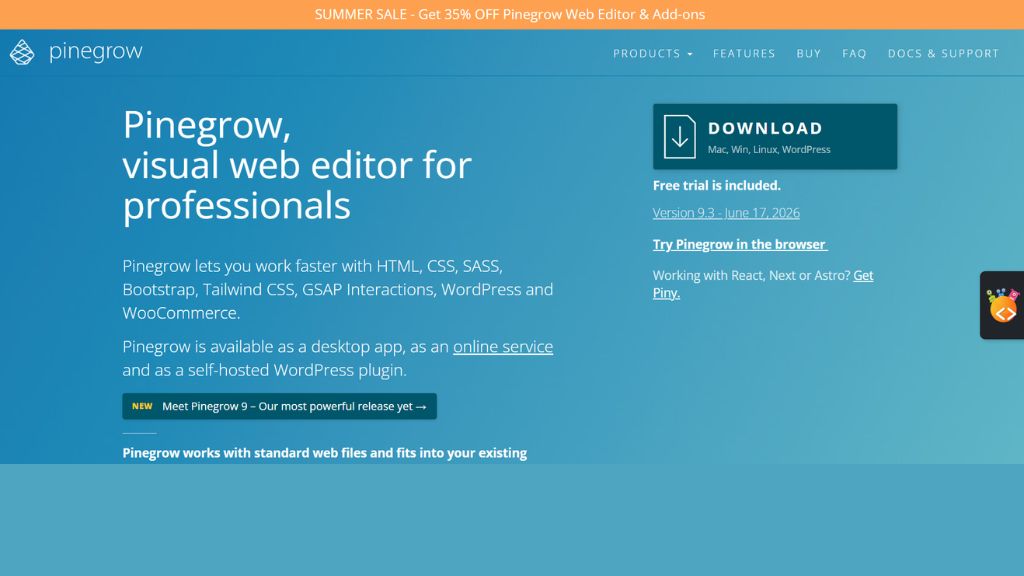
Pinegrow is a visual and code-based web builder that’s been around for years, and it’s added a genuinely useful AI Assistant on top of its existing live-styling workflow. You can style elements visually with CSS, SASS, or LESS controls, and the AI layer helps with styling suggestions, layout adjustments, and managing Tailwind utility classes — without hiding the underlying code from you. That’s the key difference from most AI generators: Pinegrow keeps you inside real, editable markup and CSS the entire time, so nothing is a black box.
It integrates cleanly with frameworks like Bootstrap and Tailwind, meaning it fits into existing projects rather than forcing you into a new one. Designers who want AI assistance but don’t want to give up hands-on visual control tend to prefer Pinegrow over pure prompt-to-code tools, since every AI suggestion is applied directly to code you can still inspect and adjust by hand.
Best For:
Designers and developers who want AI help inside a visual editor without losing direct access to the underlying code.
Why Choose
Combines live visual styling with AI suggestions and native Bootstrap/Tailwind support — no lock-in to a proprietary format.
Workik AI CSS Generator
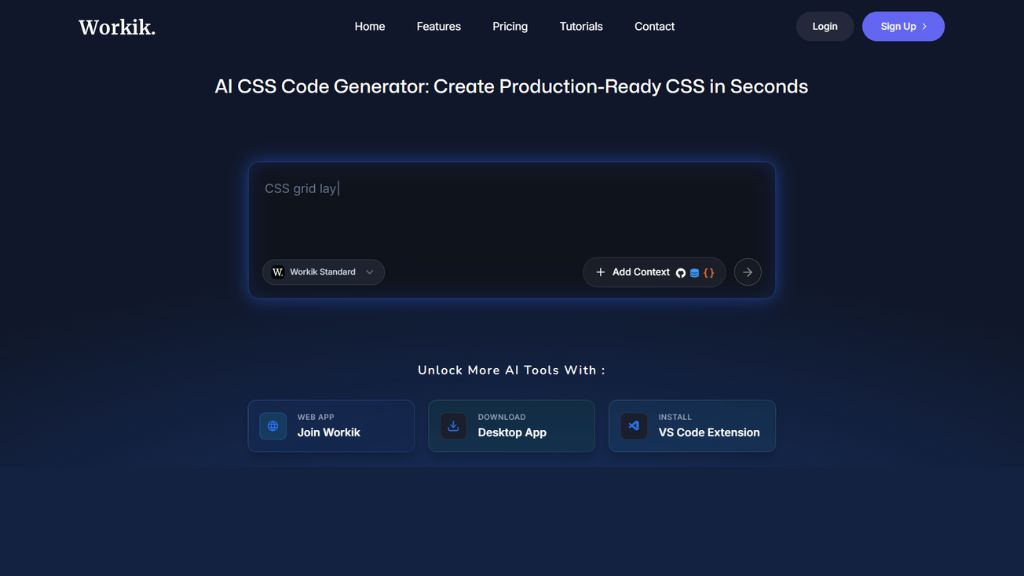
Workik is a free, browser-based CSS generator that lets you pick the underlying AI model — it supports outputs powered by OpenAI, Gemini, Claude, and others — and generates clean, responsive CSS from a plain description. It covers the major frameworks and preprocessors developers already use: Bootstrap, Tailwind, Materialize, Sass, LESS, and PostCSS, which makes it easy to drop the output straight into an existing codebase without translation work.
The tool is aimed squarely at speed: describe a button, card, nav bar, or full layout, and Workik returns ready-to-use code you can copy immediately. It’s not trying to be a full design environment, and it doesn’t do visual editing — it’s closer to a fast CSS snippet factory that’s genuinely useful when you know what you want and just need it written quickly.
Best For:
Developers who want quick, framework-flexible CSS snippets without signing up for a heavier design tool.
Why Choose
Free to use, model-flexible, and supports nearly every popular CSS framework and preprocessor out of the box.
Uizard
Uizard is built for rapid UI prototyping rather than raw CSS output, and it’s one of the most popular tools for turning a rough idea into a clickable interface fast. Its Autodesigner feature converts hand-drawn sketches, screenshots, or even a short text prompt into an editable multi-screen mockup, complete with styling that’s ready to hand off to a developer. Because it’s a full drag-and-drop editor, it works well for people who aren’t comfortable writing code at all.
Where Uizard shines is speed of ideation — teams have reported cutting their prototyping time dramatically by sketching an app on paper, snapping a photo, and getting a styled digital mockup back in minutes. It’s less about hand-tuned, production-grade CSS and more about getting a visual direction locked down quickly, which makes it a strong first step before a tool like Workik or Claude takes over for the final code.

Best For:
Founders, product managers, and non-designers who need a fast, visual prototype before development starts.
Why Choose
Sketch-to-UI and screenshot-to-UI conversion make it the fastest route from idea to visual mockup.
Google Stitch (formerly Galileo AI)
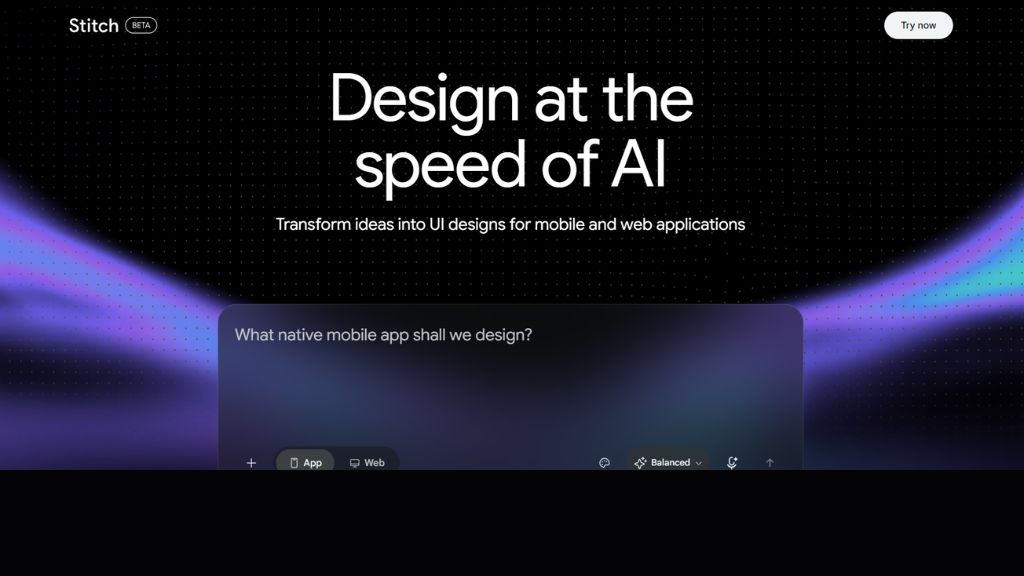
Galileo AI built a strong reputation as a text-to-UI generator that produced unusually high-fidelity mockups from a single prompt, and it was later acquired by Google and relaunched as Google Stitch, an AI app builder powered by Gemini. Stitch keeps the original text-to-UI and sketch-to-design strengths but extends them with production-ready HTML/Tailwind code export and tighter Figma integration, so the gap between “AI mockup” and “usable code” is smaller than it used to be.
You can describe a screen in as much detail as a product requirements doc or as simply as a one-line description, and Stitch generates a high-fidelity design you can keep refining with follow-up prompts. It’s particularly strong for early-stage product design, when you need to explore several visual directions quickly before committing engineering time to any one of them.
Best For:
Product teams exploring UI directions quickly and wanting a straight line from design to Tailwind code.
Why Choose
Backed by Google/Gemini, with clean code handoff and strong prompt-to-design fidelity.
Relume
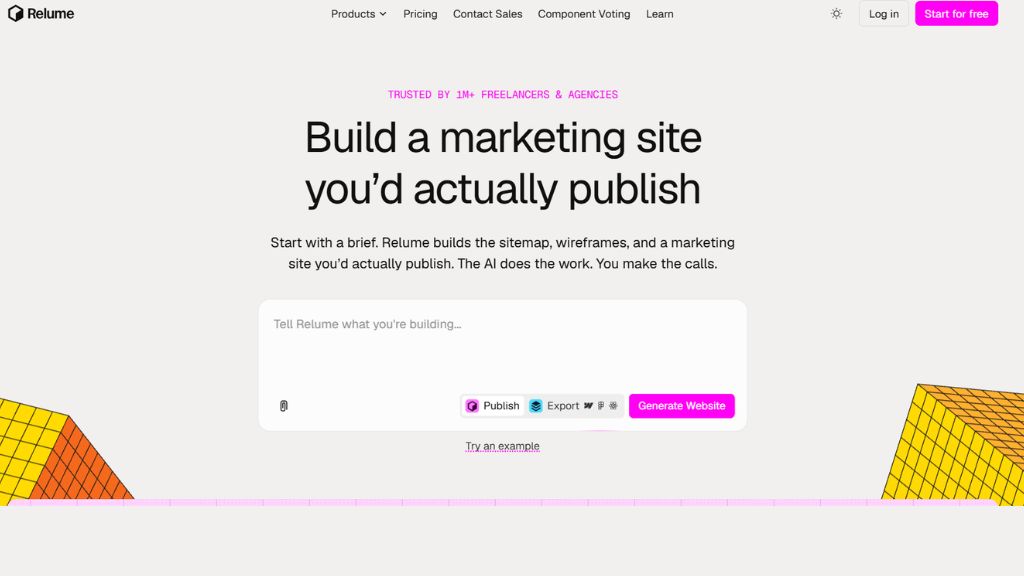
Relume takes a slightly different angle than most tools on this list: instead of generating a single component or page, it’s built to rapidly produce full sitemaps and wireframes from a massive pre-built component library. You describe the type of website you’re building, and Relume assembles a structured wireframe across multiple pages, styled and ready to import into Webflow or export as clean code.
Because it draws from a library of real, battle-tested components rather than generating layouts from scratch every time, the CSS output tends to be more consistent and reliable across a whole site, not just one screen. That makes Relume especially useful for agencies and freelancers who need to spin up a full site structure — home, about, services, contact — with coherent styling in a single sitting, rather than building each page in isolation.
Best For:
Agencies and freelancers who need a full, multi-page site structure styled consistently and fast.
Why Choose
Component-library approach means faster builds and more consistent CSS across an entire site, not just one page.
TeleportHQ
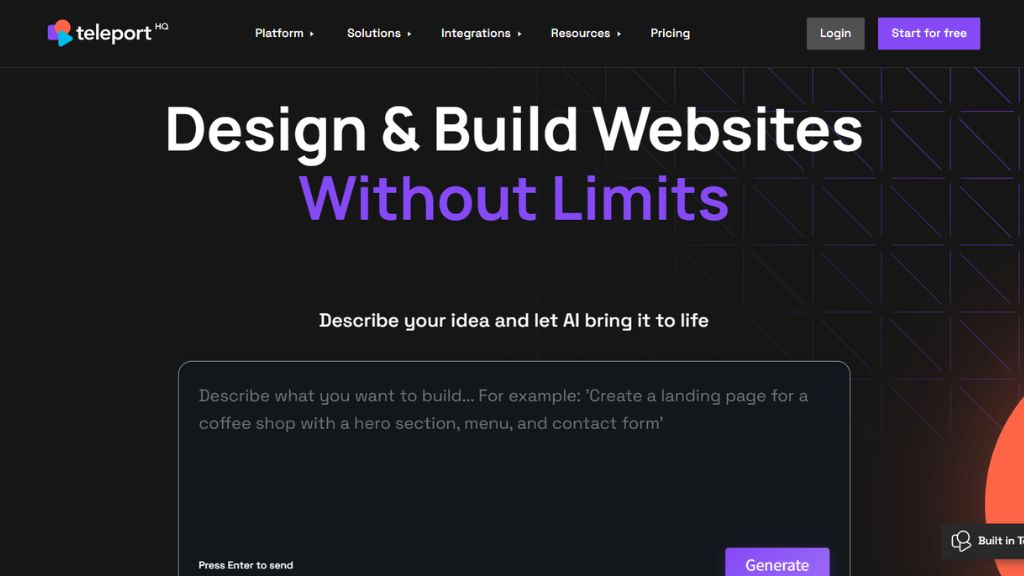
TeleportHQ focuses on the handoff problem: turning a finished design — whether from Figma, Sketch, or its own visual builder — into clean, production-ready code that a developer can actually use without hours of cleanup. It supports collaborative, real-time editing, so a design and development team can work on the same project simultaneously instead of passing files back and forth.
The generated CSS is framework-aware, meaning you can export markup that plays nicely with React, Vue, or plain HTML/CSS depending on your stack. For teams where designers and developers work in separate tools and constantly lose fidelity in the handoff, TeleportHQ’s real value is consistency — what you see in the design tool is close to what actually ships, which cuts down on the usual back-and-forth over “that’s not how it looked in Figma.”
Best For:
Teams that need a reliable design-to-code handoff between designers and developers working in separate tools.
Why Choose
Superflex
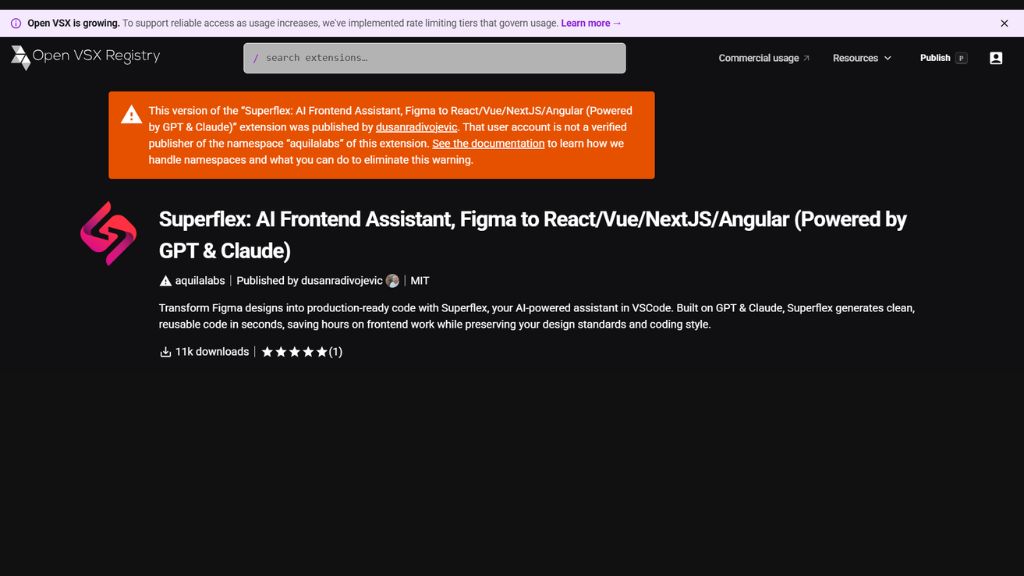
Superflex is an AI frontend assistant that plugs directly into your existing coding environment — it works inside Visual Studio Code — and converts Figma designs, images, or text prompts into code that matches your project’s existing style, rather than generating something generic. It’s built to recognize and reuse your pre-existing UI components, so the CSS it produces looks like it was written by someone already familiar with your codebase.
That “match your coding standards” approach is what separates it from most prompt-to-code tools: instead of generating isolated, one-off components, Superflex tries to keep new code consistent with what’s already there, which matters a lot on larger projects with an established design system. It offers a free tier for individual use and scales up for teams, making it a practical pick for developers who want AI help without leaving their editor.
Best For:
Developers working inside VS Code who want generated CSS to match an existing design system, not replace it.
Why Choose
Adapts to your project’s existing coding standards instead of generating isolated, inconsistent components.
Taskade AI CSS Generator
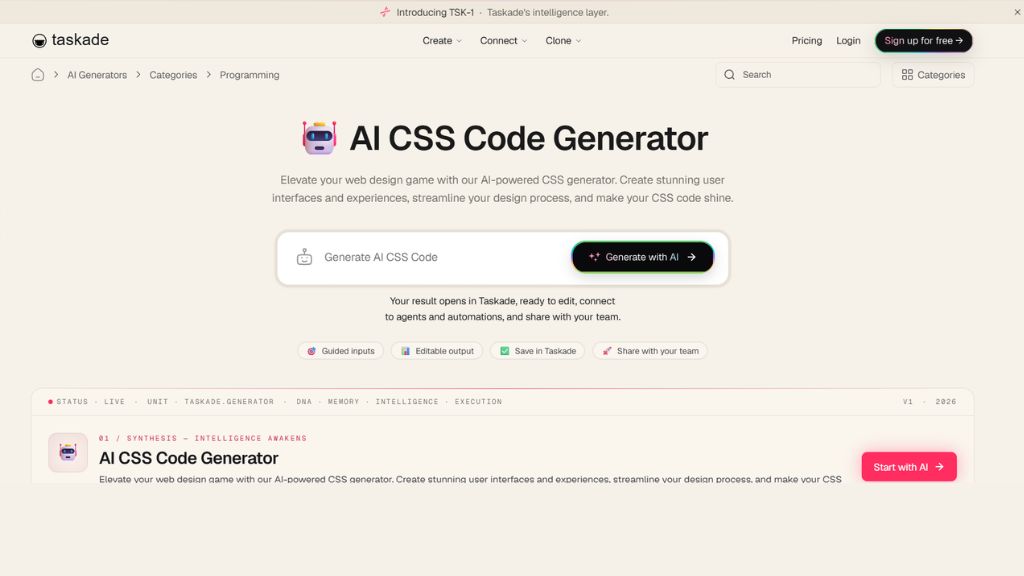
Taskade’s CSS generator is a lightweight, browser-based tool built into its broader productivity and AI-agent platform. You describe what you need with guided inputs, and it produces editable CSS that opens directly inside Taskade’s workspace, where you can refine it, connect it to automations, or share it with a team for feedback — all without leaving the platform.
It’s not aiming to compete with heavier design environments; instead it’s a fast, no-friction option for teams that are already using Taskade for project management and want to generate and share styling snippets without switching tools. The editable output and built-in collaboration features make it a reasonable pick for small teams that value convenience over deep customization.
Best For:
Small teams already using Taskade who want quick, shareable CSS generation without adopting a separate tool.
Why Choose
Guided inputs, editable output, and built-in team sharing inside a platform you may already use daily.
Comparison Table
| Tool | Type | Best For | Code Output | Free Plan |
|---|---|---|---|---|
| Claude AI | Conversational assistant | Hand-written-quality CSS & debugging | CSS / HTML / Tailwind / SCSS | Yes |
| v0 by Vercel | Prompt-to-app builder | React/Tailwind teams, fast deploys | React + Tailwind | Yes |
| Pinegrow | Visual + code editor | AI-assisted visual styling with code access | CSS / SASS / LESS | Trial only |
| Workik | Snippet generator | Fast, framework-flexible CSS snippets | CSS / Bootstrap / Tailwind / Sass | Yes |
| Uizard | Sketch/prompt-to-mockup | Non-designers needing fast prototypes | Exportable mockup + basic code | Yes |
| Google Stitch (Galileo AI) | Text-to-UI generator | Exploring UI directions fast | HTML / Tailwind | Limited (10 gens) |
| Relume | Sitemap/wireframe builder | Full multi-page site builds | Webflow / clean code export | Trial only |
| TeleportHQ | Design-to-code platform | Design/dev handoff consistency | React / Vue / HTML-CSS | Yes |
| Superflex | IDE-integrated assistant | Matching existing design systems | Code matching your stack | Yes |
| Taskade | Workspace snippet generator | Teams already using Taskade | CSS | Yes |
Which Tool Should You Choose?
The right pick depends less on which tool is “best” overall and more on where you sit in the workflow. If you’re a developer who wants CSS that reads like it was hand-written — with real explanations and easy debugging — Claude AI or Workik will save you the most time. If you’re starting from nothing and need a working page fast, especially inside a React/Tailwind stack, v0 is hard to beat for speed and deploy-readiness.
If you’re not a developer at all and just need to visualize an idea before anyone writes code, start with Uizard or Google Stitch, then hand the result to a developer or feed it into Claude or v0 for the final build. Agencies handling full multi-page sites should look at Relume, and teams split between design and engineering tools will get the most value from TeleportHQ or Superflex, since both are built specifically to keep design and shipped code aligned. For designers who want AI help but refuse to give up hands-on control, Pinegrow is the most balanced choice, and Taskade is worth trying if you already live inside that ecosystem.
Most real workflows actually combine two of these — a prototyping tool like Uizard for direction, followed by a code-focused tool like Claude or v0 for the final, production-ready CSS.
FAQ
What is an AI CSS design generator?
It’s a tool that uses AI to turn a text description, sketch, screenshot, or design file into working CSS code, removing much of the manual work of writing styles, spacing, and responsive breakpoints by hand.
Can AI CSS generators replace a front-end developer?
Not entirely. They speed up the first draft of styling significantly, but a developer is still usually needed to fine-tune accessibility, performance, edge cases, and integration with a larger codebase.
Which AI tool generates the cleanest CSS code?
Claude AI and Workik are generally regarded as producing the cleanest, most maintainable raw CSS, since they focus on code quality rather than visual mockups.
Are AI CSS design generators free to use?
Do these tools support Tailwind CSS and Bootstrap?
Yes — most tools on this list, including v0, Workik, Google Stitch, and Pinegrow, generate code compatible with Tailwind CSS, Bootstrap, and other major frameworks.
What happened to Galileo AI?
Galileo AI was acquired by Google and relaunched as Google Stitch, a Gemini-powered AI app builder that expands on Galileo’s original text-to-UI and code export features.
Which tool is best for beginners with no coding experience?
Uizard is the easiest starting point for non-coders, since it’s a full drag-and-drop visual editor built around sketch-to-design and prompt-to-design conversion.
Can I use more than one AI CSS tool together?
Yes, and many teams do — for example, prototyping the visual direction in Uizard or Google Stitch, then generating the final production CSS in Claude or v0.