
Table of Contents
ToggleAutomation is no longer limited to large enterprises with technical teams. Today, freelancers, startups, agencies, and global companies use AI automation tools to eliminate repetitive work, reduce manual errors, and move faster.
From sending leads into CRMs to generating content, replying to support tickets, summarizing meetings, updating spreadsheets, and connecting apps, modern AI tools can automate workflows that once required multiple employees.
The challenge is choosing the right platform. Some tools are built for no-code users, some for developers, and others for AI-powered content or sales automation.
We reviewed the best AI tools for automation based on usability, integrations, flexibility, pricing, and real business value.
TL;DR
- Best Overall: Zapier
- Best for Visual Workflows: Make
- Best for Developers: n8n
- Best Open Source Option: Activepieces
- Best AI Assistant Automation: ChatGPT
- Best for Sales Outreach: Apollo AI
- Best for Team Productivity: Notion AI
- Best for Enterprise Automation: UiPath
How We Chose These Automation Tools
We compared tools based on what users actually need:
- Ease of setup
- App integrations
- AI capabilities
- Workflow flexibility
- Reliability
- Pricing value
- Usefulness for beginners and advanced users
- Business scalability
These tools cover creators, marketers, developers, startups, and enterprise teams.
Best AI Tools for Automation
Zapier – Best Overall AI Automation Tool
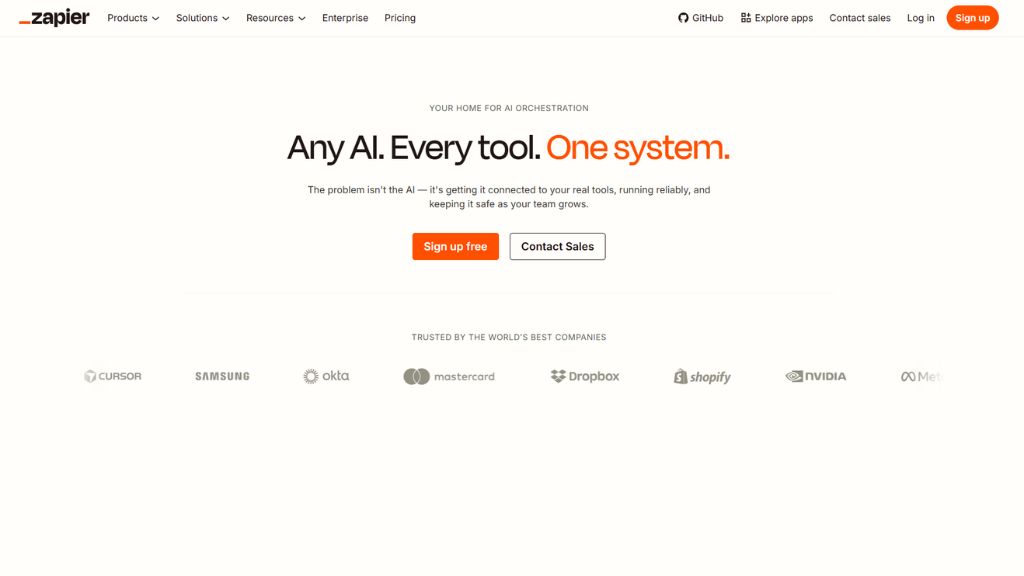
Zapier is one of the most popular automation platforms because it connects thousands of apps without coding. Users can automate tasks between Gmail, Slack, Sheets, HubSpot, Trello, Shopify, and many more.
Its newer AI features allow users to build workflows using plain language prompts. That means even beginners can automate repetitive work quickly.
For businesses wanting reliable automation with huge app coverage, Zapier remains a top choice.
Best For:
- Small businesses
- Marketing teams
- CRM automation
- Beginners
Why Choose Zapier
- Massive app ecosystem
- Easy no-code setup
- Reliable workflows
- Strong AI improvements
Make – Best for Visual Workflow Automation
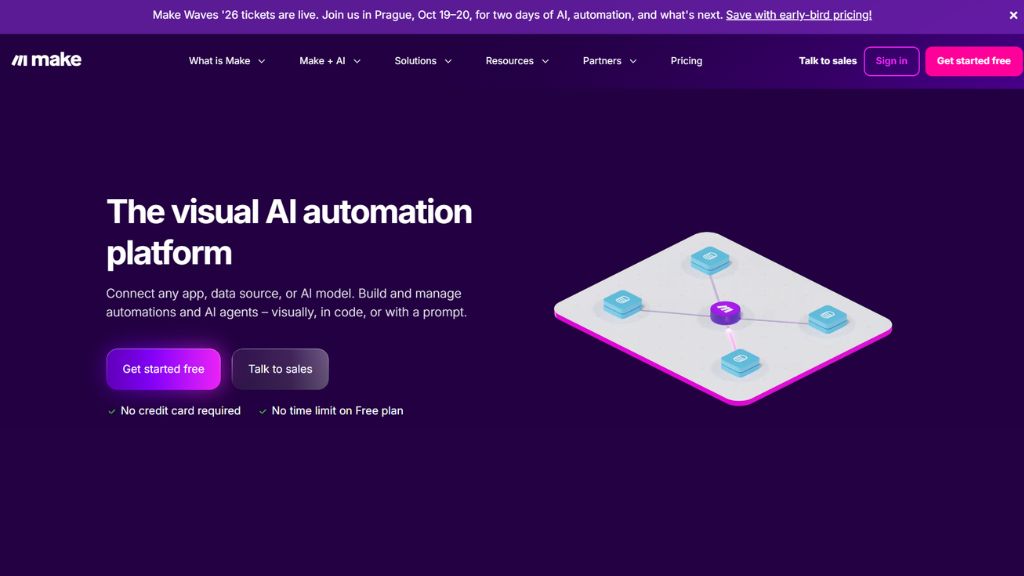
Make is ideal for users who want visual control over complex automations. Instead of simple triggers, it uses drag-and-drop scenarios where users can branch logic, transform data, and connect multiple tools.
It is popular among marketers, agencies, and operations teams that need advanced flows without writing code.
Compared with simpler tools, Make offers more customization and flexibility.
Best For:
- Agencies
- Growth teams
- Multi-step workflows
- Visual builders
Why Choose Make
- Advanced workflow logic
- Visual editor
- Strong integrations
- Great pricing value
n8n – Best for Developers
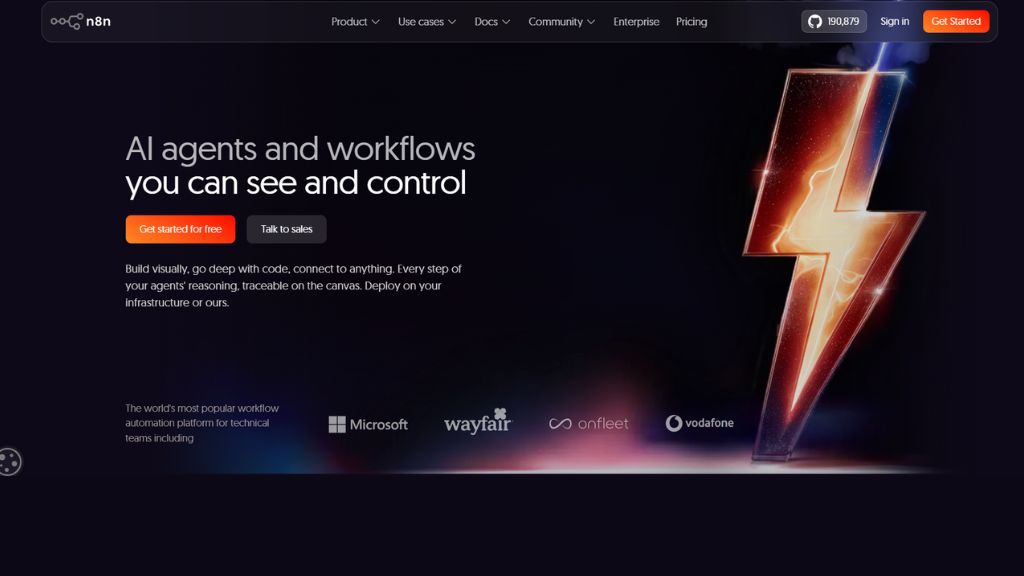
n8n is one of the best automation tools for technical users who need custom workflows, API control, and self-hosting options.
Developers use it to automate backend processes, connect internal systems, build AI agents, and create advanced data workflows.
Because it is highly flexible, it is favored by startups and technical teams.
Best For:
- Developers
- Startups
- API automation
- Internal tools
Why Choose n8n
- Open architecture
- Self-hosting available
- Powerful customization
- Excellent for advanced users
Activepieces – Best Open Source Alternative
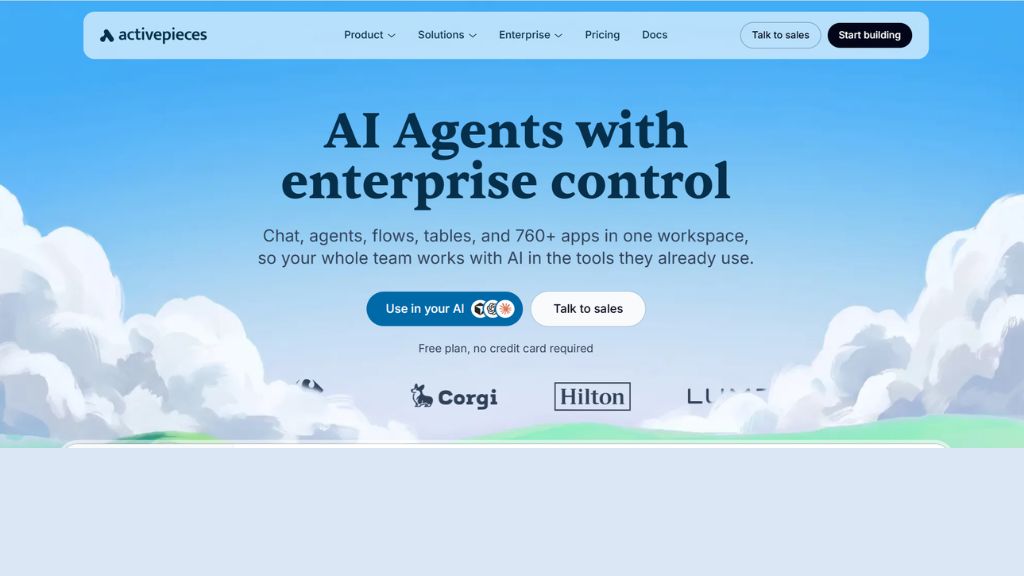
Activepieces is a fast-growing open-source automation platform built for teams wanting no-code simplicity with ownership and privacy.
It supports many integrations, visual flows, and extensibility through custom actions.
For users who want a Zapier alternative with more control, Activepieces is worth considering.
Best For:
- Privacy-focused teams
- Open-source users
- SMEs
- Flexible automation
Why Choose Activepieces
- Open source
- Modern UI
- Good integrations
- Self-hosting support
ChatGPT – Best AI Assistant for Workflow Automation
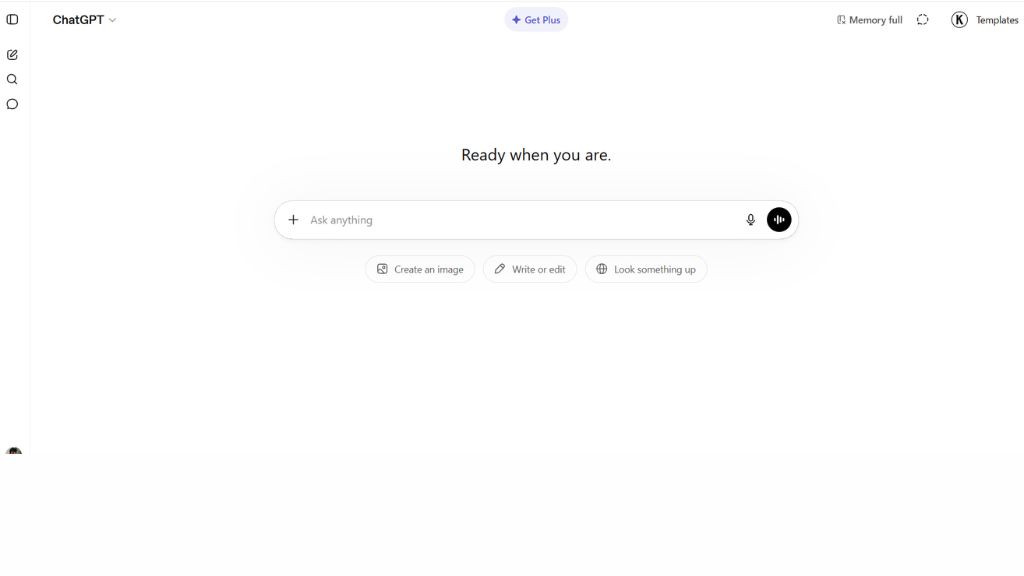
ChatGPT is not a traditional workflow tool, but it has become one of the most useful automation assistants. It can generate emails, summarize meetings, create SOPs, write code, draft campaigns, and analyze data.
When combined with APIs or workflow tools like Zapier and Make, it becomes even more powerful.
For many individuals, ChatGPT automates thinking work rather than repetitive clicking.
Best For:
- Content automation
- Writing tasks
- Research workflows
- Productivity users
Why Choose ChatGPT
- Multi-purpose AI assistant
- Fast output generation
- Great for creative tasks
- Easy daily use
Apollo AI – Best for Sales Automation
Apollo helps automate prospecting, lead discovery, outreach personalization, and sales engagement.
Sales teams use it to find leads, enrich contact data, write cold emails, and run sequences faster.
For B2B growth teams, it can significantly improve outbound efficiency.

Best For:
- Sales teams
- Agencies
- B2B outreach
- Lead generation
Why Choose Apollo AI
- Lead database access
- Outreach automation
- AI personalization
- Strong B2B workflows
Notion AI – Best for Team Productivity Automation
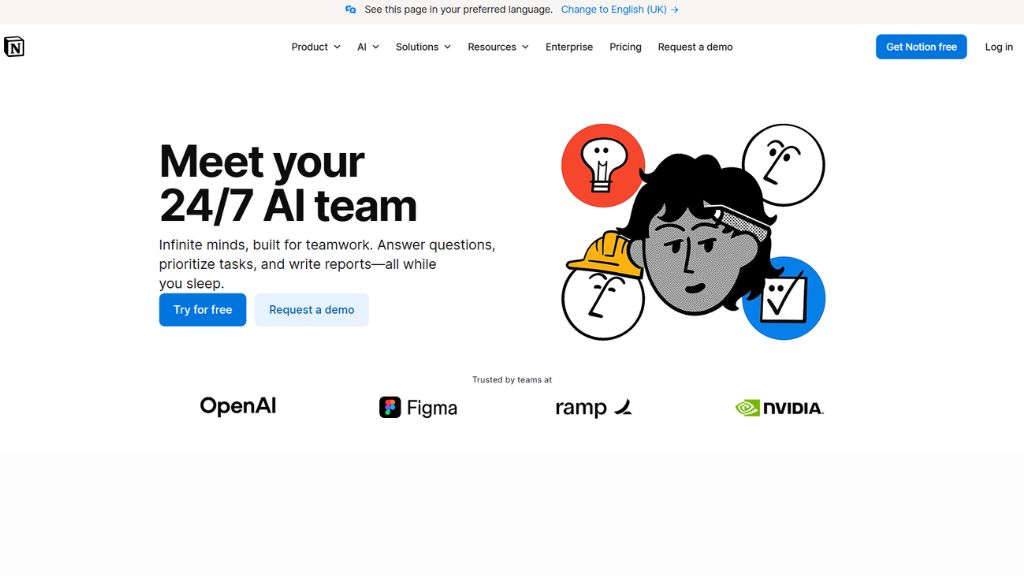
Notion AI helps teams automate internal productivity. It summarizes notes, creates action items, drafts documents, and organizes knowledge bases.
For startups and remote teams, it reduces admin work and keeps collaboration organized.
It is especially useful where documentation matters.
Best For:
- Teams
- Startups
- Documentation
- Project management
Why Choose Notion AI
- Clean workspace
- AI summaries
- Great collaboration
- Strong productivity gains
UiPath – Best for Enterprise Automation
UiPath is a leader in robotic process automation (RPA) and enterprise workflow automation. It is used by large companies to automate finance, HR, operations, compliance, and legacy systems.
Its strength is large-scale, enterprise-grade automation rather than simple creator workflows.

Best For:
- Enterprises
- Finance teams
- Operations automation
- Large organizations
Why Choose UiPath
- Enterprise scale
- Powerful RPA tools
- Compliance friendly
- Advanced process automation
Comparison Table
Tool | Best For | Skill Level | Main Strength |
Zapier | Overall users | Beginner | Ease + integrations |
Make | Complex workflows | Beginner to Intermediate | Visual logic |
n8n | Developers | Advanced | Customization |
Activepieces | Open-source users | Intermediate | Control |
ChatGPT | Knowledge work | Beginner | AI productivity |
Apollo AI | Sales teams | Beginner | Outreach |
Notion AI | Teams | Beginner | Productivity |
UiPath | Enterprises | Advanced | RPA scale |
Which Automation Tool Should You Choose?
For Beginners
- Zapier
- ChatGPT
- Notion AI
For Marketers
- Make
- Zapier
- ChatGPT
For Developers
- n8n
- Activepieces
For Sales Teams
- Apollo AI
For Enterprises
- UiPath
Final Verdict
AI automation tools can save hours every week, reduce repetitive work, and help businesses scale without adding headcount.
If most users ask for one recommendation, Zapier is the best overall AI automation tool because it combines simplicity, reliability, and massive integrations.
If you need advanced workflows, choose Make. If you are technical, choose n8n. If you want AI productivity help, ChatGPT is essential.
The smartest move is using one workflow tool plus one AI assistant together.
FAQ
What is the best AI tool for automation?
Which automation tool is best for developers?
n8n is excellent for developers because of custom workflows and self-hosting.
Is there a free AI automation tool?
Can ChatGPT automate tasks?
Which tool is best for small businesses?
Zapier and Make are strong choices for small businesses.