
Table of Contents
ToggleStudents today face more pressure than ever. Assignments, exams, presentations, note-taking, research, deadlines, and side projects all compete for attention. The good news is that AI tools can now reduce hours of repetitive work and help students learn faster.
From summarizing textbooks to solving math problems, generating study notes, creating slides, improving writing, and organizing tasks, free AI tools have become practical learning assistants.
The challenge is choosing tools that are actually useful instead of wasting time on hype. We reviewed the best free AI tools for students based on usefulness, ease of use, free plan quality, and real academic value.
Whether you are in school, college, engineering, medical studies, or preparing for competitive exams, these tools can help you study smarter.
TL;DR
- Best Overall: ChatGPT
- Best for Research: Gemini
- Best for Writing: Grammarly
- Best for Notes & Summaries: Notion AI
- Best for Math: Wolfram Alpha
- Best for Presentations: Canva
- Best for Flashcards: Quizlet AI
- Best for Coding Students: GitHub Copilot Free
How We Chose These Free AI Student Tools
We selected tools based on what students actually need every week:
- Writing assignments
- Research help
- Notes and summaries
- Math problem solving
- Presentation making
- Productivity and planning
- Coding support
- Free access quality
We prioritized tools with useful free tiers, simple interfaces, and practical daily value.
Best Free AI Tools for Students
ChatGPT – Best Overall Free AI Tool for Students
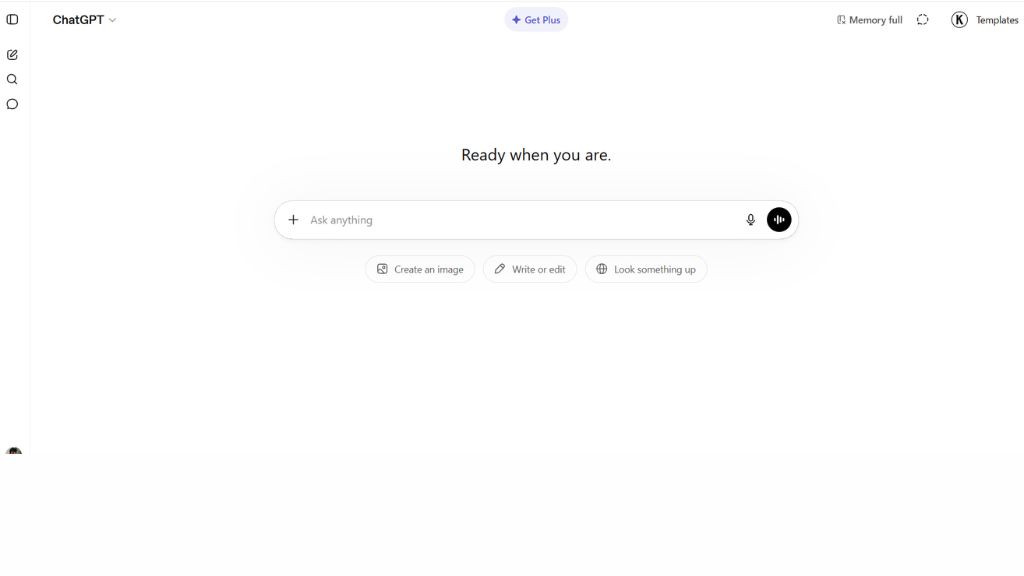
ChatGPT is one of the most useful study tools because it can explain difficult concepts, summarize chapters, generate practice questions, create study plans, and improve writing.
Students use it for essay brainstorming, understanding topics like physics or history, rewriting notes in simple language, and preparing for exams. It works like an on-demand tutor when used correctly.
The biggest advantage is versatility. Instead of using five separate tools, students can solve many problems in one place.
Best For:
- Homework help
- Concept explanations
- Essay brainstorming
- Exam preparation
Why Choose ChatGPT
- Multi-purpose tool
- Easy to use
- Strong explanations
- Great free access
Gemini – Best for Research and Google Users
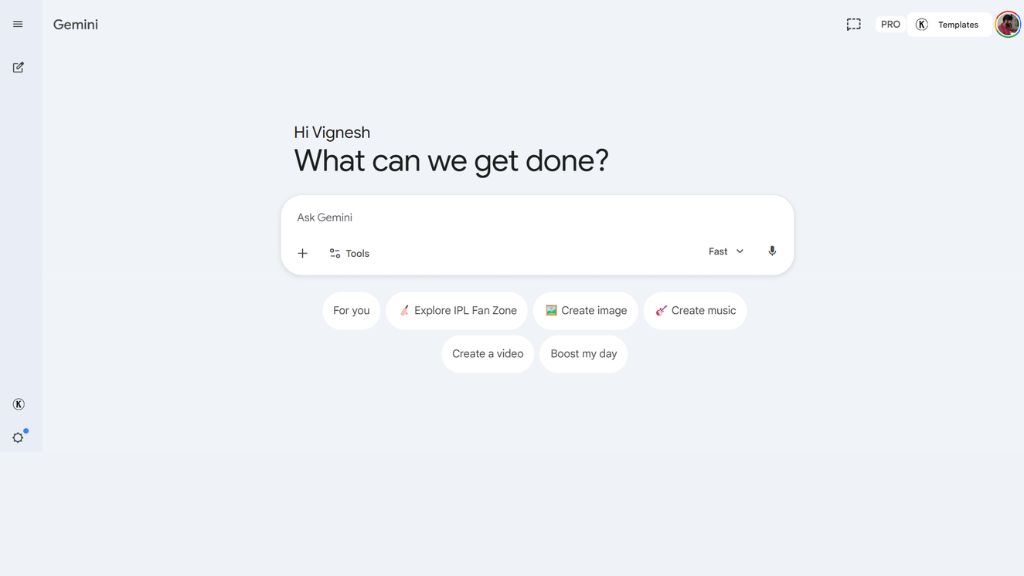
Gemini is excellent for students who use Google Docs, Drive, Gmail, and Google ecosystem tools. It helps with research summaries, topic exploration, document drafting, and idea generation.
Its strength is combining live information with productivity workflows. Students can use it for reports, presentations, and collaborative projects.
If you already live inside Google tools, Gemini becomes a natural study assistant.
Best For:
- Research projects
- Google Docs users
- Group assignments
- Report writing
Why Choose Gemini
- Google integration
- Good research support
- Helpful for documents
- Strong productivity fit
Grammarly – Best for Writing and Grammar
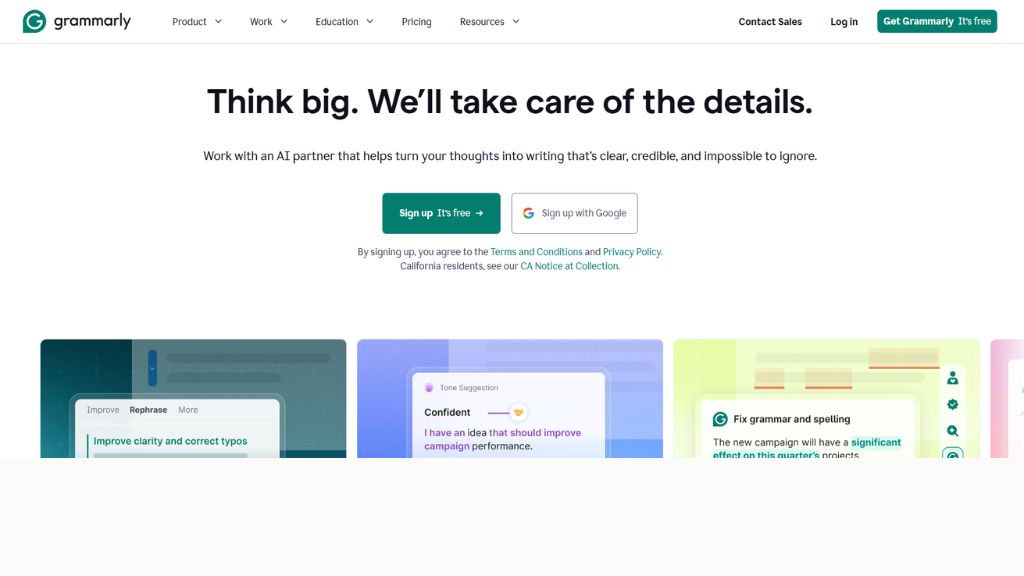
Grammarly is one of the best free AI tools for students who write essays, emails, reports, or scholarship applications. It checks grammar, clarity, tone, punctuation, and sentence flow.
Instead of submitting weak writing, students can quickly polish assignments and sound more professional.
It is especially useful for non-native English speakers and academic writing improvement.
Best For:
- Essays
- Reports
- Scholarship applications
- Email writing
Why Choose Grammarly
- Grammar correction
- Better sentence clarity
- Easy browser use
- Strong free plan
Notion AI – Best for Notes and Productivity
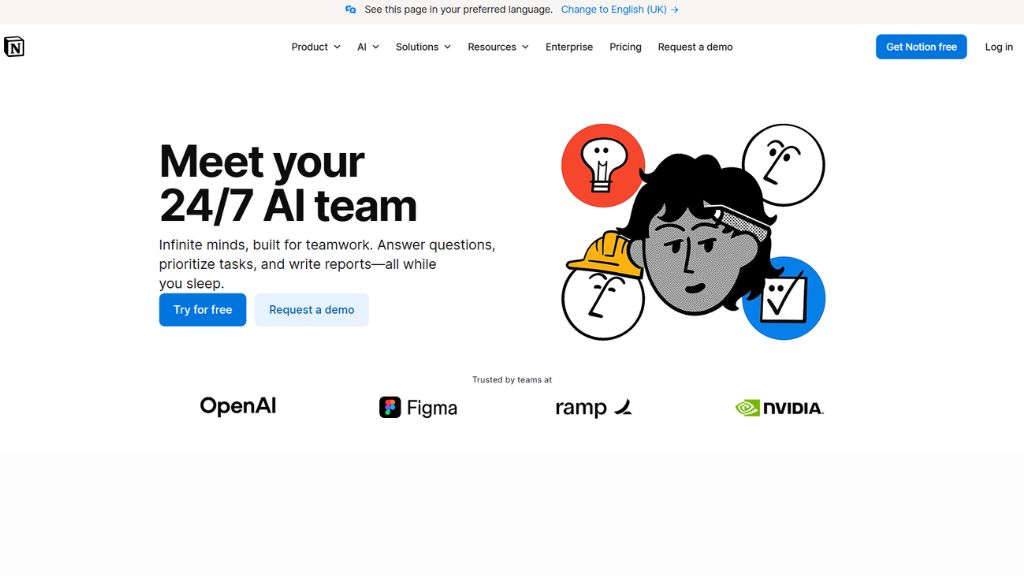
Notion AI helps students organize class notes, tasks, schedules, and study databases. It can summarize notes, create to-do lists, generate revision plans, and clean messy text.
For students managing multiple subjects, deadlines, and projects, this tool reduces chaos.
It is ideal for productive students who want one workspace for everything.
Best For:
- Note organization
- Study planning
- Task management
- Revision schedules
Why Choose Notion AI
- All-in-one workspace
- Smart summaries
- Clean organization
- Great for planners
Wolfram Alpha – Best for Math and Science
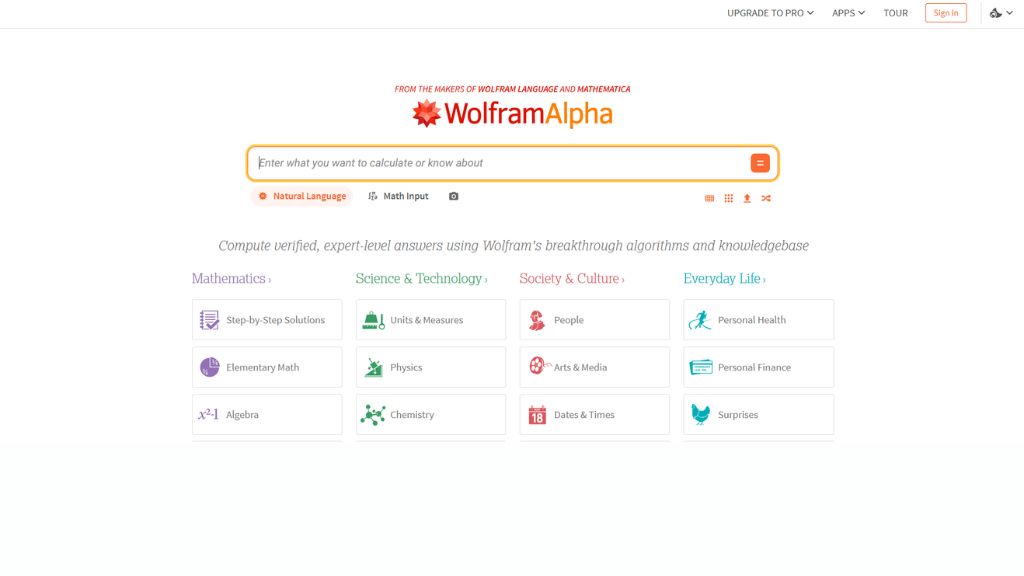
Wolfram Alpha remains one of the strongest academic tools for solving equations, calculus, statistics, chemistry, and engineering problems.
Instead of only giving answers, it often shows steps and breakdowns, helping students understand methods.
For STEM students, this is one of the most valuable free tools available.
Best For:
- Math homework
- Calculus
- Engineering problems
- Science formulas
Why Choose Wolfram Alpha
- Accurate calculations
- Step-by-step solutions
- Trusted academic tool
- Great for STEM students
Canva – Best for Presentations
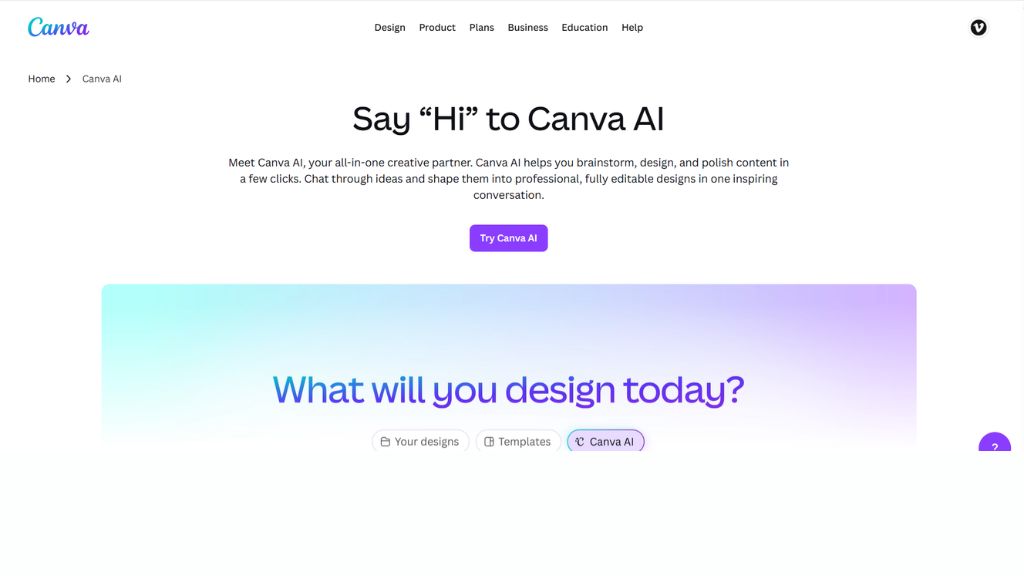
Canva helps students create polished presentations, posters, resumes, infographics, and project visuals without design skills.
Its AI features can generate slides, visuals, layouts, and design suggestions quickly. This saves hours before submission deadlines.
For college presentations and seminars, Canva is a major advantage.
Best For:
- PowerPoint alternatives
- Project presentations
- Posters
- Resume design
Why Choose Canva
- Easy templates
- Fast designs
- Presentation ready
- Great free version
Quizlet AI – Best for Flashcards and Revision
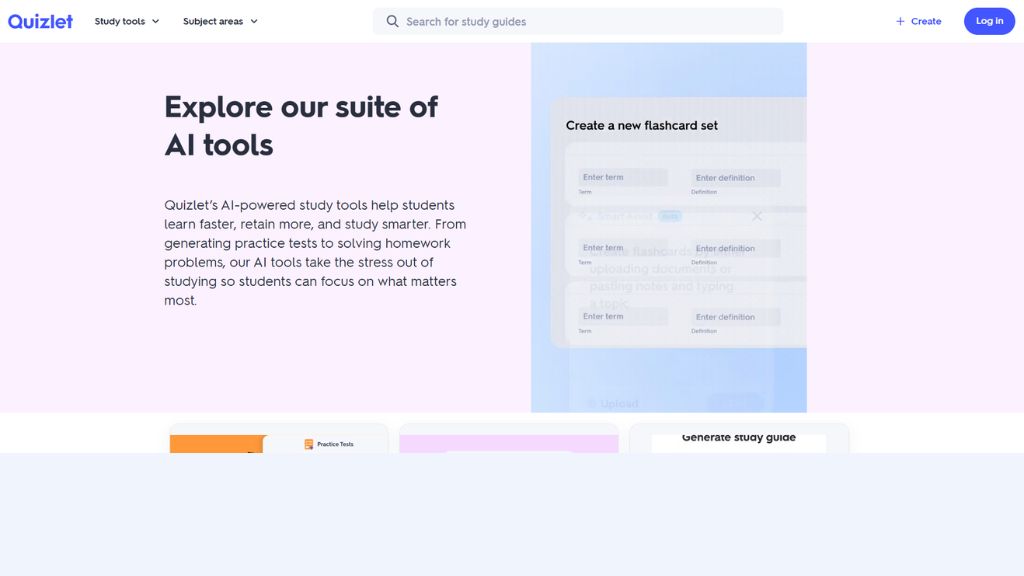
Quizlet helps students convert notes into flashcards, quizzes, and memory-based learning tools. Its AI features make revision faster and more interactive.
This is especially useful for medical, law, language, and exam-focused students who need memorization support.
It turns boring notes into active recall systems.
Best For:
- Exam revision
- Memorization
- Vocabulary learning
- Flashcards
Why Choose Quizlet AI
- Fast flashcard creation
- Good for memory retention
- Easy mobile use
- Great exam support
GitHub Copilot Free – Best for Coding Students
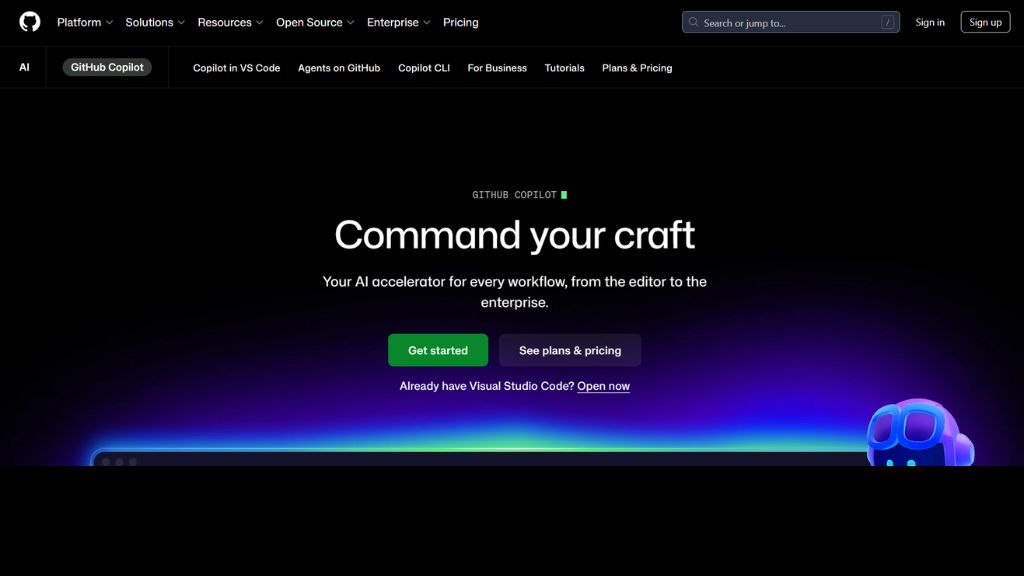
Programming students can use GitHub Copilot Free for coding suggestions, debugging help, syntax completion, and learning code patterns.
It helps students understand functions, improve coding speed, and reduce frustration while learning languages like Python, JavaScript, Java, or C++.
For CS students, this can be a serious productivity boost.
Best For:
- Computer science students
- Coding assignments
- Learning programming
- Debugging basics
Why Choose GitHub Copilot Free
- Speeds coding work
- Helps learn syntax
- Useful debugging support
- Great for developers
Comparison Table
Tool | Best For | Skill Level | Main Strength |
ChatGPT | Overall study help | Beginner | Multi-purpose |
Gemini | Research | Beginner | Google ecosystem |
Grammarly | Writing | Beginner | Grammar improvement |
Notion AI | Productivity | Beginner | Organization |
Wolfram Alpha | Math | Beginner | Problem solving |
Canva | Presentations | Beginner | Design speed |
Quizlet AI | Revision | Beginner | Flashcards |
GitHub Copilot | Coding | Intermediate | Programming help |
Which Free AI Tool Should Students Choose?
For Daily Use
- ChatGPT
- Gemini
For Better Grades in Writing
- Grammarly
- ChatGPT
For STEM Students
- Wolfram Alpha
- ChatGPT
For College Projects
- Canva
- Gemini
- Notion AI
For Coding Students
- GitHub Copilot
- ChatGPT
Final Verdict
Free AI tools can save students time, improve learning speed, and reduce academic stress when used responsibly.
If most students ask for one recommendation, ChatGPT is the best overall free AI tool for students because it helps with writing, explanations, study planning, and revision.
For math students, choose Wolfram Alpha. For presentations, choose Canva. For writing, Grammarly is excellent.
The smartest strategy is combining two or three tools depending on your subjects.
FAQ
What is the best free AI tool for students?
ChatGPT is one of the best all-round free AI tools for students.
Which AI tool helps with homework?
ChatGPT, Gemini, and Wolfram Alpha are useful for homework support.
Is Grammarly free for students?
Yes, Grammarly offers a useful free version.
Which AI tool is best for math students?
Can students use AI ethically?
Yes, students should use AI for learning, brainstorming, and support—not cheating or copying work directly.