
Table of Contents
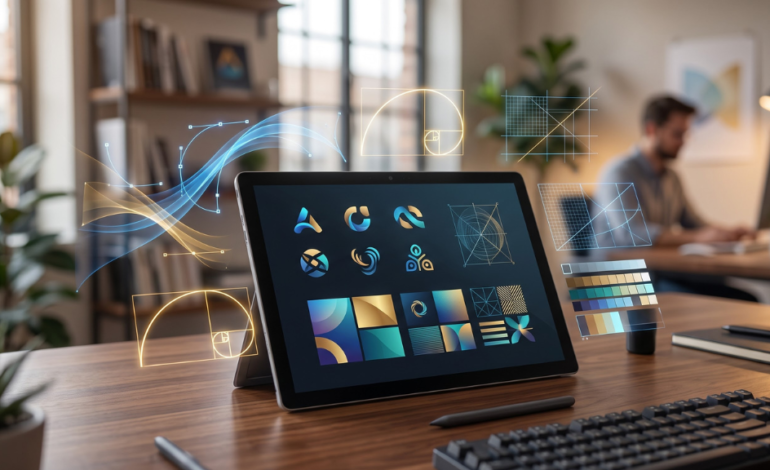
ToggleA logo is often the first thing customers notice about a brand. It shapes trust, creates recognition, and helps your business look professional from day one.
The problem is that hiring a designer can be expensive, especially for startups, freelancers, and small businesses. That is why many founders now use AI logo makers to create professional logos in minutes instead of waiting weeks.
Modern AI logo tools can generate logos, brand colors, typography systems, social media kits, and business assets based on your business name and style preferences. Some tools focus on speed, while others offer deeper branding systems.
We reviewed the best AI logo makers available right now based on design quality, ease of use, customization, pricing, and business value.
TL;DR
- Best Overall: Looka
- Best Free Option: Canva
- Best for Full Branding: Tailor Brands
- Best for Website Owners: Wix Logo Maker
- Best for Unique Designs: Brandmark
- Best for Beginners: LOGO.com
- Best for Adobe Users: Adobe Express
How We Tested the Best AI Logo Makers
- Logo quality and originality
- Ease of customization
- Export file types (PNG, SVG, vector)
- Brand kit features
- Pricing value
- Ease of use for beginners
- Business use cases like websites, ecommerce, and social media
Best AI Logo Makers
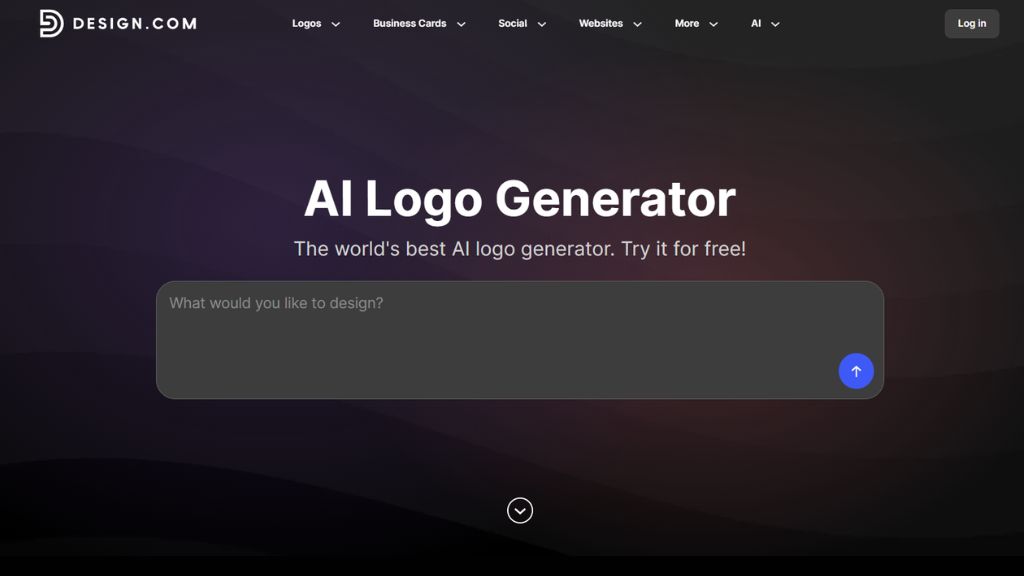
Design.com – Best for Getting the Right Logo
Design.com stands out for its powerful AI logo maker and their huge library of more than 500,000 professionally designed logos. Its designs cover a wide range of industries, niches, styles, and brand personalities, giving businesses plenty of relevant options instead of just a handful of generic concepts.
The library is also well organized, so users can quickly browse logos by industry or keyword and narrow down their choices. This makes it especially useful if you have a specific look in mind and want a better chance of finding a logo that already suits your business.
Once you find the right starting point, you can easily customize the fonts, colors, icons, and layout with the beginner-friendly drag-and-drop editor.
Best For:
- Small businesses
- Startups
- Entrepreneurs
- Businesses wanting more
- logo choice
Why Choose Design.com
- 500,000+ professional logo designs
- Powerful AI logo maker that generates relevant designs
- Wide range of industries and styles
- Simple customization tools
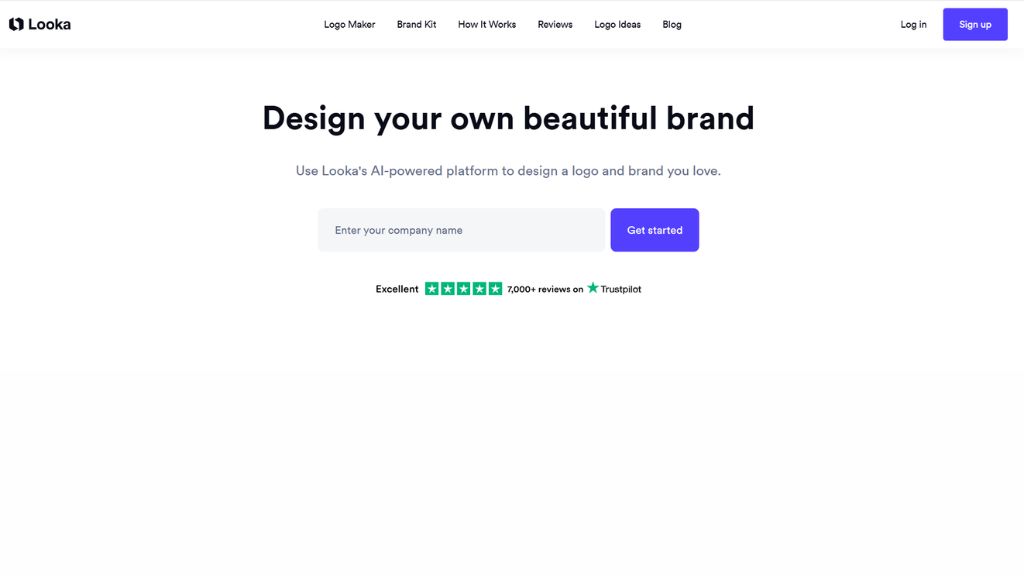
Looka – Best AI Logo Maker Overall
Looka is one of the most popular AI logo makers because it balances speed, quality, and branding depth. Users enter their business name, industry, preferred colors, and design style, then Looka generates multiple polished logo options instantly.
What makes Looka stand out is that it goes beyond logos. It also offers full brand kits including business cards, social templates, email signatures, and branded assets. That makes it ideal for startups wanting a complete visual identity quickly.
Looka is frequently ranked as the best all-round AI logo tool for small businesses and founders.
Best For:
- Startups
- Freelancers
- Small businesses
- Fast professional branding
Why Choose Looka
- Strong logo quality
- Full brand kits
- Easy customization
- Beginner friendly
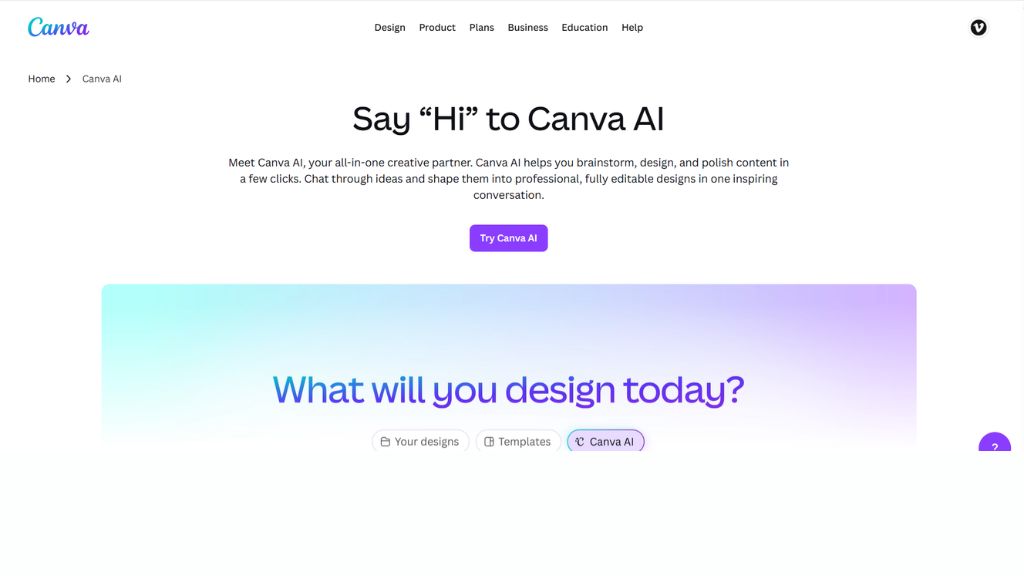
Canva – Best Free AI Logo Maker
Canva is the best choice for users who want a free or low-cost logo maker with editing flexibility. Unlike dedicated logo tools, Canva combines templates, AI design features, and drag-and-drop editing in one platform.
You can create a logo and instantly use it for YouTube banners, Instagram posts, presentations, and business cards. That makes Canva ideal for creators and businesses needing more than just a logo.
Many reviewers rank Canva as the best free logo maker because of its simplicity and broader design ecosystem.
Best For:
- Beginners
- Content creators
- Social media brands
- Budget startups
Why Choose Canva
- Free plan available
- Easy editor
- Great templates
- Multi-purpose platform
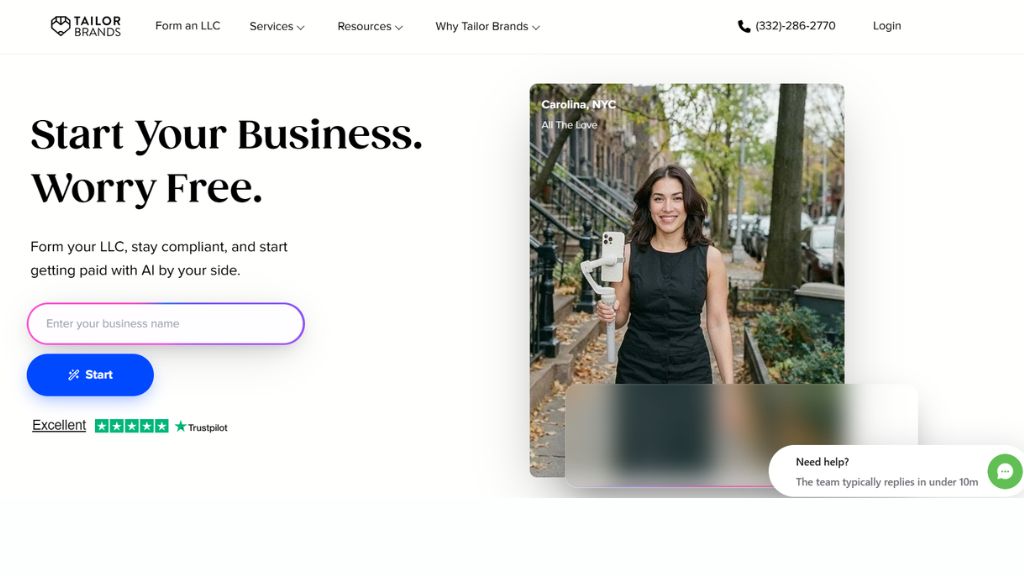
Tailor Brands – Best for Full Business Setup
Tailor Brands is more than a logo maker. It combines AI logo creation with website tools, branding assets, domain setup, and business formation services.
This makes it especially useful for new founders launching a business from scratch. Instead of buying multiple services separately, users can build branding and business essentials in one place.
It is often recommended for entrepreneurs wanting an all-in-one setup.
Best For:
- New businesses
- Ecommerce founders
- Entrepreneurs
- Full launch setup
Why Choose Tailor Brands
- Logo + website tools
- Brand kits included
- Great startup bundle
- Easy workflow
Wix Logo Maker – Best for Website Owners
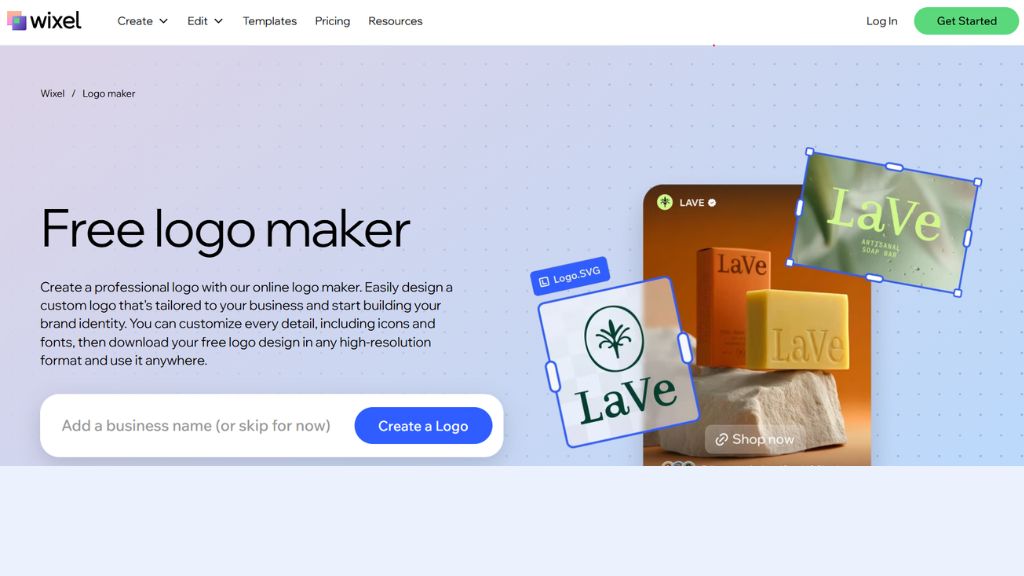
Wix Logo Maker is ideal for people already building a website with Wix. It uses a guided AI process to generate logo ideas based on your business type and preferences.
Its biggest strength is convenience. After creating a logo, users can immediately apply it across their Wix website, branding materials, and online presence.
If your site is already on Wix, this becomes a very efficient option.
Best For:
- Wix users
- Small business websites
- Quick branding launches
- Beginners
Why Choose Wix Logo Maker
- Seamless Wix integration
- Easy guided setup
- Fast results
- Website-ready branding
Brandmark – Best for Clean and Unique Designs
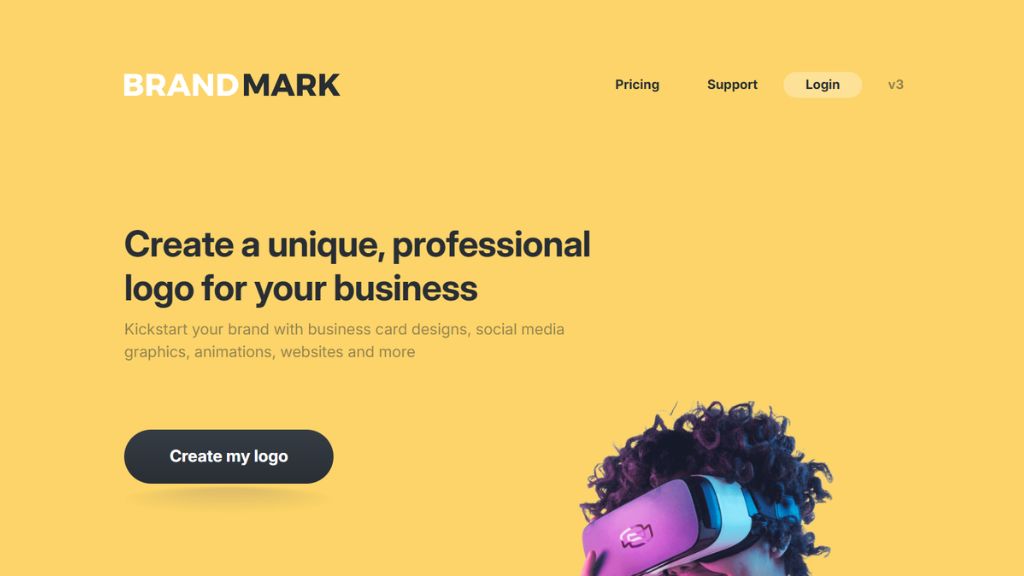
Brandmark is popular for modern, minimal, and polished logo styles. It tends to generate logos that feel sleek and startup-friendly, especially for SaaS companies, consultants, and digital brands.
It also offers supporting assets like business cards, social media kits, and brand guidelines.
If you prefer clean typography and modern startup aesthetics, Brandmark is worth considering.
Best For:
- SaaS startups
- Agencies
- Consultants
- Minimal brands
Why Choose Brandmark
- Clean modern style
- Good typography choices
- Strong startup feel
- Fast branding assets
LOGO.com – Best for Beginners
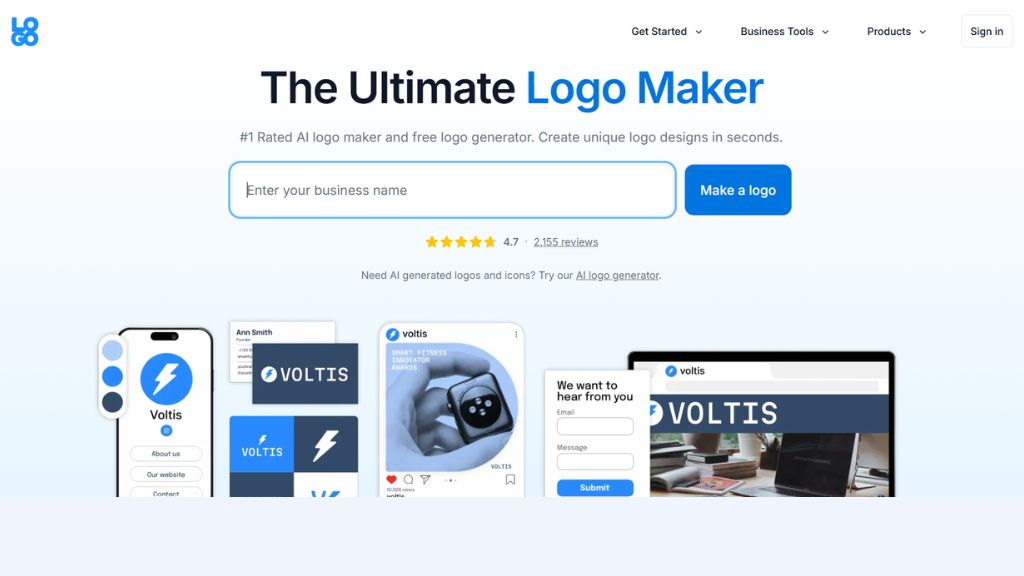
LOGO.com focuses heavily on simplicity. It helps users generate logos quickly with a straightforward interface and guided process.
Comparisons highlight it as a beginner-friendly option with strong ease-of-use and custom icon generation. For users who feel overwhelmed by design tools, LOGO.com is a smart starting point.
Best For:
- First-time founders
- Beginners
- Side projects
- Quick logo creation
Why Choose LOGO.com
- Very simple workflow
- Fast logo generation
- Good beginner UX
- Easy exports
Adobe Express – Best for Adobe Users
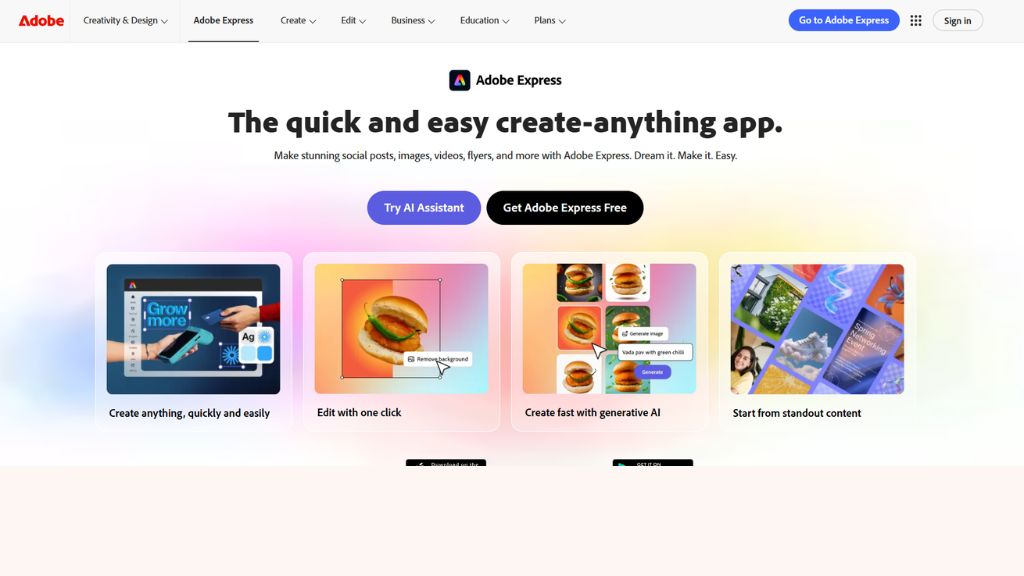
Adobe Express is ideal for users already working in Adobe’s ecosystem. It combines logo creation with templates, brand design tools, and marketing graphics.
For freelancers and businesses already using Adobe products, this tool gives a more polished creative workflow than standalone logo makers.
Some rankings place Adobe Express as a top overall logo maker due to strong design capabilities.
Best For:
- Adobe users
- Designers
- Agencies
- Marketing teams
Why Choose Adobe Express
- Strong design quality
- Adobe ecosystem benefits
- Great templates
- Professional workflow
Comparison Table
| Tool | Best For | Skill Level | Main Strength |
| Design.com | Small businesses | Beginner | Huge logo library |
| Looka | Overall branding | Beginner | Logo + brand kit |
| Canva | Free users | Beginner | Editing flexibility |
| Tailor Brands | New businesses | Beginner | Full startup tools |
| Wix Logo Maker | Website owners | Beginner | Wix integration |
| Brandmark | Modern brands | Beginner | Clean style |
| LOGO.com | First timers | Beginner | Simplicity |
| Adobe Express | Designers | Beginner to Pro | Creative ecosystem |
Which AI Logo Maker Should You Choose?
For Startups
- Design.com
- Looka
- Tailor Brands
- Brandmark
For Free Use
- Canva
- LOGO.com
For Website Owners
- Wix Logo Maker
For Professional Branding
- Design.com
- Looka
- Adobe Express
For Beginners
- Canva
- LOGO.com
- Looka
Final Verdict
AI logo makers are now good enough for many real businesses, especially in the early stages. They save money, speed up launch time, and help founders look professional immediately.
If most users ask for one recommendation, Looka is the best overall AI logo maker because it balances logo quality, ease of use, and complete branding assets.
If you want free flexibility, choose Canva. If you want a full startup toolkit, choose Tailor Brands.
The smartest move is to create your first version with AI, then refine it as your brand grows.
FAQ
What is the best AI logo maker overall?
Looka is currently one of the best all-round AI logo makers for businesses and startups.
Which AI logo maker is free?
Canva offers one of the strongest free options for logo creation.
Can AI create professional logos?
Yes. Modern AI logo makers can create polished logos suitable for many startups and small businesses.
Which tool is best for beginners?
Canva, Looka, and LOGO.com are easiest for beginners.
Are AI-generated logos trademark safe?
Rules vary by country and platform, so review licensing terms and consult a legal expert for trademark protection.