

Table of Contents
ToggleManaging projects today involves balancing client demands, shifting deadlines, resource constraints, and continuous status updates across teams. AI tools for project management help teams handle these challenges by automating routine administrative tasks and organizing daily operations. Instead of manually updating spreadsheets, drafting meeting summaries, or rebuilding project schedules when dates shift, AI-powered systems take on this background work. These tools assist with predicting resource bottlenecks, writing project briefs, rebalancing team workloads, and connecting daily tasks directly to broader business budgets and timelines.
TL;DR
If you manage a service agency that needs AI tracking budgets, resourcing, and client billing in one place, Productive is the strongest choice. For teams wanting an all-in-one platform where AI summarizes documents, creates subtasks, and answers questions across workspace knowledge, ClickUp stands out. If you need dynamic calendar scheduling that automatically rearranges tasks when priorities change, Motion provides the most capable automated setup.
Top AI Tools for Project Management
Productive
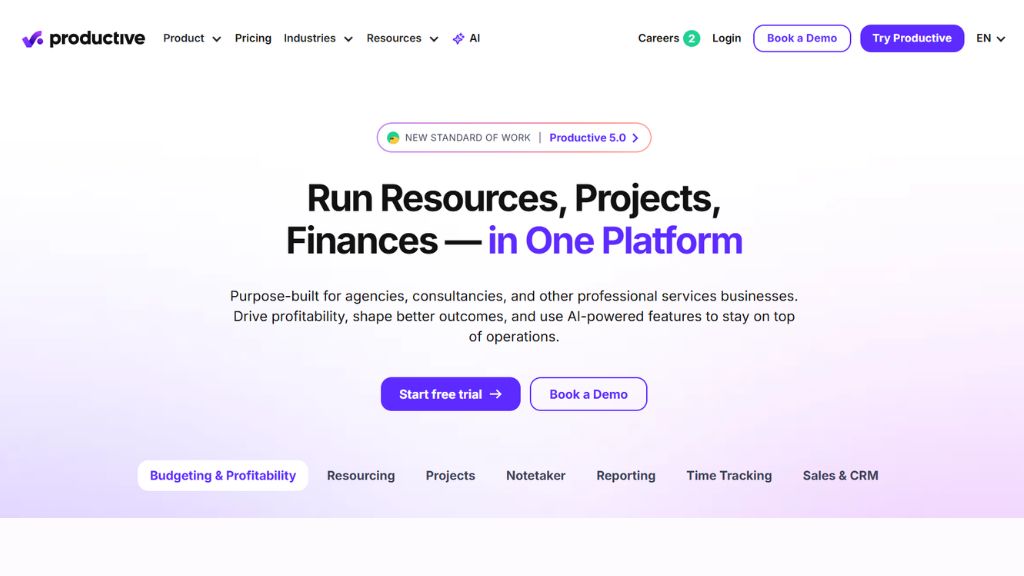
Productive is designed for agencies, consultancies, and professional services firms that need operational visibility across all client engagements. Rather than treating project management simply as a checklist of tasks, Productive connects task delivery directly to agency financial metrics, staff availability, and project profitability. Its AI capabilities assist project managers in drafting project scopes, tracking time entries, analyzing historical margins, and forecasting revenue. By reviewing ongoing project metrics, the tool helps team leads identify when a project is running over budget or when a team member is overbooked before it affects client delivery.
Best For:
- Agencies that need real-time tracking of budgets alongside project delivery
- Professional services teams monitoring billable versus non-billable hours
- Agency leaders who want AI forecasting for future team capacity and revenue
- Businesses that prefer invoicing clients directly from project tracking data
- Teams requiring unified task planning, resource scheduling, and profit tracking
Why Choose Productive:
- Ties daily task updates straight to client budgets and revenue margins
- Uses operational data to identify scheduling and resource bottlenecks early
- Drafts structured project briefs and task descriptions using built-in AI
- Combines resource planning, time tracking, and billing in one dashboard
- Delivers financial visibility tailored specifically for client service businesses
ClickUp
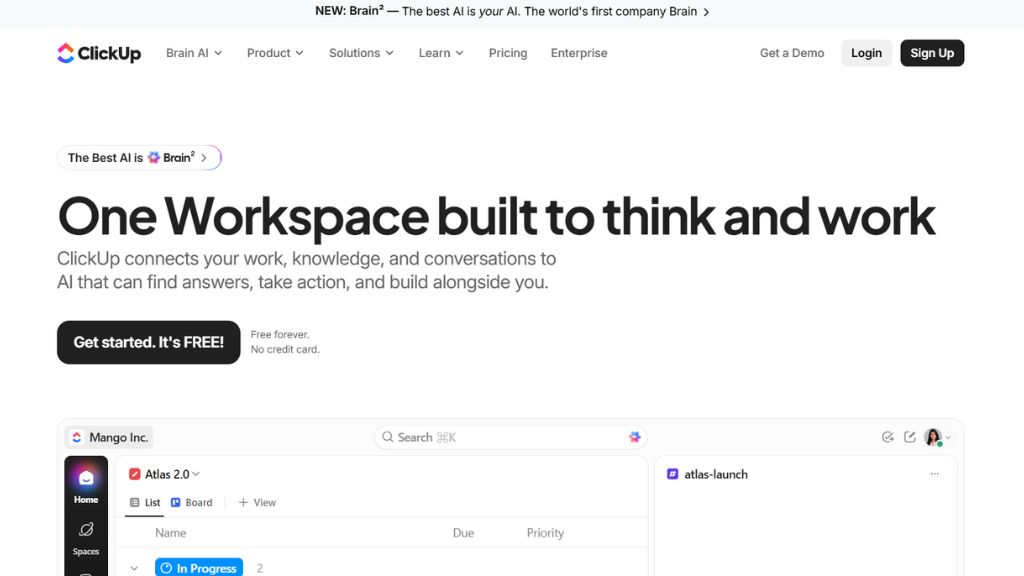
ClickUp is an all-in-one productivity platform that brings tasks, documents, chat, goals, and team knowledge into a single workspace. Its native intelligence layer, ClickUp Brain, connects across all company data to provide context-aware answers, generate status updates, and automate repetitive documentation. Team members can use the AI to generate action items from meeting notes, summarize long comment threads on complex tasks, and create subtasks from high-level project outlines. Because the system indexes tasks, attached docs, and connected team conversations simultaneously, staff can query the workspace to locate answers without messaging colleagues for status updates.
Best For:
- Teams wanting a single workspace for tasks, internal docs, and company wikis
- Project managers who spend hours writing weekly status and progress reports
- Workspaces needing an AI assistant that understands context across all docs
- Fast-growing teams looking for pre-built workflow templates across departments
- Organizations that want to replace multiple standalone software subscriptions
Why Choose ClickUp:
- ClickUp Brain searches and summarizes work across tasks, docs, and team chats
- Generates clear task descriptions and subtasks from short prompts
- Creates automated progress summaries for projects with a single click
- Provides custom fields, automations, and multiple layout views per project
- Offers a functional free tier for teams getting started with modern PM software
Wrike
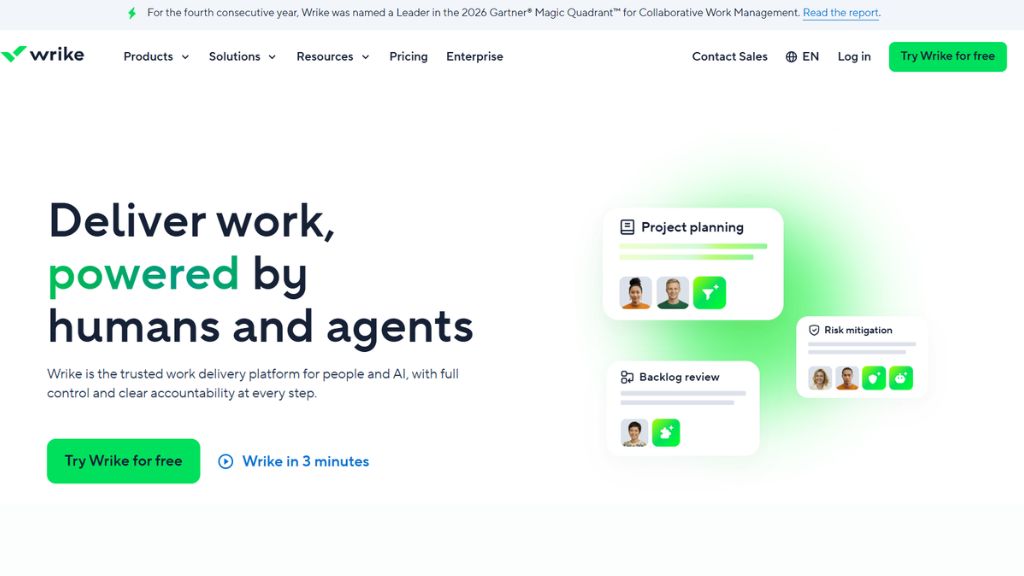
Wrike is an enterprise-grade collaborative work platform built to support mid-market and large organizations with complex cross-departmental operations. It provides centralized work intake, customizable dashboards, and enterprise-level permission controls. Wrike’s built-in Work Intelligence engine analyzes ongoing projects to identify operational risk factors, highlighting tasks likely to miss deadlines based on historical completion trends. The platform also includes generative capabilities to summarize project threads, draft creative briefs, and convert unstructured meeting notes into standardized task lists, all while honoring strict role-based access rules set by IT departments.
Best For:
- Mid-market and enterprise companies needing strict role-based security
- Marketing and creative departments managing high volumes of incoming requests
- Project management offices (PMOs) tracking project risk across multiple teams
- Organizations requiring clear proofing and digital asset review workflows
- Cross-functional teams that need customizable status boards and Gantt charts
Why Choose Wrike:
- Work Intelligence engine alerts managers to tasks that risk missing deadlines
- Keeps sensitive project data secure within enterprise permission boundaries
- Transforms meeting notes and intake forms into actionable project tasks
- Streamlines asset approval workflows with built-in creative proofing tools
- Provides scalable project visibility suitable for large corporate departments
Asana
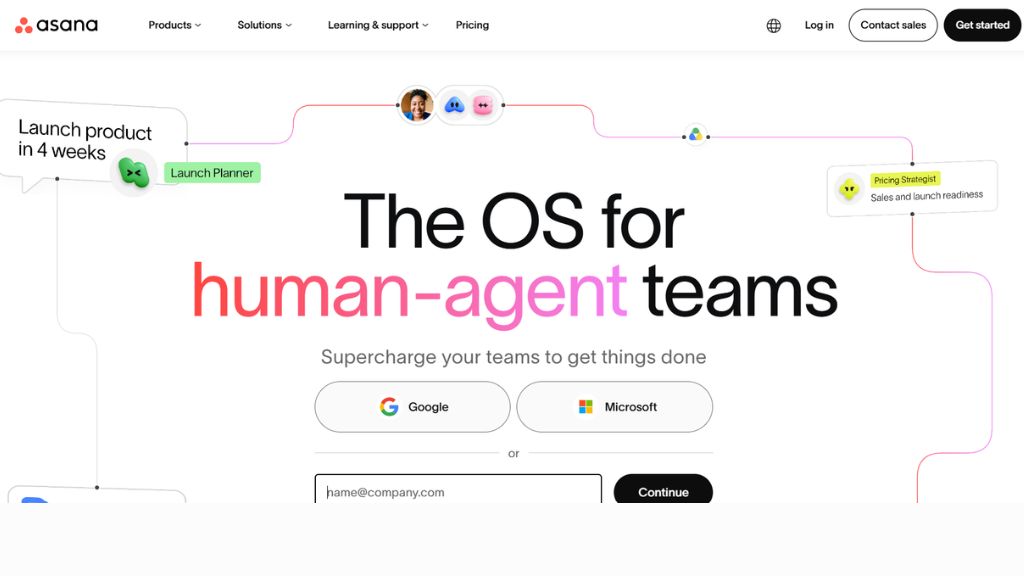
Asana is a work management platform designed to help teams coordinate tasks and strategic goals across organizational workflows. With Asana Intelligence, the software helps operations teams reduce repetitive administrative work, balance team member workloads, and keep complex projects on schedule. The platform can convert loose goal statements into organized project plans, identify project bottlenecks, and draft status reports for executive reviews. Because Asana organizes work through connected portfolios and custom rules, teams can automate handoffs between departments, such as moving a design asset from marketing review directly to web development.
Best For:
- Operations teams that rely on structured multi-step approval workflows
- Companies that align daily team tasks directly with quarterly company goals
- Department managers who need clear visibility into team workloads and capacity
- Cross-functional teams looking for clean visual timelines and Kanban boards
- Organizations that use integrations with tools like Slack, Google Workspace, and Jira
Why Choose Asana:
- Asana Intelligence drafts project status reports and workflow outlines quickly
- Smart status updates highlight at-risk deliverables and upcoming blockers
- Goal-tracking architecture links daily tasks to broader corporate objectives
- Workflow builder automates handoffs between teams without custom code
- Simple, clean interface that encourages easy adoption across departments
monday.com
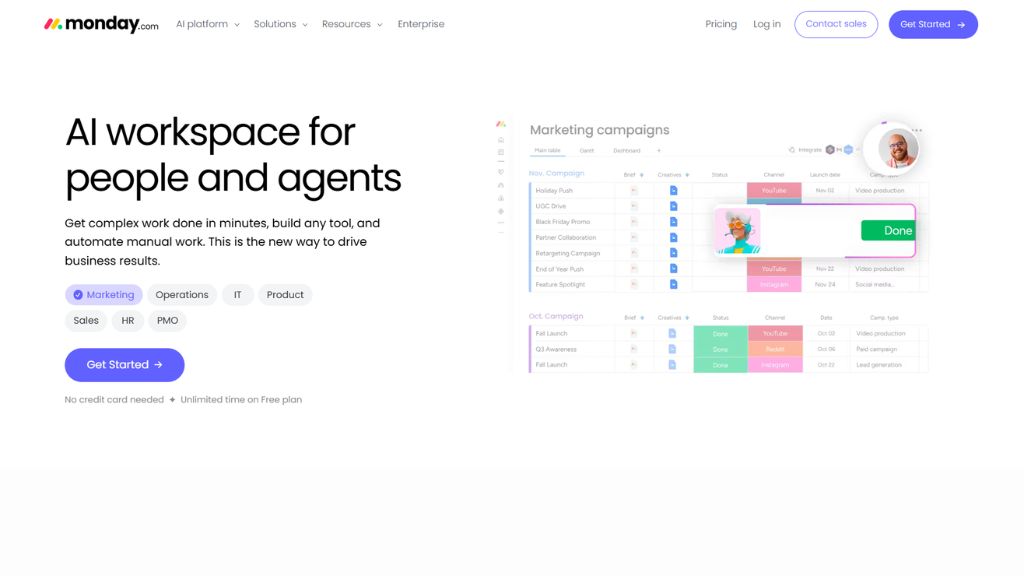
monday.com is a customizable work operating system that allows teams to build tailored project boards, trackers, and workflow pipelines. Rather than forcing teams into rigid layouts, monday.com functions like a visual database where users can add custom columns, tracking tags, and automated rules. Its built-in AI capabilities assist teams by generating tailored task templates, summarizing board discussions, extracting action items from long project briefs, and building workflow automation recipes using natural language commands. This flexibility makes it popular with marketing, HR, sales, and creative teams that want bespoke operational systems.
Best For:
- Teams that want to design their own project tracking boards and databases
- Non-technical managers who want to build automated workflows easily
- Creative and marketing teams tracking campaign assets and publishing schedules
- Workplaces that rely on visual progress bars, status labels, and color-coding
- Organizations needing multiple viewing options including Kanban, Gantt, and table views
Why Choose monday.com:
- Highly customizable board setup adapts to practically any business process
- Built-in AI generates project boards, summaries, and action steps from prompts
- Natural language builder creates automation rules without coding knowledge
- Visual interface provides instant visibility into project progress and ownership
Extensive template - marketplace supports fast setup across different industries
Jira
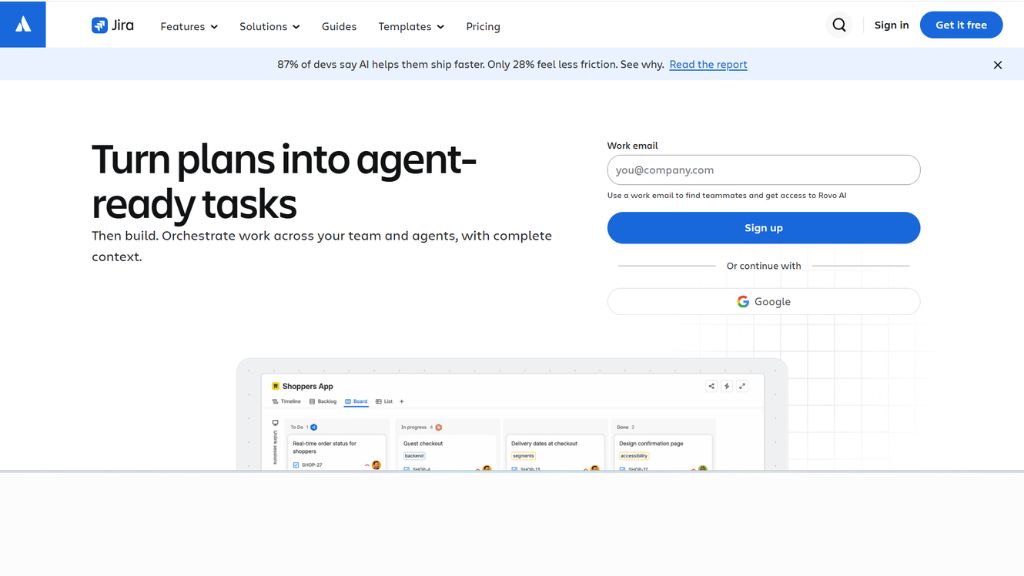
Jira by Atlassian is the standard project tracking software for software engineering, product development, and IT operations teams. Built around agile methodologies, Jira supports Scrum sprints, Kanban boards, backlogs, and release tracking. Through Atlassian Intelligence, Jira helps engineering teams write better issue descriptions, break user stories down into specific subtasks, and convert technical jargon into clear release notes for business stakeholders. The system can also translate natural language queries into Jira Query Language (JQL), making it simpler for managers to generate custom sprint reports and filter issues without memorizing query syntax.
Best For:
- Software engineering and DevOps teams practicing Scrum or Kanban
- Product managers writing user stories, managing roadmaps, and tracking sprints
- Organizations already using Atlassian tools like Confluence and Bitbucket
- IT service teams handling technical incident reports and bug tracking
- Product development teams requiring clear release management pipelines
Why Choose Jira:
- Deep support for agile frameworks including sprint planning and velocity charts
- Atlassian Intelligence converts simple prompts into complex JQL search filters
- Summarizes technical comment threads and issue histories for quick handoffs
- Tight integration with code repositories and developer deployment pipelines
- Free version supports smaller development teams building standard workflows
Motion
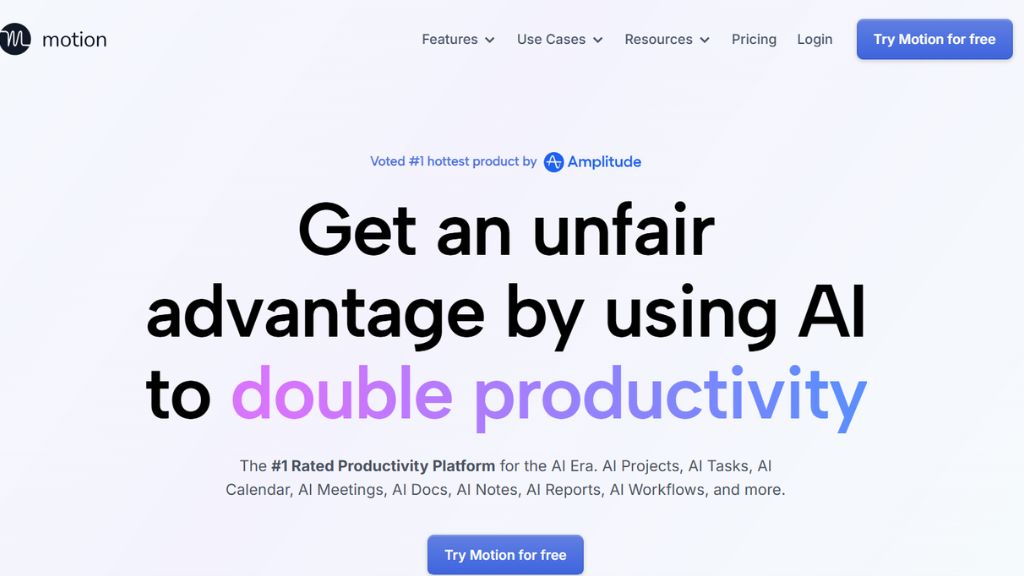
Motion is an AI-powered schedule and calendar coordinator that plans your workday based on deadlines, priorities, and meetings. Instead of presenting a static to-do list that you must manually organize each morning, Motion takes your project tasks and automatically inserts them into your available calendar slots. If an unscheduled meeting appears, an emergency priority arises, or a task runs longer than planned, Motion’s scheduling engine immediately reorganizes your entire day. It also coordinates schedules across whole teams, ensuring everyone is working on high-priority tasks during their optimal working hours without manual calendar balancing.
Best For:
- Busy professionals, executives, and freelancers with packed daily schedules
- Individuals who struggle with manual time-blocking and calendar organization
- Small teams that want automated task scheduling without manual daily planning
- Professionals who attend frequent meetings and need protected focus time
- Users who prefer a combined task manager and calendar view in one app
Why Choose Motion:
- Automatically places tasks into open calendar slots based on priority
- Reschedules your entire agenda when meetings run late or plans change
- Protects deep-work focus time by scheduling tasks around meeting invites
- Simplifies team meeting booking with built-in scheduling links
- Minimizes time spent organizing daily to-do lists by automating scheduling
HubSpot
HubSpot is an inbound marketing, sales, and customer service platform that includes project management and deal-tracking features. Powered by Breeze, HubSpot’s unified AI engine, the platform brings customer data directly into project workflows. Marketing and sales operations teams can manage client campaigns, website migrations, onboarding journeys, and client deliverables right where customer interactions are recorded. The AI assists by generating campaign copy, summarizing customer interactions, updating contact records, and automating project notifications based on client milestones, reducing the disconnect that often exists between sales teams and project delivery groups.
Best For:
- Revenue-focused teams that manage customer onboarding and sales deliverables
- Marketing departments planning campaigns linked directly to lead conversion data
- Companies that want their CRM data and project workflows in one platform
- Client success teams tracking post-sale onboarding projects and client tasks
- Organizations using HubSpot to manage inbound marketing and client communications
Why Choose HubSpot:
- Connects project delivery directly to client records, deals, and service tickets
- Breeze AI automates content drafting, record updates, and task summaries
- Eliminates the need to copy client details between separate CRM and PM tools
- Triggers automated project workflows when client milestones or deals are reached
- Free tier offers foundational tools for managing contacts and simple projects
Taskade
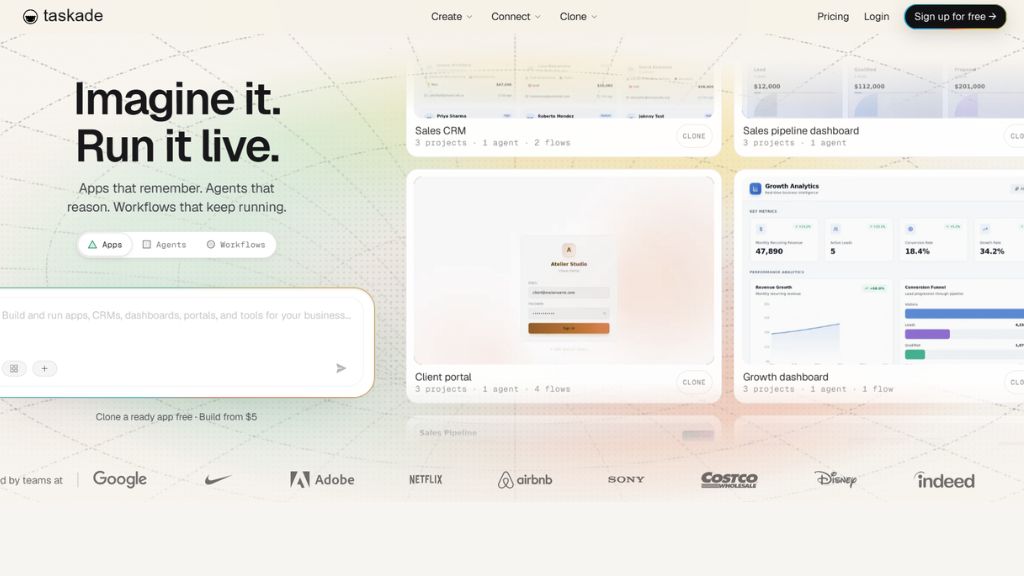
Taskade is an AI-powered productivity platform and collaborative workspace designed for remote teams, agile creators, and modern startups. It combines task management, mind mapping, structured outlines, and chat into an easy-to-use interface. What sets Taskade apart is its integrated AI Agent system, which allows users to build and deploy custom, autonomous AI agents directly within their workspaces. These agents can research topics, generate outlines, summarize project documents, draft task lists, and coordinate project steps on automated schedules, providing small businesses with intelligent assistance without expensive enterprise setups.
Best For:
- Startups and agile teams building autonomous AI agents for daily workflows
- Remote teams that want chat, video calls, mind maps, and tasks in one tool
- Users who prefer organizing projects through flexible lists, boards, and outlines
- Content creators managing editorial calendars and production pipelines
- Small organizations looking for modern AI capabilities at an accessible price point
Why Choose Unbounce:
- Lets teams build custom AI agents to automate research, drafting, and planning
- Switches between mind maps, task lists, org charts, and Kanban boards instantly
- Provides built-in team chat and video calling alongside project documents
- Pre-built AI prompts help generate complete project outlines in seconds
- Generous free tier gives access to core collaboration and AI features
ProProfs Project
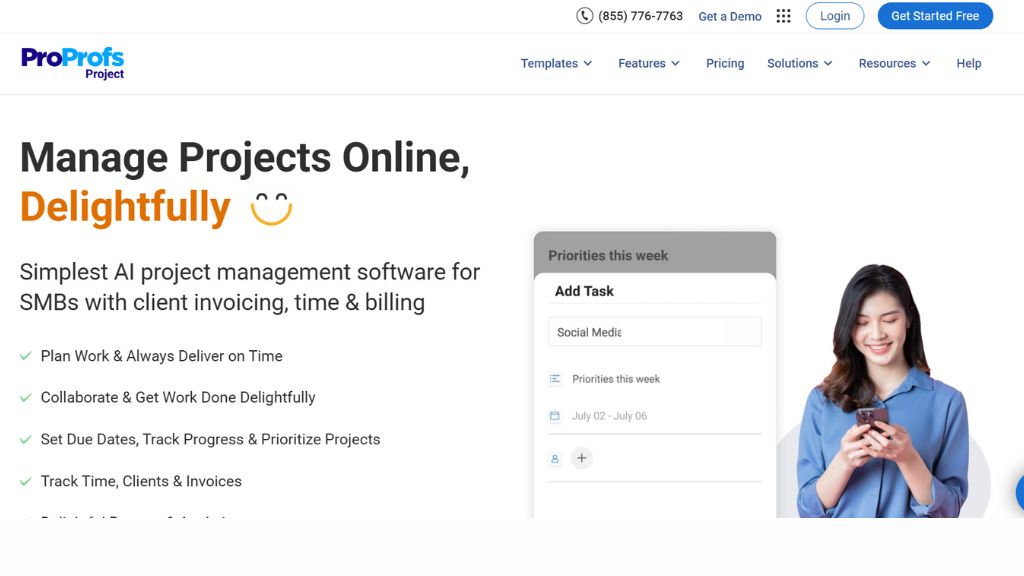
ProProfs Project is a simple, straightforward project management and team collaboration tool built for small businesses, micro-agencies, and freelance teams. It avoids overwhelming users with complex enterprise settings, focusing instead on core scheduling, milestone tracking, and task delegation. Its built-in capabilities help project managers track team hours, generate professional client invoices, and monitor ongoing project expenses from the same dashboard where tasks are organized. With lightweight AI assistance that simplifies project planning, task scheduling, and status tracking, it offers smaller teams an affordable solution for planning work and getting paid accurately.
Best For:
- Micro-teams and small businesses that want easy project setup without training
- Freelancers and consultancies that invoice clients based on tracked task time
- Small service firms needing simple milestone tracking and task delegation
- Teams that want basic Gantt charts and Kanban boards without enterprise clutter
- Budget-conscious businesses looking for an all-in-one planning and billing tool
Why Choose ProProfs Project:
- Clean, uncomplicated dashboard that requires minimal onboarding time
- Combines task scheduling, time tracking, and client invoicing in one system
- Generates clear financial and progress reports for internal and client reviews
- Features simple Gantt charts that make milestone planning straightforward
- Affordable pricing structure with a free plan for single-project management
Comparison Table
| Tool Name | Best Suited For | Key AI Capabilities | Core Work Views | Free Tier / Trial |
| Productive | Agencies tracking margins & resources | Capacity planning, financial forecasting, brief generation | Gantt, Board, List, Calendar | Free Trial |
| ClickUp | All-in-one workspace for tasks & docs | Cross-workspace search, task summaries, subtask creation | List, Board, Gantt, Doc, Mind Map | Free Tier Available |
| Wrike | Large teams needing enterprise security | Risk prediction, thread summarization, task generation | Gantt, Kanban, Table, Calendar | Free Tier Available |
| Asana | Operations teams running multi-step flows | Status reports, risk alerts, workflow rule creation | List, Board, Timeline, Calendar | Free Tier Available |
| monday.com | Customizable workflow builders | Custom board generation, text summaries, recipe generation | Kanban, Gantt, Table, Dashboard | Free Tier Available |
| Jira | Software & agile engineering teams | JQL query creation, issue breakdowns, release note drafting | Scrum Board, Kanban, Backlog | Free Tier Available |
| Motion | Professionals needing smart daily schedules | Automatic task scheduling, calendar conflict resolution | Day Calendar, Week Calendar, List | Free Trial |
| HubSpot | CRM-first sales & marketing workflows | Content generation, record enrichment, automated triggers | Pipeline, Board, List, Calendar | Free Tier Available |
| Taskade | Teams deploying custom AI agents | Custom autonomous AI agents, automated workflow drafting | Mind Map, List, Board, Org Chart | Free Tier Available |
| ProProfs Project | Micro-teams planning tasks and billing | Smart task scheduling, time-budget reporting, invoice help | Gantt Chart, Kanban, Calendar | Free Tier Available |
How to Use an AI Project Management Tool
- Audit Your Current Workflow: Identify the operational bottleneck your team faces most often, whether it is lost project updates, inaccurate budget tracking, disorganized calendars, or delayed client handoffs.
- Select the Right Platform: Pick a software platform that matches your team’s everyday work pattern, such as Jira for software engineering sprints, Motion for personal calendar planning, or Productive for client agency operations.
- Import Existing Tasks and Projects: Bring over your active to-do lists, client deliverables, and documentation. Most tools offer direct import options from spreadsheets, Trello, or older PM software.
- Set Up Core Roles and Permissions: Assign team members to their relevant workspaces, establish clear ownership for tasks, and configure role-based access rules to protect sensitive client or financial details.
- Activate AI Features and Automations: Turn on the built-in AI assistants for recurring administrative tasks. Configure smart status reporting, automated task creation from meeting summaries, and rules for departmental handoffs.
- Review Workload and Iterate: After running a full project cycle, review the platform’s AI insights, workload heatmaps, and time logs to adjust deadlines and rebalance responsibilities across your team.
Final Verdict
Your ideal project management tool depends on your team structure, core deliverables, and operational requirements:
- For Client Service Agencies: Pick Productive. It uniquely links day-to-day task execution directly to client budgets, staff capacity, and overall agency profitability.
- For All-In-One Documentation & Tasks: Choose ClickUp. ClickUp Brain connects tasks, documents, and team conversations into a single, cohesive knowledge hub.
- For Software & Engineering Sprints: Choose Jira. Its integration with developer code repositories and support for agile sprint planning remain unmatched.
- For Automated Personal & Team Calendars: Go with Motion. It removes the friction of manual task scheduling by updating your daily agenda automatically as priorities shift.
- For Custom Autonomous Workflows: Pick Taskade. Its built-in AI agents give small teams automated assistants for research, outlines, and task coordination without enterprise costs.
Frequently Asked Questions
What makes an AI project management tool different from traditional PM software?
Traditional project management software requires team members to manually enter every update, change dates by hand when deadlines slip, and write status reports from scratch. AI project management tools automate these administrative processes by scheduling tasks into calendars, summarizing project updates, predicting delivery risks, and generating tasks directly from rough notes.
Can AI project management software replace human project managers?
No. AI software cannot replace human leadership, strategic negotiation, team conflict resolution, or client relationship management. Instead, it eliminates repetitive administrative duties like compiling status reports, moving schedule dates, and tracking hours, giving project managers more time to focus on strategic planning and direct team communication.
Are my company's project notes and data safe with AI tools?
Most established project management providers operate under strict enterprise security standards and do not use private customer data to train public AI models. Platforms like Wrike, Asana, and Jira apply role-based permission controls to keep data secure within the organization. However, teams should always review vendor security terms before sharing sensitive intellectual property.
Which AI project management tool is best for personal daily scheduling?
Motion is the top option for personal time management and daily scheduling. Unlike standard project platforms that simply display due dates on a list, Motion automatically takes your task list and slots each item directly into your open calendar spaces based on priorities and scheduled meetings.