
Table of Contents
ToggleTL;DR
AI document generation tools help businesses create proposals, reports, contracts, presentations, HR letters, invoices, and internal documents faster with fewer mistakes. Instead of manually rewriting files every time, these tools use prompts, templates, automation, and smart editing to generate polished documents in minutes.
- Best Overall: ChatGPT
- Best for Long Reports: Claude
- Best for Contracts: PandaDoc
- Best for Microsoft Users: Microsoft Copilot
- Best for Google Docs Users: Gemini
- Best for Visual Documents: Canva Docs
- Best for Internal Team Docs: Notion AI
If you need flexible writing for almost anything, choose ChatGPT. If you need secure workflows, choose PandaDoc or Microsoft Copilot. For collaboration-heavy teams, Notion AI and Gemini are excellent options.
Introduction
Many companies still lose hours creating proposals, contracts, invoices, reports, and internal documents manually. Even small mistakes like outdated pricing, wrong names, or formatting errors can hurt trust and delay deals.
That’s why more businesses now use AI document generation tools. These platforms help create professional documents quickly, improve consistency, and reduce repetitive admin work. Whether you’re a freelancer, startup, agency, HR team, or enterprise, the right tool can save serious time.
What is an AI Document Generator?
An AI document generator is software that helps create, edit, summarize, and automate documents using artificial intelligence.
You can ask it to:
- Create a sales proposal
- Draft an offer letter
- Build a quarterly report
- Summarize a PDF
- Convert notes into slides
- Generate invoices or templates
Then the tool creates the document in seconds.
13 Best AI Document Generation Tools
1. ChatGPT
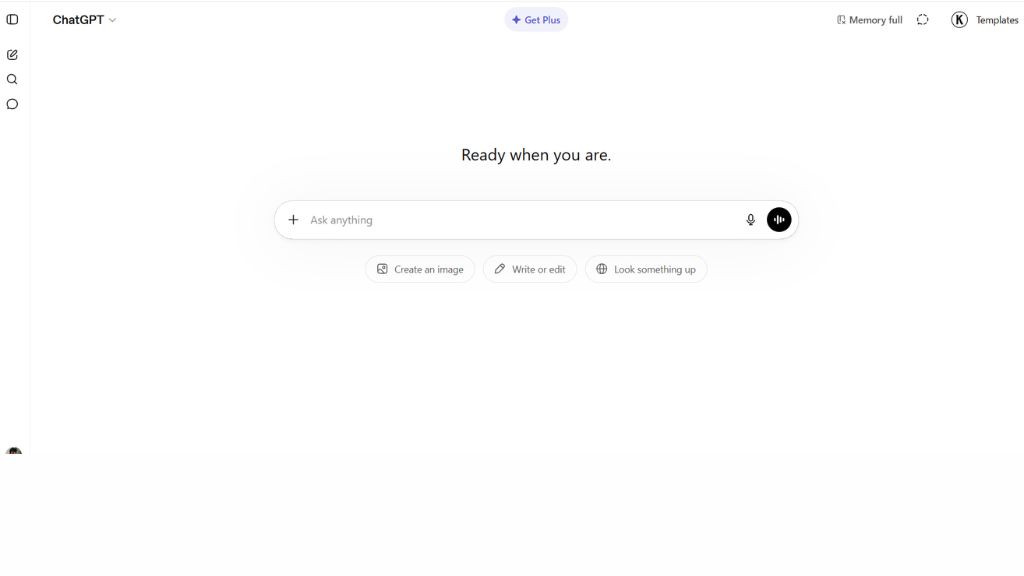
ChatGPT is one of the most flexible AI tools for document creation. It can generate proposals, contracts, reports, business letters, summaries, spreadsheets, blog drafts, and almost any written document from simple prompts. Many businesses use it as an all-purpose writing assistant because it adapts to different tones and formats easily.
It also supports file uploads, editing existing documents, rewriting text, and converting content into polished outputs. Whether you are a freelancer writing client proposals or a company producing reports, ChatGPT is one of the safest overall choices for document productivity.
- Best For: Freelancers, businesses, teams
- Features: Proposal writing, summaries, uploads, spreadsheets
- Why Use It: Best all-round AI document generator
- Pros: Very versatile, high-quality outputs
- Cons: Formatting may need manual cleanup
2. Claude
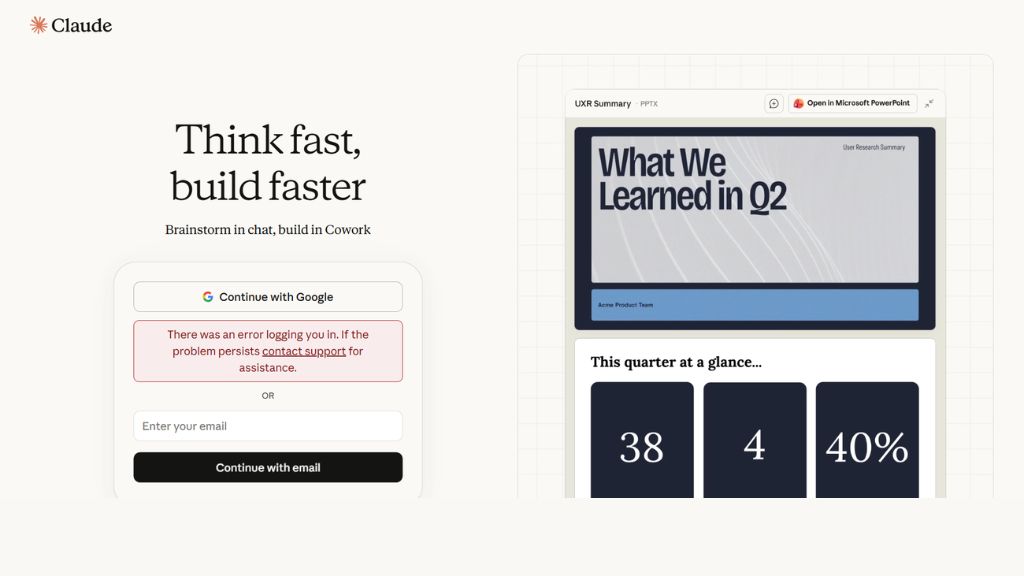
Claude is especially strong for long-form documents and file analysis. It handles contracts, research reports, legal drafts, manuals, and large uploads better than many competitors because it maintains context across long conversations and large files.
This makes Claude ideal when you need detailed rewrites, careful summaries, or structured business documents. Teams often prefer Claude for reviewing policies, rewriting reports, or improving complex documents where clarity matters more than speed.
- Best For: Long reports, contracts, teams
- Features: Long context memory, uploads, rewriting
- Why Use It: Best for large professional documents
- Pros: Strong editing quality, accurate outputs
- Cons: Requires internet access
3. Microsoft Copilot in Word
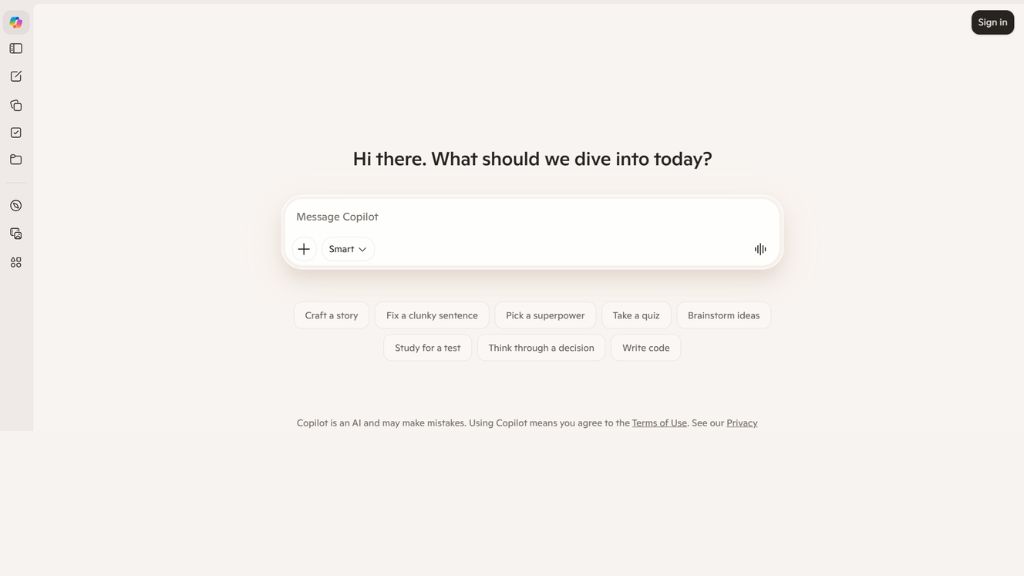
Microsoft Copilot brings AI directly into Microsoft Word, making it powerful for office environments already using Microsoft 365. It can draft documents, rewrite paragraphs, improve grammar, summarize content, and assist with formatting while staying inside Word.
This saves time because employees do not need to switch between tools. It is especially useful for enterprises creating letters, reports, presentations, and internal business files with compliance and security requirements.
- Best For: Enterprises, Office teams
- Features: Word integration, rewrites, summaries
- Why Use It: Perfect for Microsoft ecosystems
- Pros: Native integration, secure environment
- Cons: Requires Microsoft subscription
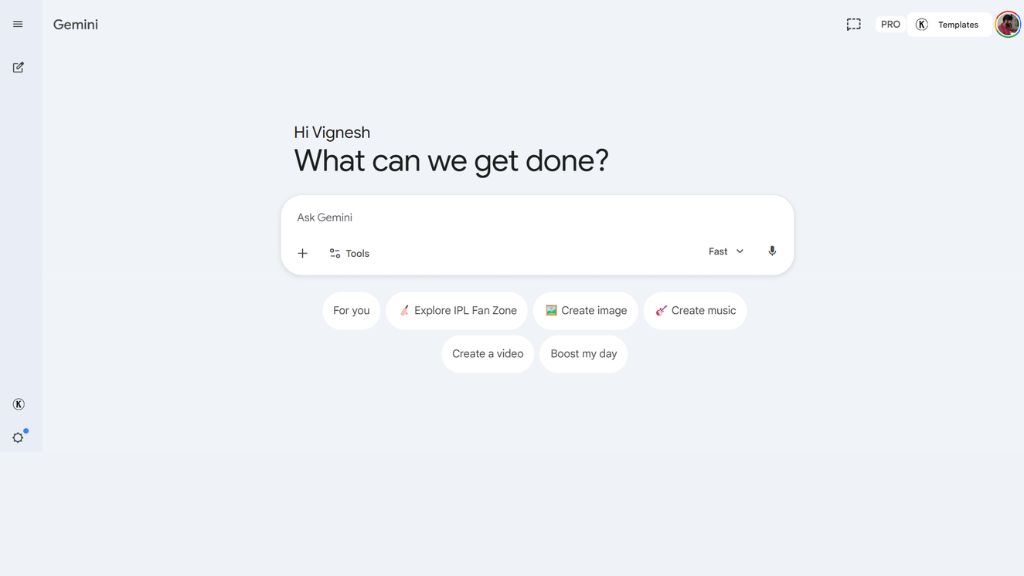
4. Google Gemini in Docs
Gemini works directly inside Google Docs and Google Workspace. It helps users generate drafts, improve writing, summarize content, and speed up collaboration without leaving Docs. This is ideal for startups and remote teams already living inside Google tools.
Because it works within shared Docs, teams can create proposals, internal notes, marketing plans, and client documents together in real time. Gemini is strongest when collaboration speed matters.
- Best For: Startups, Google users, teams
- Features: Docs integration, rewriting, summaries
- Why Use It: Best for Google Workspace users
- Pros: Great collaboration workflow
- Cons: Requires Workspace plan
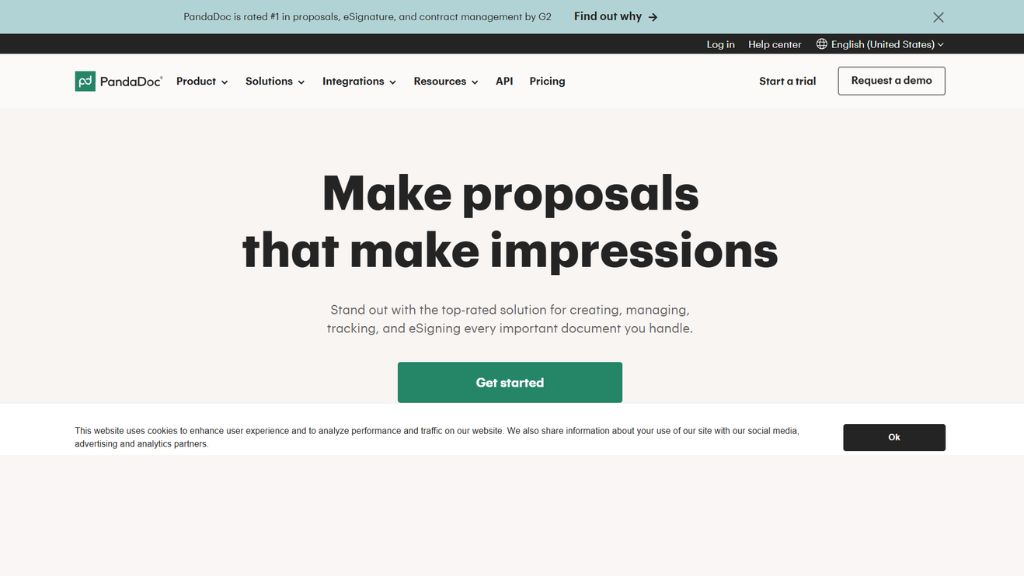
5. PandaDoc
PandaDoc combines AI document generation with proposals, contracts, approvals, tracking, and e-signatures. It is widely used by agencies, sales teams, consultants, and businesses that send documents to clients regularly.
Instead of manually creating proposals every time, teams can use templates, pricing tables, automated workflows, and signatures in one place. It is one of the strongest tools for client-facing businesses.
- Best For: Sales teams, agencies, legal teams
- Features: Contracts, templates, e-signatures
- Why Use It: Best for proposals and contracts
- Pros: Strong automation, client workflows
- Cons: Premium plans needed
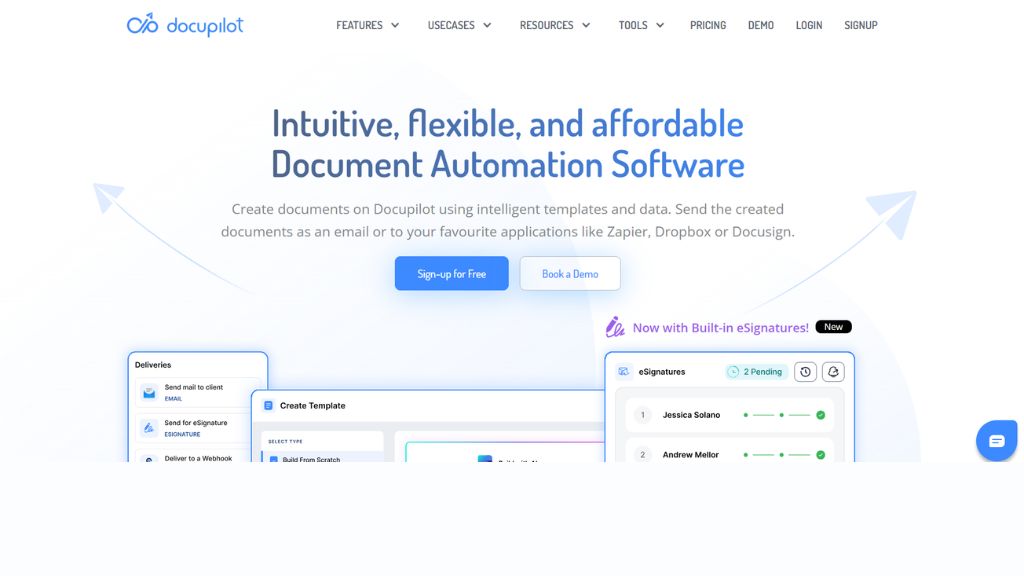
6. Docupilot
Docupilot focuses on repetitive document automation. It helps generate invoices, contracts, HR forms, letters, and recurring business files using templates connected to CRM or structured data sources.
This is ideal for finance, operations, and HR teams that repeat similar document tasks every week. Once templates are configured, businesses can save major admin time and reduce manual errors.
- Best For: HR, finance, operations
- Features: Template automation, PDF/Word exports
- Why Use It: Great for repetitive documents
- Pros: Saves time, scalable system
- Cons: Setup takes effort initially
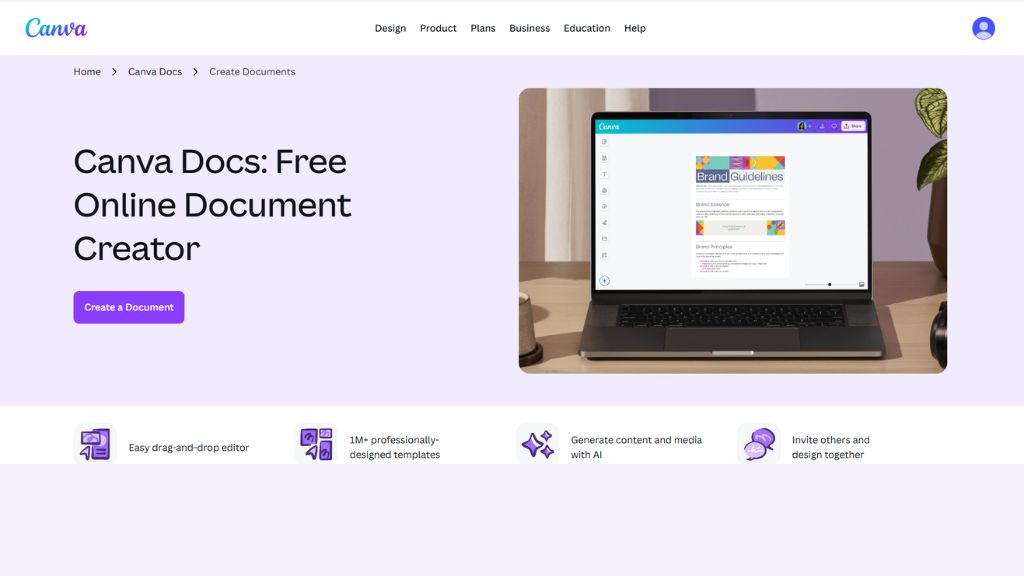
7. Canva Docs
Canva Docs mixes document writing with design tools. It is excellent for proposals, reports, pitch decks, branded internal docs, and marketing materials where visuals matter as much as text.
Users can add graphics, charts, media, and branding with drag-and-drop simplicity. If you want documents that look impressive without hiring designers, Canva Docs is one of the easiest solutions.
- Best For: Marketers, creators, designers
- Features: Magic Write, visuals, branding
- Why Use It: Best for attractive visual documents
- Pros: Easy to use, polished layouts
- Cons: Weak for formal long docs
8. Beautiful.ai
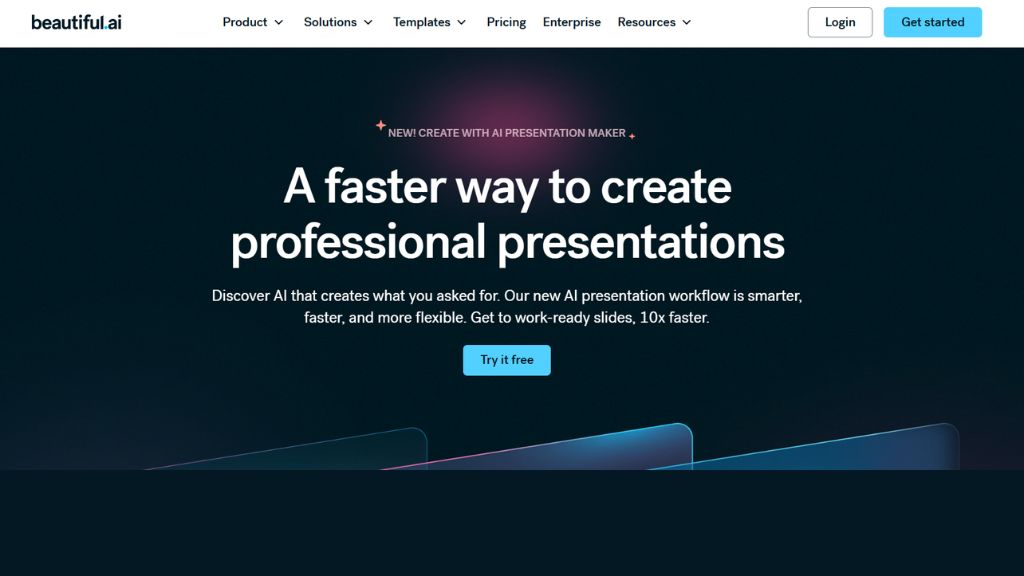
Beautiful.ai is built mainly for presentations, investor decks, business reports, and polished slide-based documents. It automatically improves layout, spacing, and visual hierarchy so users can focus on message instead of design.
This is ideal for startups pitching investors, sales teams creating decks, and managers presenting internal reports. It saves time while producing professional-looking results.
- Best For: Startups, presentations, sales
- Features: Smart slides, auto layouts
- Why Use It: Best for presentations
- Pros: Fast design output
- Cons: Mostly presentation-focused
9. Notion AI
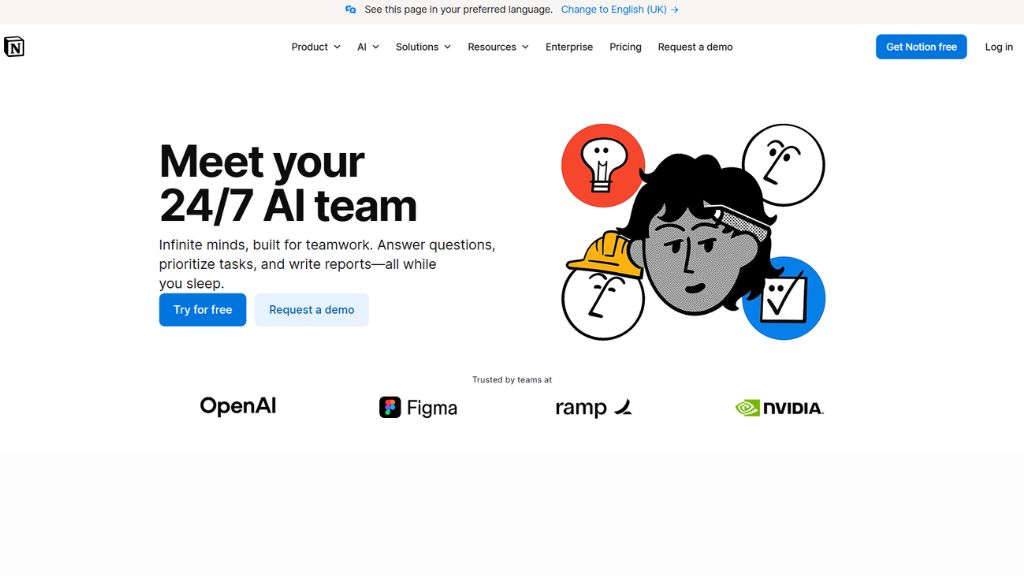
Notion AI is excellent for internal documentation, meeting notes, SOPs, wikis, and knowledge management. It works inside the broader Notion workspace, where teams manage projects, docs, and databases together.
It can summarize notes, generate first drafts, organize ideas, and improve internal communication. Fast-growing startups especially benefit because documentation stays organized in one system.
- Best For: Teams, startups, internal docs
- Features: Docs + databases, summaries
- Why Use It: Best for company knowledge systems
- Pros: Great collaboration hub
- Cons: AI limits on free plans
10. Coda AI
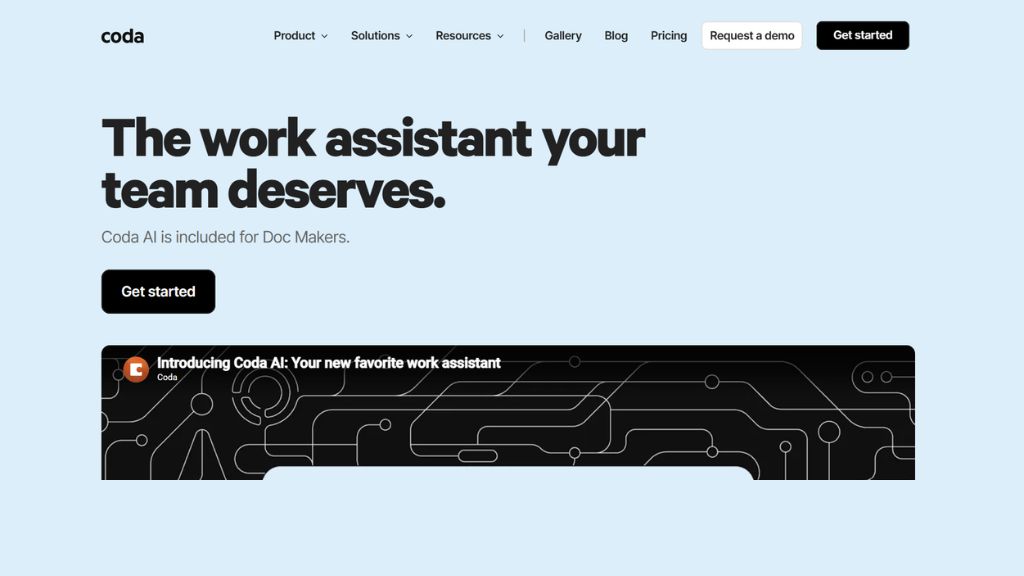
Coda AI combines documents, tables, workflows, formulas, and automation. It is powerful for project managers, operations teams, and businesses that need structured reports rather than plain text documents.
Because it blends spreadsheets and docs together, users can build dashboards, trackers, automated reports, and workflow systems inside one platform. It is stronger than standard word processors for process-heavy teams.
- Best For: Operations, PMs, data workflows
- Features: Docs + tables, automation
- Why Use It: Great for structured reporting
- Pros: Powerful workflows
- Cons: Learning curve exists
11. Venngage
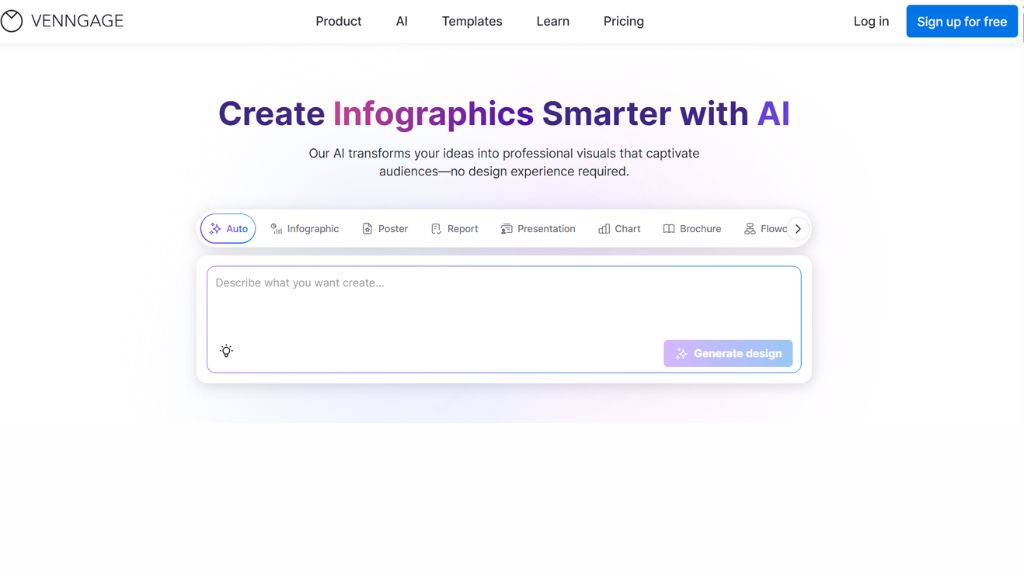
Venngage is a visual-first document tool known for infographics, charts, reports, and branded HR or marketing documents. It helps users turn boring reports into attractive visual assets quickly.
This makes it useful for HR teams, internal communications, marketing departments, and consultants who need engaging documents rather than text-heavy PDFs.
- Best For: HR, marketing, reports
- Features: Infographics, templates, charts
- Why Use It: Best for visual reports
- Pros: Easy templates
- Cons: Limited advanced text docs
12. Grok
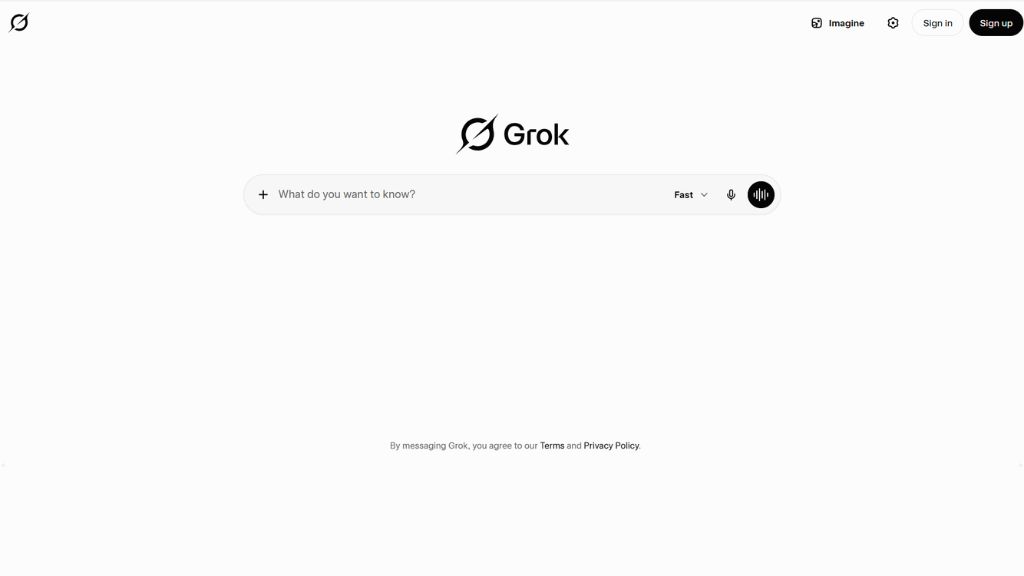
- Best For: Tech users, creators
- Features: Canvas docs, charts, exports
- Why Use It: Great for modern workflows
- Pros: Fresh interface
- Cons: Newer ecosystem
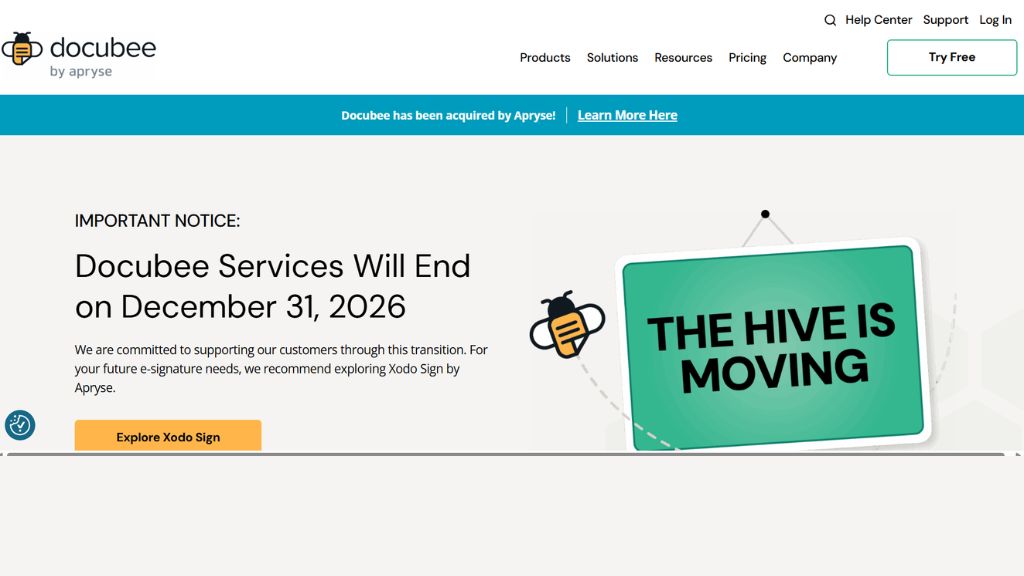
13. Docubee
Docubee focuses on secure document workflows for regulated industries such as healthcare, finance, and compliance-heavy organizations. It helps generate contracts, forms, approvals, and controlled internal workflows.
Its strongest value is privacy, governance, and audit-friendly processes. If security matters more than flashy AI writing, Docubee deserves attention.
- Best For: Healthcare, finance, compliance
- Features: Secure approvals, contracts
- Why Use It: Best for regulated sectors
- Pros: Strong compliance tools
- Cons: Higher-tier pricing
Pricing Comparison Table
Tool | Free Plan | Paid Starts | Best For |
ChatGPT | Yes | Plus Plan | General Docs |
Claude | Limited | Paid | Long Docs |
PandaDoc | Trial | Premium | Contracts |
Canva Docs | Yes | Pro Plan | Visual Docs |
Notion AI | Limited | Paid | Internal Docs |
Copilot Word | No | Microsoft 365 | Enterprises |
Which Tool Should You Choose?
Best Overall
Best for Long Documents
Best for Contracts
Best for Google Users
Best for Visual Reports
Best for Internal Team Docs
Frequently Asked Questions
What is the best AI document generator?
ChatGPT is the best all-round option. PandaDoc is stronger for contracts.